Build work order management software with AI
Generate request intake, asset records, assignments, statuses, parts, approvals, dashboards, APIs, and a codebase your team can keep extending.
The work order management software builder is loading...
Use this route when the product needs to manage the work order lifecycle itself: intake, triage, assignment, execution, approval, closeout, reporting, and recurring work.
Request intake
Capture service requests, asset context, location, priority, attachments, and requester details in one work order.
Assignment control
Route work to technicians, teams, supervisors, vendors, or internal queues with visible status and ownership.
Field-ready records
Keep photos, notes, parts, materials, approvals, time spent, and closeout history attached to the work order.
Owned system
Generate the app on a dedicated VM and keep extending work order logic in source code.
Strong work order software should make the current state of every job visible without forcing teams into a generic task board.
Work-order-first app generation
Build around the job record, not just tickets and comments
Work order management software has to connect requests, assets, locations, assignments, parts, approvals, photos, closeout notes, and reporting. The generated app should make each handoff traceable.

Model the work order record. Create requesters, assets, locations, priorities, categories, assignments, checklists, parts, comments, files, and status history as structured records.

Control the full work order lifecycle. Move work from request to triage, assignment, scheduling, in progress, blocked, approval, closeout, and reporting without losing context.

Add dashboards, alerts, and APIs. Connect SLA views, overdue alerts, recurring work orders, imports, exports, REST APIs, role permissions, and reporting around the same workflow.
From request intake to closeout in one generated app
Start with the work order lifecycle and let the builder generate the database-backed screens, roles, queues, dashboards, APIs, and deployment setup around that workflow.
Open AI Web App Generator Best when the work order is the product boundary.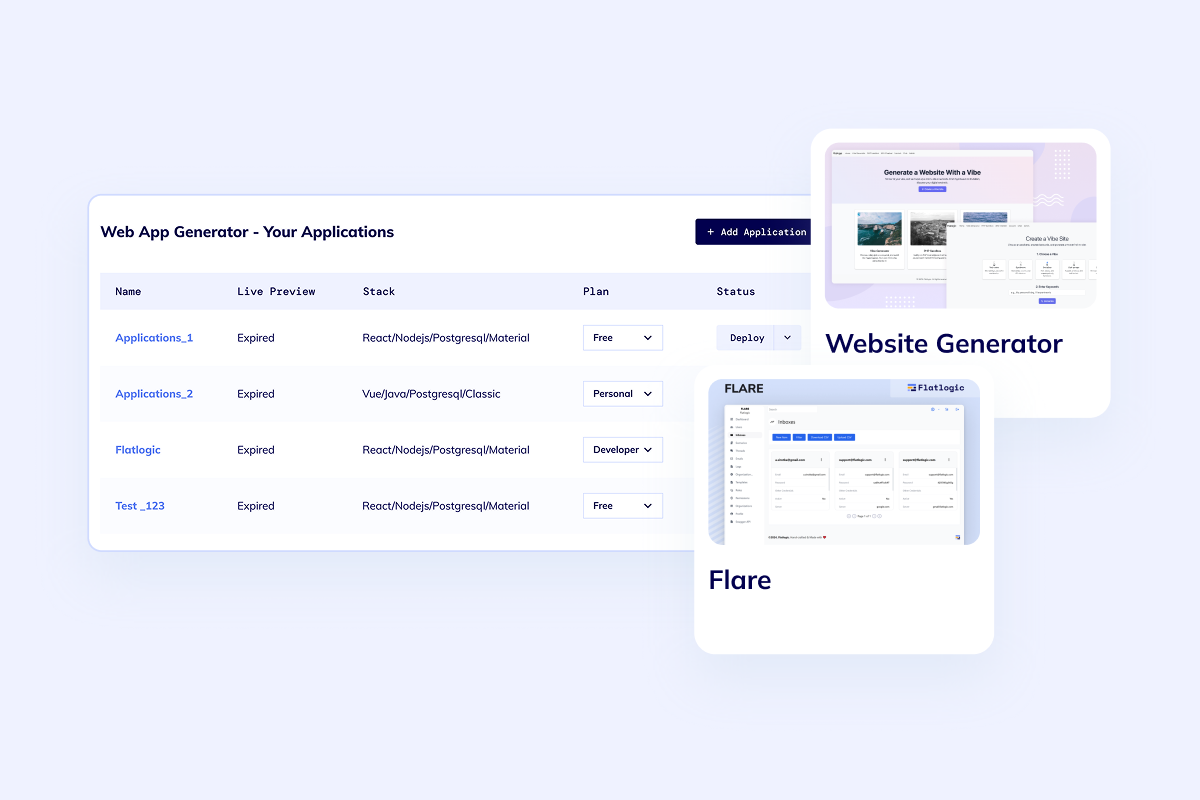
Boundary check
Choose work order management when job execution is the center
This page is not a generic project board, support queue, inventory system, or field-service dispatcher. It is for teams where each job needs an asset, location, priority, owner, status, parts, proof, approval, and closeout history.
Workflow
Generate the work order workflow in the order teams actually use it
Start with intake and assignment, then add execution details, approvals, reporting, recurring work, notifications, and integrations once the job model is stable.
Define request intake
Start with request forms, assets, locations, categories, priorities, photos, and the fields teams need before assigning work.
Generate queues and roles
Create technician assignments, supervisor review, vendor handoff, approval states, SLA timers, and secure role-based access.
Attach work details
Keep parts, materials, notes, photos, time spent, checklist results, exceptions, and closeout history inside the work order.
Ship reporting and integrations
Add dashboards, CSV import/export, REST APIs, webhooks, notifications, and recurring work once the core workflow is stable.
FAQ
Questions teams ask before building work order software
A useful first release usually includes request intake, assets, locations, priorities, work order statuses, assignments, comments, photos, parts, approvals, SLA tracking, notifications, dashboards, imports, exports, and APIs.
Work order management is centered on the work order record and its lifecycle. Field service management is broader when dispatch, mobile technician routing, customer visits, service history, and invoicing are the dominant workflow.
Yes. The generated app can include recurring work order templates, schedules, asset-based maintenance rules, reminders, supervisor review, and reporting once the first work order model is clear.
Yes. Work order systems often need CSV imports, exports, REST APIs, webhooks, notifications, file storage, asset records, parts usage, and reporting handoffs.
Ready to build
Turn your work order workflow into software your team owns
Start with the job process you need to control, generate the app foundation, deploy on a dedicated VM, and keep extending the source code as the workflow gets more specific.