Build an internal tool with AI and ship the first working version fast
Generate the data model, admin workflows, permissions, imports, APIs, and deployment setup for a real back-office app your team can keep extending.
Loading the internal tool builder...
Prompt example
Build an internal tool for operations managers with customer records, advanced filters, role-based access, CSV import, audit logs, workflow approvals, email notifications, REST API endpoints, and a dashboard for weekly activity.
Auth and roles
CRUD screens
CSV import/export
Dedicated VM
What you can build
Build more than a static admin screen
Use the internal tool builder when your team needs structured records, workflow states, file handling, dashboards, and permissions in one code-backed application. If the scope is mostly a control surface, compare the AI Admin Panel Generator.

Records your team can trust
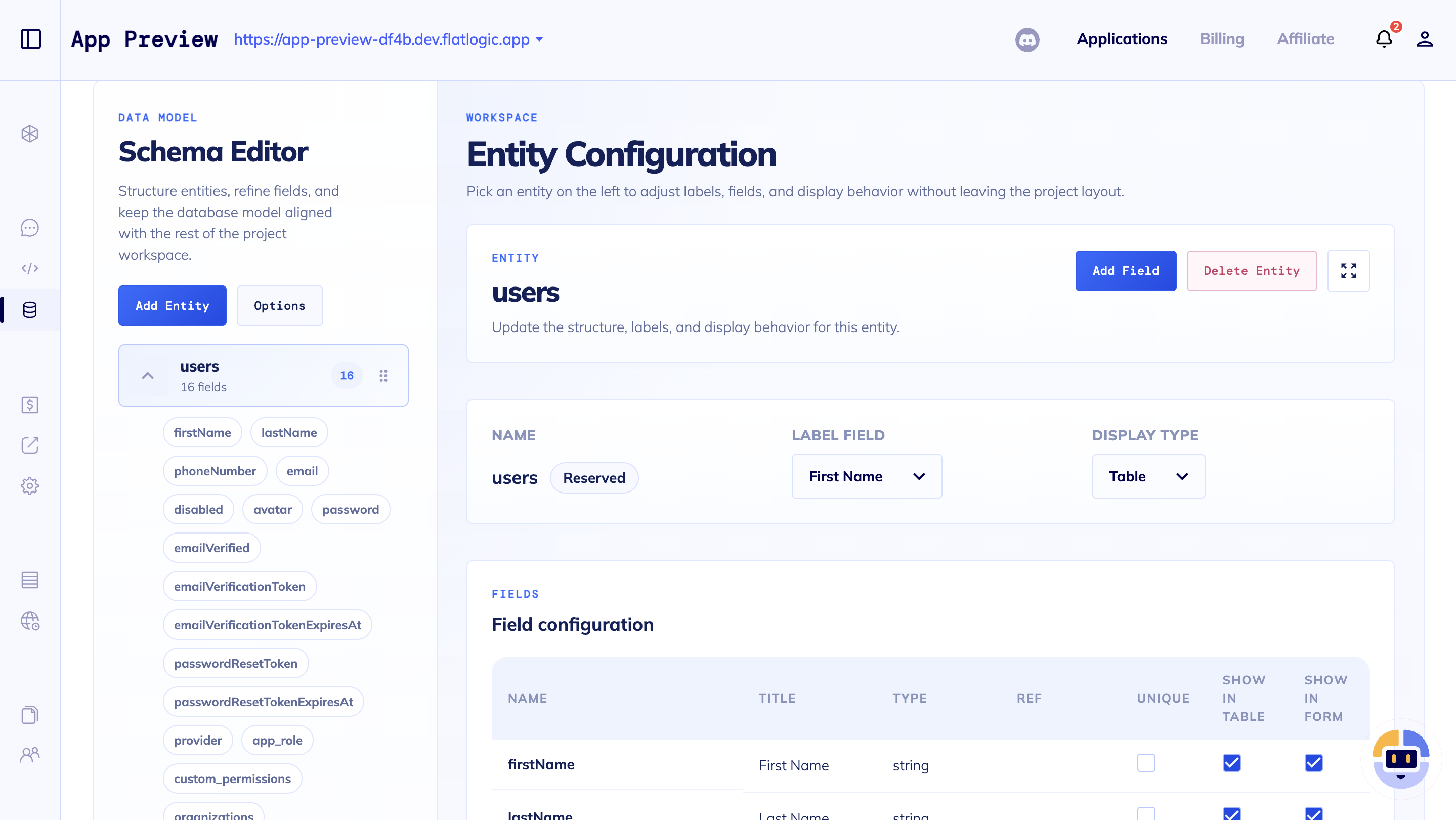
Create the tables, forms, filters, and detail views your team needs for customers, assets, requests, documents, or any other internal data.

Roles, permissions, and audit trails
Give admins, operators, managers, and reviewers the right access while keeping important changes visible.

Imports, exports, and APIs
Bring in spreadsheets, expose REST endpoints, and keep the internal tool useful beyond the first screen.

Workflow automation
Turn reviews, approvals, status changes, reminders, and notifications into workflows your team can improve over time.

Dashboards without dashboard-only scope
Add metrics and status views where they help, while keeping the app centered on records and daily work.

Real code on a real VM
Start from generated code, deploy on a dedicated VM, and keep changing the app after launch without platform lock-in.

Describe the entities, roles, and workflow your team needs instead of starting from a blank repo.

Review the generated app with your operators and refine forms, filters, and approvals with AI.

Deploy the first version, then keep improving the source code as your internal process changes.
Builder workflow
From prompt to working back-office software
Start from the AI Web App Generator when the shape is still open. Bring in custom web development services when the tool needs senior delivery help, legacy migration, or heavier integration work.
Questions
Internal tool builder FAQ
These are the decisions teams usually need to settle before turning an internal process into software.
Want a deeper overview of the general AI build flow? Read the AI web app generator guide.
Start your internal tool from a concrete prompt
Tell the builder what records, roles, workflows, imports, and reports your team needs. Flatlogic will help turn it into a real app you can deploy and keep extending.
Open Generator