Delivery path 01
Hire Flatlogic team
Best when you want senior help with CRM scope, integrations, migrations, and launch.
Hire Flatlogic team to build itCustom CRM
Delivery path 01
Best when you want senior help with CRM scope, integrations, migrations, and launch.
Hire Flatlogic team to build itDelivery path 02
Best when your team wants direct control and a CRM codebase you can keep extending in-house.
Build it yourself with FlatlogicBuild the CRM around your pipeline, follow-ups, permissions, and customer records instead of forcing the team into a generic sales tool.
Builder preview
Start with a live prompt, then keep shaping the CRM on a real codebase instead of stopping at mockups.
The custom CRM builder is loading...
Track Record
Built for teams that need a CRM they can actually operate, extend, and eventually hand over to internal engineers without replatforming in a year.
Core Capabilities
CRM requests repeat the same essentials: clean customer records, visible pipeline movement, reminders, permissions, imports, dashboards, and enough automation to make the system worth opening every day.

Model accounts, contacts, deals, notes, tasks, and pipeline stages in one place so the team stops juggling spreadsheets, inboxes, and disconnected tools.

Give sales reps, account managers, rev ops, and leadership the right permissions, reminders, and dashboards without exposing every record to everyone.

Start with imports, notifications, API hooks, and reporting in the first release so the CRM supports actual daily work instead of turning into another admin shell.
Why Custom
A custom CRM makes sense when your pipeline logic, ownership rules, integrations, or reporting structure are important enough that bending them into generic SaaS costs more than building the right foundation. If the same system also needs purchasing, stock, or finance workflows, compare Custom ERP before you lock the scope.
Teams that want a faster scoping path can start in the Web App Generator. Teams that already know they want senior implementation support can go straight to Custom Web Development Services and treat the CRM as a delivery project, not only a prompt exercise.
If you want to review adjacent back-office patterns, browse Admin Panel. If you want a concrete example of a delivered CRM-shaped system, open the Freshride case study.
Built for fit, not feature sprawlKey Workflows
The hard part is not storing the record. The hard part is making ownership, context, and next steps visible enough that the team trusts the system and keeps using it.
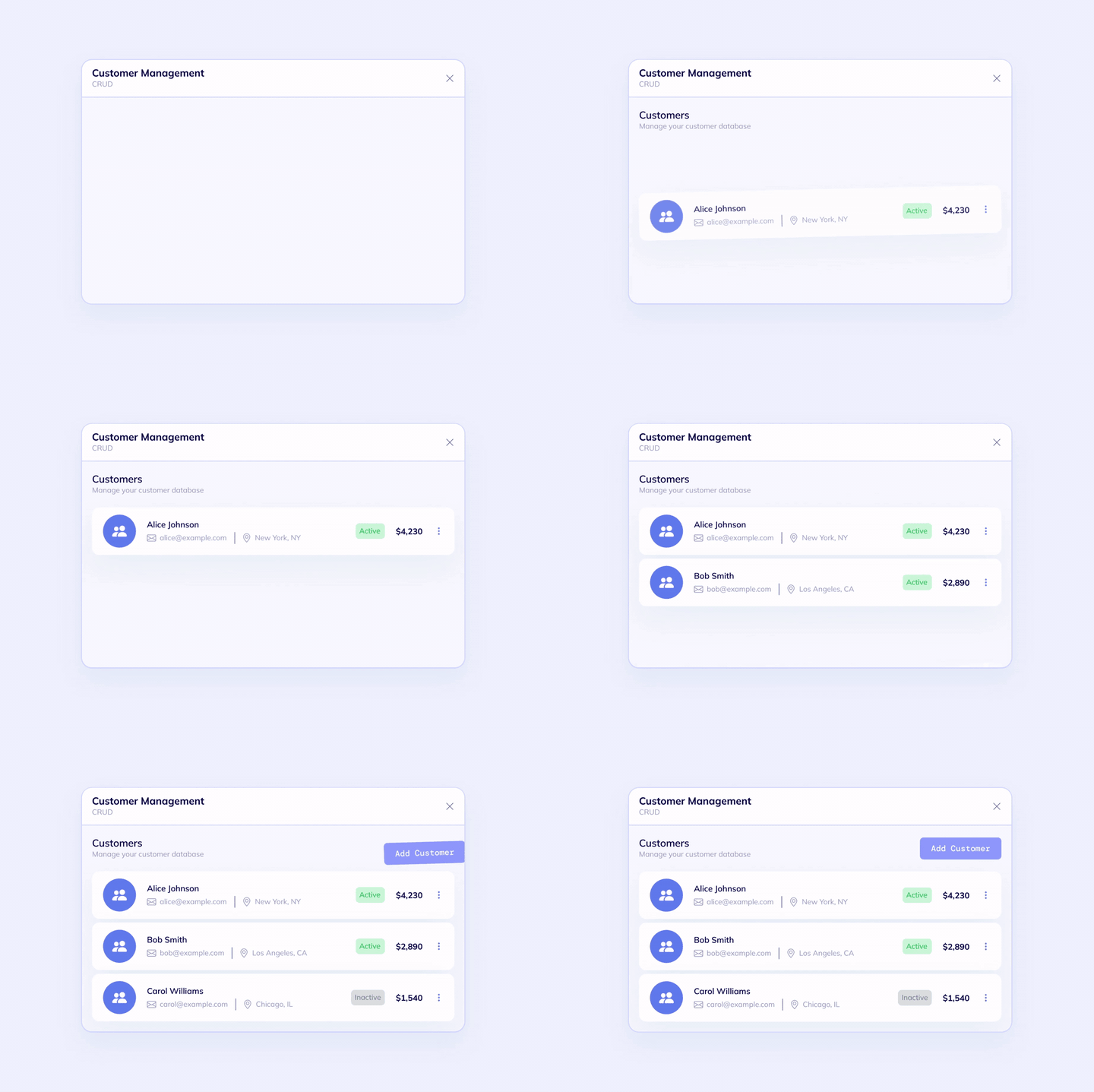
The first custom CRM release needs clear ownership, pipeline visibility, and next-action discipline so opportunities do not disappear between meetings.
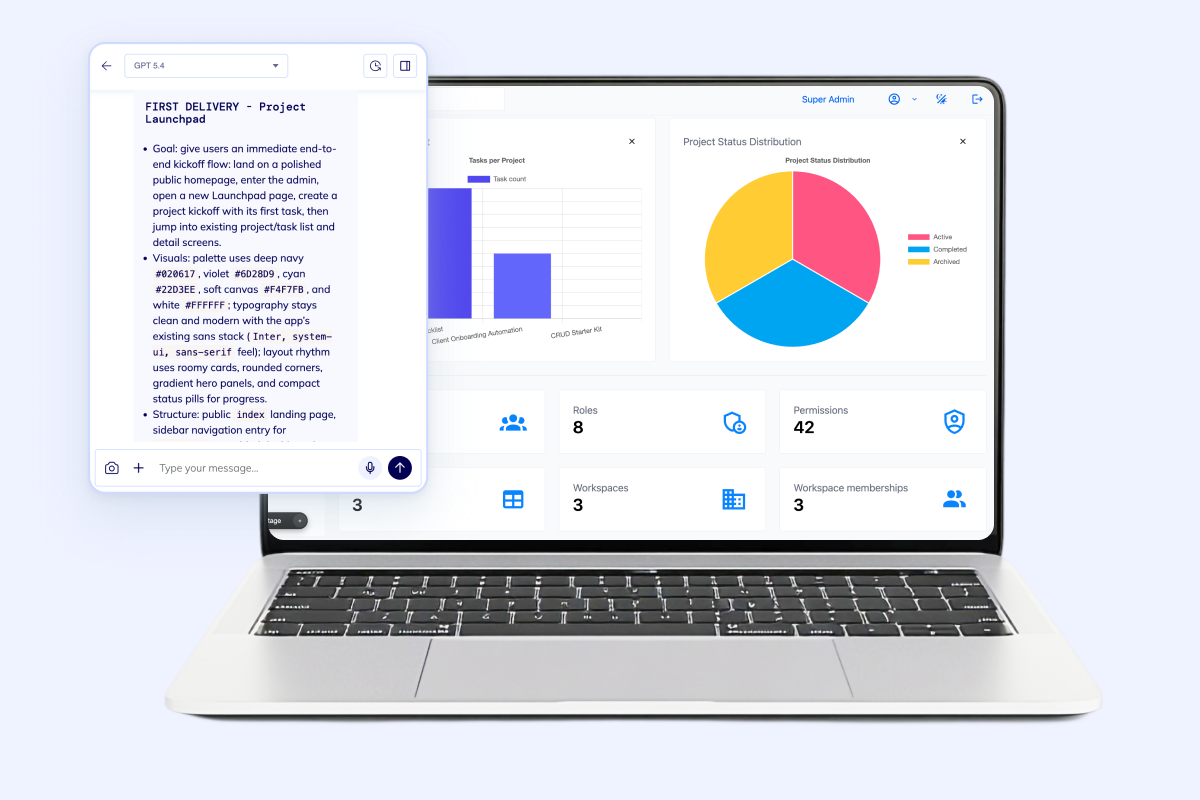
Customer history has to stay usable. Teams need one place for contacts, companies, conversations, files, and relationship context.
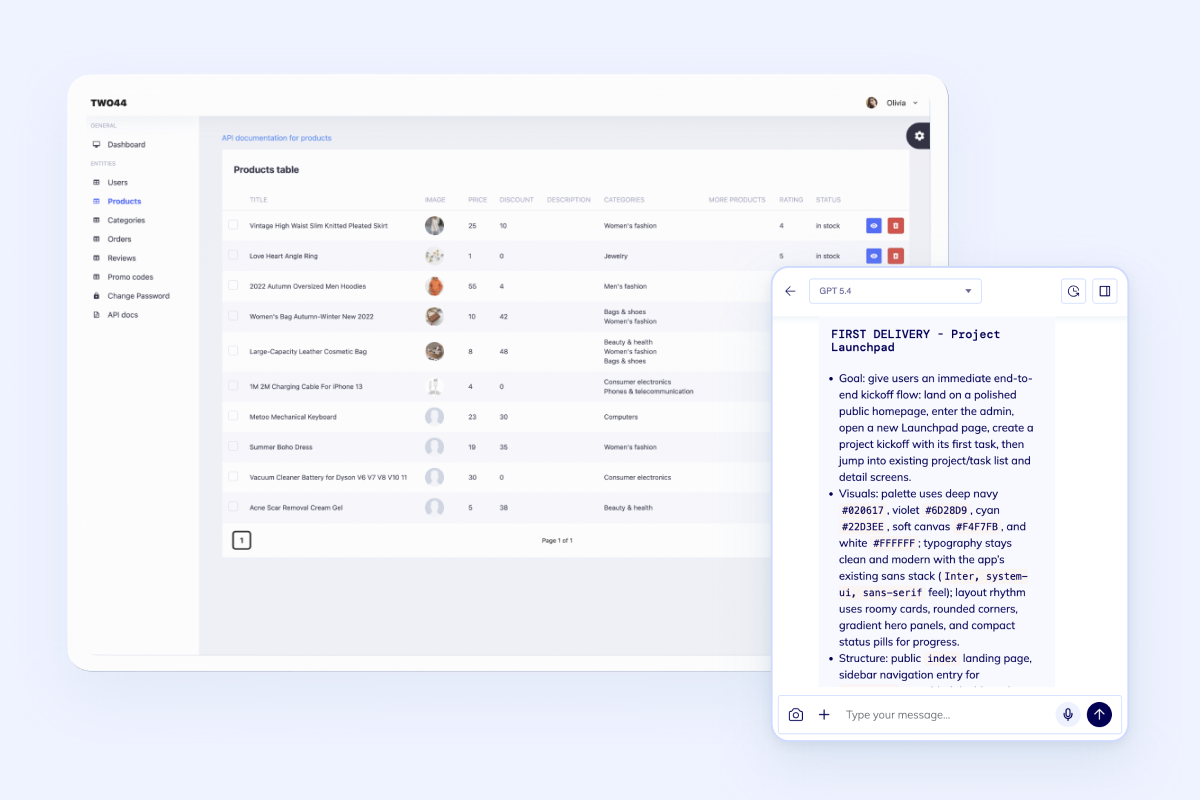
A serious CRM needs more than records. It needs role-based access, team views, and room to expand into portals, automations, and white-label delivery if needed.
Questions
Next Step
Bring the CRM scope to Flatlogic if you want senior delivery help, or open the builder and shape the system yourself on the same VM-backed foundation. The same route works whether you are replacing a lightweight sales tool or planning a larger system that may later connect to Custom ERP.