Delivery path 01
Hire Flatlogic team
Best when you want senior help with ERP scope, integrations, migrations, and launch.
Hire Flatlogic team to build itCustom ERP
Delivery path 01
Best when you want senior help with ERP scope, integrations, migrations, and launch.
Hire Flatlogic team to build itDelivery path 02
Best when your team wants direct control and an ERP codebase it can keep shaping in-house.
Build it yourself with FlatlogicBuild the operating system around your own approvals, records, and handoffs instead of adapting the business to a rigid ERP package.
Builder preview
Start from a live ERP prompt, then keep refining approvals, records, and reporting on the same codebase.
The custom ERP builder is loading...
Track Record
Built for teams that need operational control, auditable workflows, and room to keep evolving the ERP instead of getting trapped inside a rigid package.
Core Capabilities
ERP requests repeat the same structure: shared master data, role-based workflows, approvals, imports, document trails, notifications, dashboards, and integration points that stop operations from fragmenting again.

Model the records that actually run operations: products, suppliers, branches, BOMs, work orders, purchase requests, invoices, and approval states.

Give operations, finance, warehouse, and management teams the right screens, permissions, and queues so the ERP reflects how work moves across the business.

Start with imports, document generation, notifications, APIs, and reporting so the first release can replace spreadsheet-heavy workflows instead of waiting for phase two.
Why Custom
Custom ERP is the right call when approvals, department handoffs, master data, reporting, or integrations are too important to force into a rigid workflow that was designed for somebody else. If the actual bottleneck is pipeline visibility, account history, and follow-ups, start with Custom CRM instead.
Teams that want senior implementation support can start with Custom Web Development Services instead of treating the ERP as a pure self-serve build. Teams planning broader back-office surfaces can review Admin Panel patterns before they lock roles, modules, and reporting views.
Built for operational fit and long-term controlKey Workflows
The hard part is not generating tables. The hard part is making operations, finance, warehouse, and management teams trust one system to reflect the current state of the business.
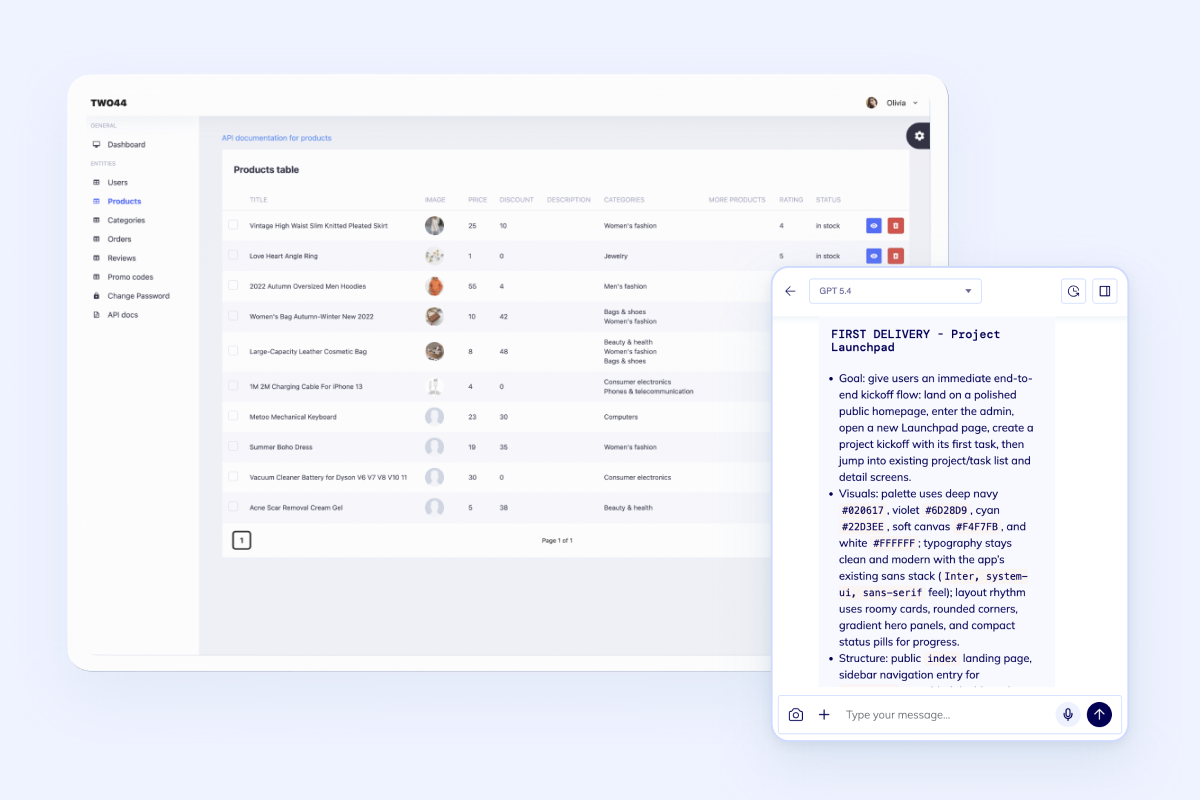
Operations teams need one control surface for inventory, work orders, purchasing, and status changes across the day.
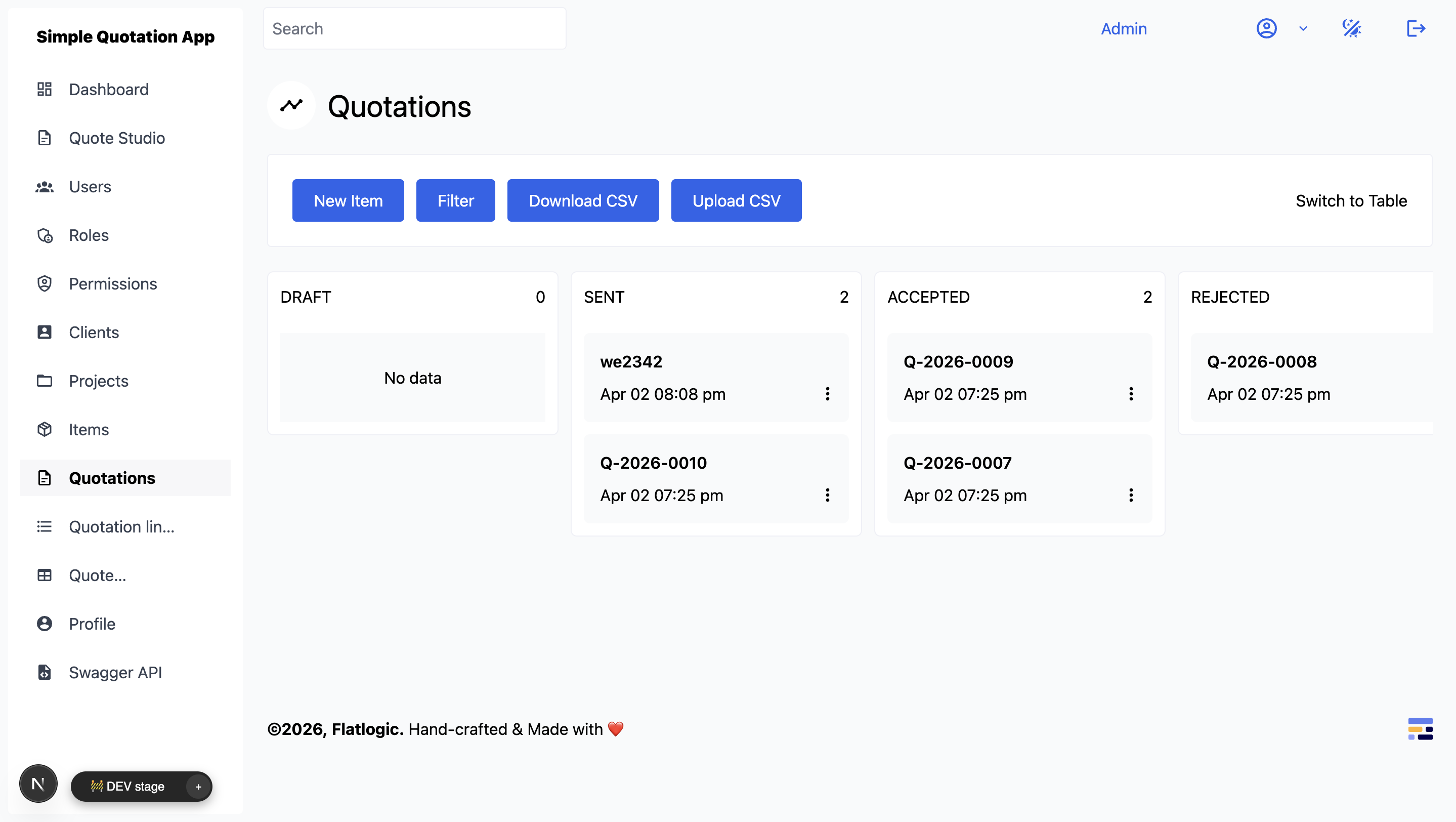
ERP value comes from process discipline. Requests, approvals, document trails, and handoffs have to stay visible from start to finish.
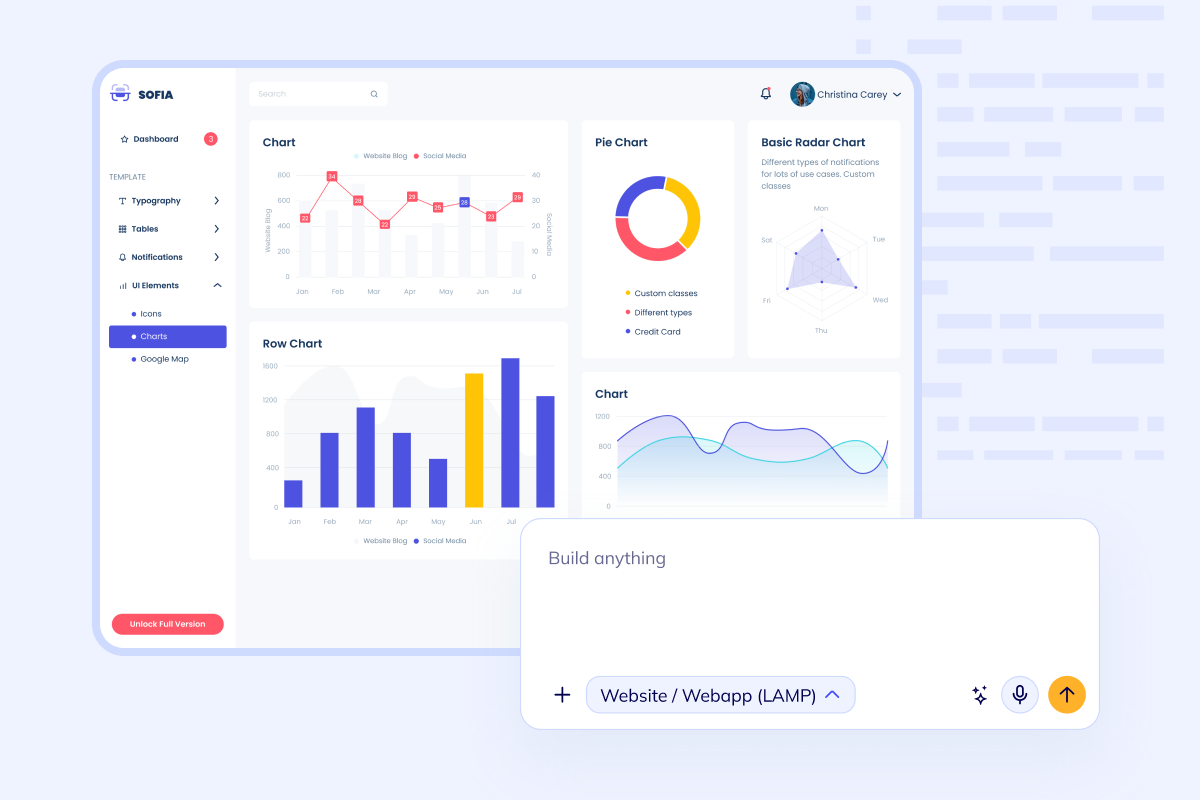
Leadership needs reporting that explains stock, throughput, costs, branch activity, and exceptions without manual rollups every week.
Build Path
ERP projects usually fail when they try to do everything at once. A better path is to lock the operating model, connect the core workflows, clean the data, and then ship reporting and integrations.
Set up products, suppliers, branches, permissions, approval rules, and key documents so the ERP reflects how your business actually runs.
Build request, purchasing, production, inventory, delivery, or finance flows with the status changes and owners each handoff requires.
Bring in CSV or Excel records, validate mappings, and start from usable master data instead of rebuilding everything manually from zero.
Add dashboards, exports, notifications, APIs, and accounting handoffs so the ERP supports real operating decisions and not just record storage.
Questions
Next Step
Bring the scope to Flatlogic if you want senior delivery help, or open the builder and shape inventory, approvals, reporting, and finance workflows yourself on the same foundation. If customer-facing sales operations need their own tighter scope first, split that work into Custom CRM and connect the systems deliberately.