Delivery path 01
Hire Flatlogic
Best when you need senior help with SaaS scope, billing, integrations, architecture, and launch.
Hire FlatlogicCustom SaaS
Delivery path 01
Best when you need senior help with SaaS scope, billing, integrations, architecture, and launch.
Hire FlatlogicDelivery path 02
Best when your team wants a generated SaaS codebase it can own, deploy, and keep extending.
Open builderBuild the SaaS around tenants, subscriptions, onboarding, permissions, analytics, and the customer workflows that actually make the product valuable.
Builder preview
Start from a SaaS prompt, then keep shaping the product on a real codebase and dedicated deployment path.
The custom SaaS builder is loading...
Track Record
Move from a generated foundation to an owned product with concrete delivery evidence. Review the Worldsphere platform case study or explore all Flatlogic case studies.
Core Capabilities
A useful SaaS MVP usually needs tenants, user management, access control, billing states, onboarding, reporting, and integration points from the start.

Set up organizations, users, invitations, roles, permissions, and account-level settings before the product becomes hard to control.

Add plan structure, subscription states, trials, onboarding, usage limits, emails, and admin controls around the customer lifecycle.

Ship dashboards, imports, API endpoints, webhooks, audit logs, and deployment setup so the first release can run with real users.
Why Custom
Custom SaaS is the right shape when onboarding, billing, tenants, permissions, and product analytics are part of the product itself. If the core workflow is sales or account management, compare Custom CRM. If it needs operations, inventory, or finance modules, compare Custom ERP.
Teams that want delivery help can start with Custom Web Development Services. Teams that want to move directly can open the builder and start from a SaaS prompt on a real codebase.
If the first release needs a deliberately narrow launch boundary, compare MVP in a Week. If the product also needs a deep operator control surface, review Admin Panel before locking the architecture.
Built for product fit, launch speed, and ownershipKey Workflows
The product should make setup, paid access, daily usage, support, and admin operations visible instead of scattering them across disconnected tools.
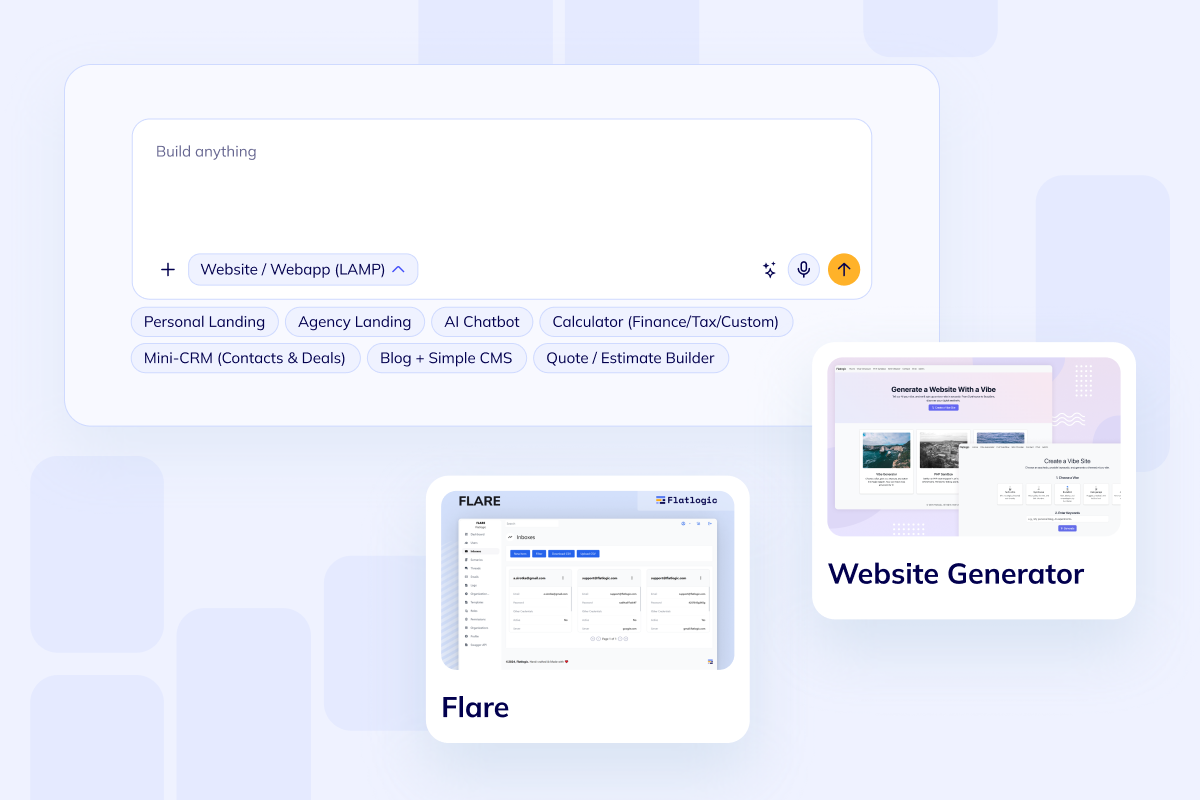
A SaaS product needs a clean path from signup to first value, with the right setup steps for each account.
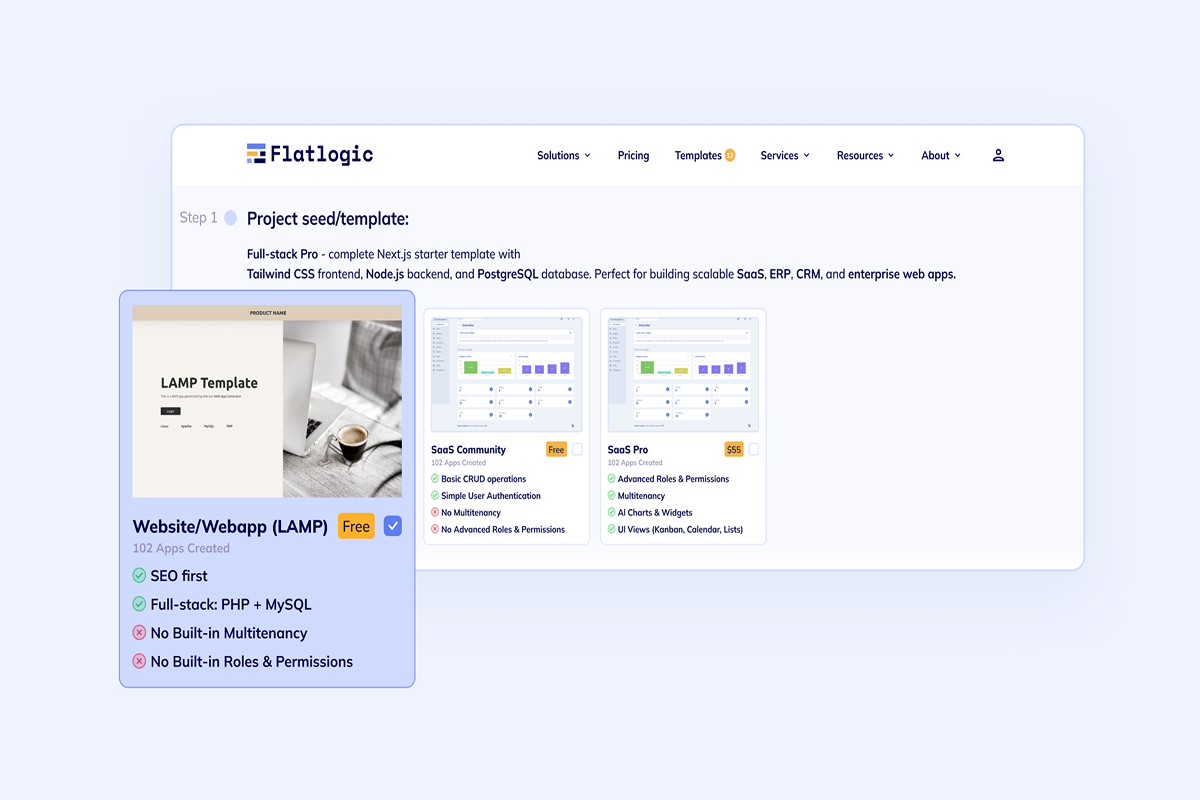
Billing and permissions should shape product access without forcing manual support work for every account change.
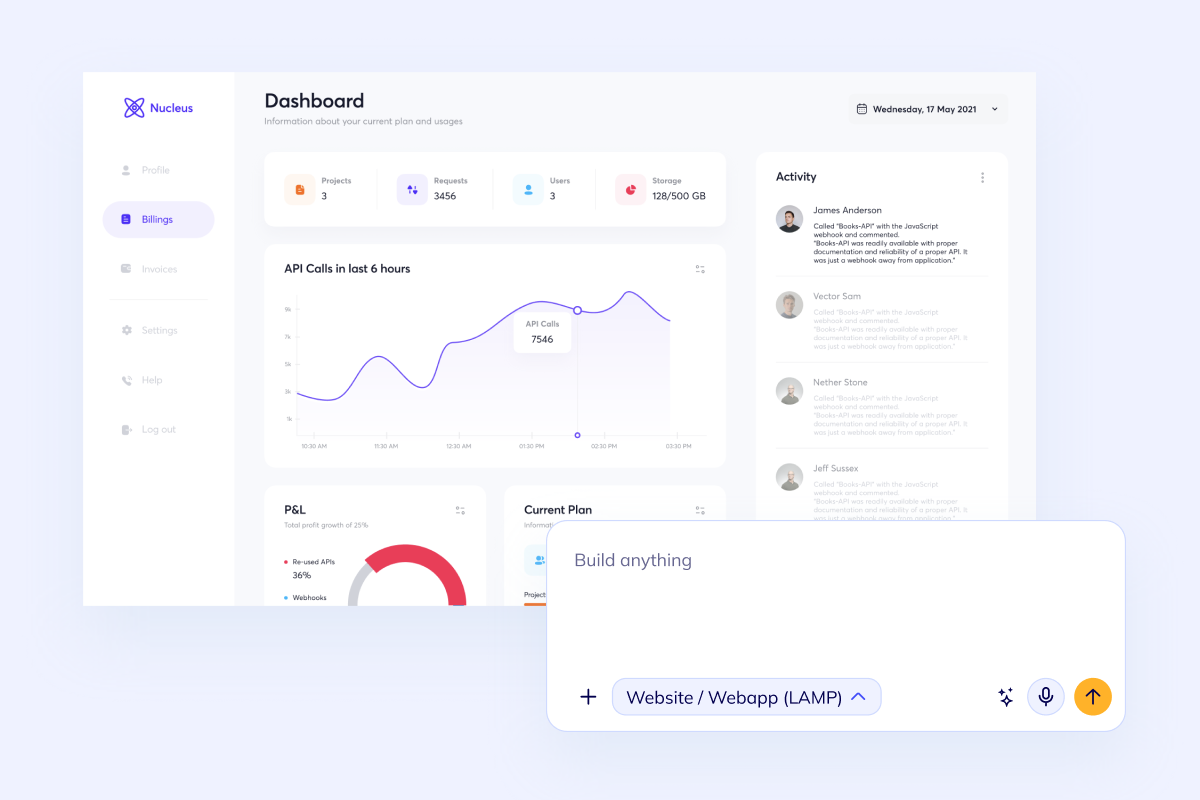
Founders and operators need visibility into accounts, usage, activation, errors, and the workflows that need attention.
Plan the Product
Choose the build path with a clear view of how pricing works, how delivery progresses, and what a real Flatlogic platform engagement produced.

Start on the Free builder plan and compare the current paid options on the Flatlogic pricing page. Assisted SaaS delivery is estimated after the account model, first-release workflow, integrations, and launch requirements are clear.

The builder can generate the first full-stack foundation in one working session. Assisted delivery starts by locking the account model and release boundary, then moves through working weekly increments; billing, migrations, integrations, and security requirements determine the total timeline.

The Worldsphere case study documents a custom platform with predictive dashboards delivered in six sprints, with 900+ engineering hours and more than $45,000 in budget saved.
Build Path
Start with the account model, generate the first version, add the product-specific workflows, then launch and keep improving the same codebase.
Lock tenants, users, roles, plans, onboarding, and the core workflow so the first release has a clear product boundary.
Use Flatlogic to create the app foundation with database, frontend, backend, authentication, and deployment wired together.
Build the parts that make the SaaS valuable: dashboards, data entry, automation, imports, payments, notifications, or customer portals.
Deploy the product, watch how customers use it, and keep improving the same codebase without rebuilding on another platform.
Questions
Next Step
Bring the SaaS scope to Flatlogic if you want senior delivery support, or open the builder and shape tenants, billing, onboarding, roles, dashboards, and integrations yourself. The same foundation can later connect to Custom CRM or Custom ERP workflows when the product grows.