

Participate in our anonymous Starting Web App Research 2026 & Get 10 Credits🔥 It only takes 3 minutes!🚀

AI Integration Services

Connect AI to the systems where work already happens: CRM, ERP, portals, admin panels, support tools, documents, dashboards, and internal software.

Flatlogic helps business teams ship LLM integrations, RAG, document processing, workflow copilots, AI automation, and human-review flows as production software, not isolated demos. See shipped examples in Optelos and Worldsphere.

200k+ engineering hours delivered
72+ client products shipped
2015 building business software since
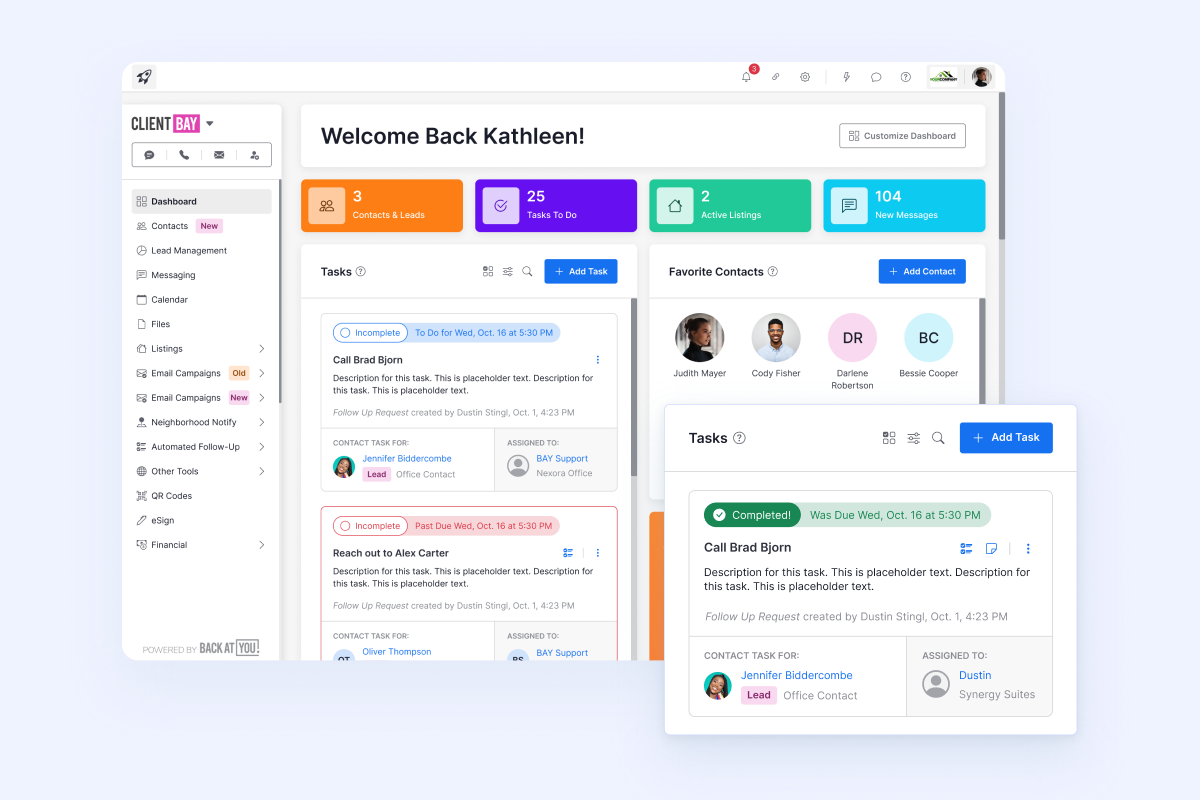
CRM workflow dashboard ready for AI integration

AI should sit inside the workflow, not beside it

Most teams do not need another AI experiment. They need AI to read the right context, suggest or trigger the right action, and leave a reliable trail inside the system of record.

  • Existing systems first: CRM, ERP, portals, admin panels, help desk, document storage, and dashboards.
  • Useful AI patterns: RAG, summaries, document extraction, classification, routing, forecasting, and copilots.
  • Production controls: permissions, human review, audit logs, monitoring, fallback paths, and cost tracking.
  • Owned software: implementation that your team can inspect, extend, and maintain after launch.
What our AI integration services cover

Build the AI layer around the data, roles, screens, APIs, and review states that already matter to the business.

Operations dashboard with AI knowledge retrieval panel

LLM + RAG

Knowledge retrieval inside your tools

Connect policies, manuals, tickets, customer records, and internal documentation to a controlled AI answer flow with citations and permissions.

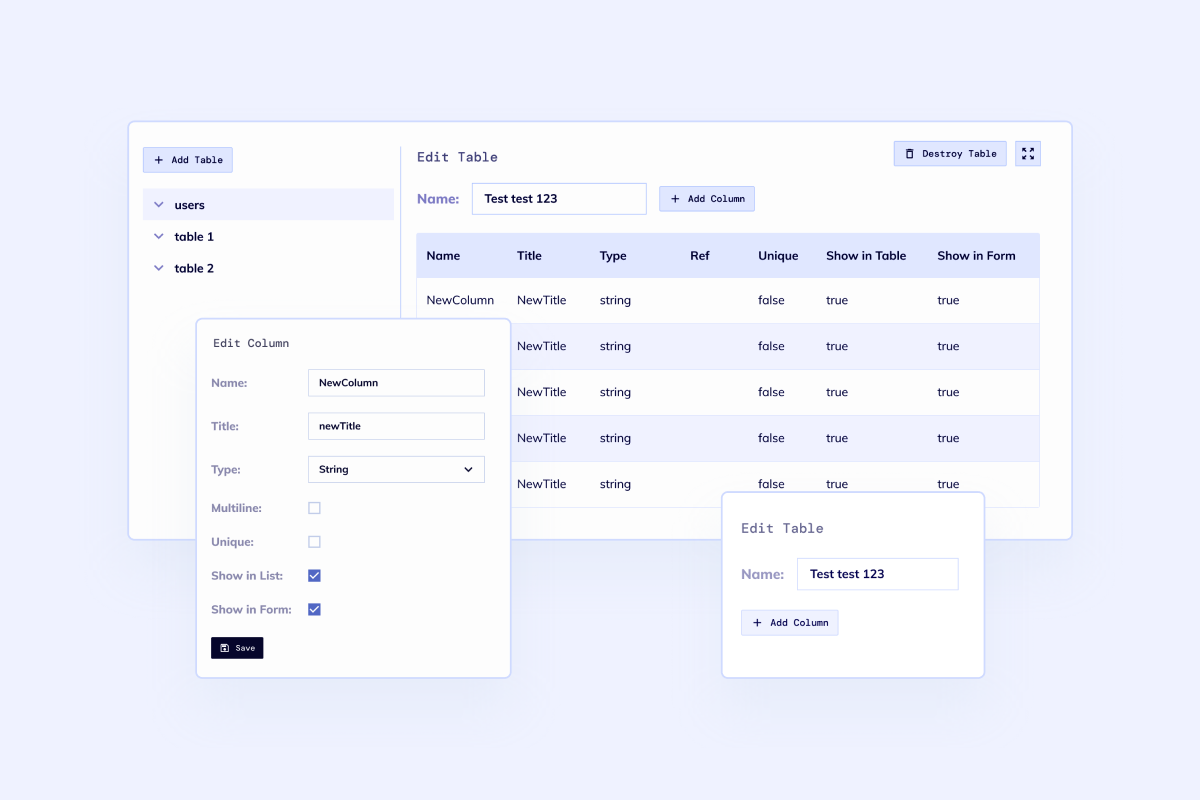
Schema editor for extracted document data

Documents

Document extraction and review

Turn PDFs, scans, forms, contracts, transcripts, and support attachments into structured records that teams can review and approve.

CRM task management dashboard with operational workflow

CRM / ERP

AI actions in business systems

Add summaries, lead routing, account notes, risk flags, next-best actions, and ERP updates without forcing teams into a separate AI app.

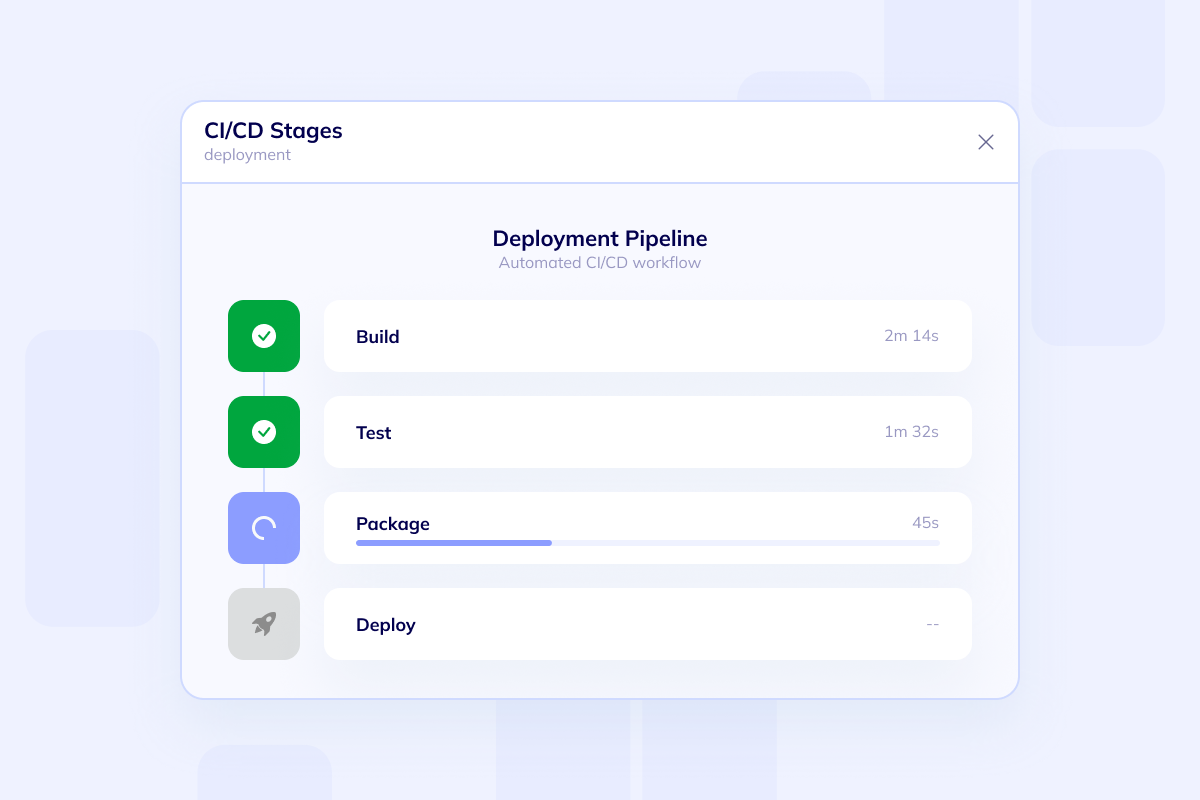
Workflow stages and release pipeline for AI automation

Automation

Workflow automation with human checks

Use AI for classification, triage, routing, drafting, and decision support while keeping approval states and escalation rules explicit.

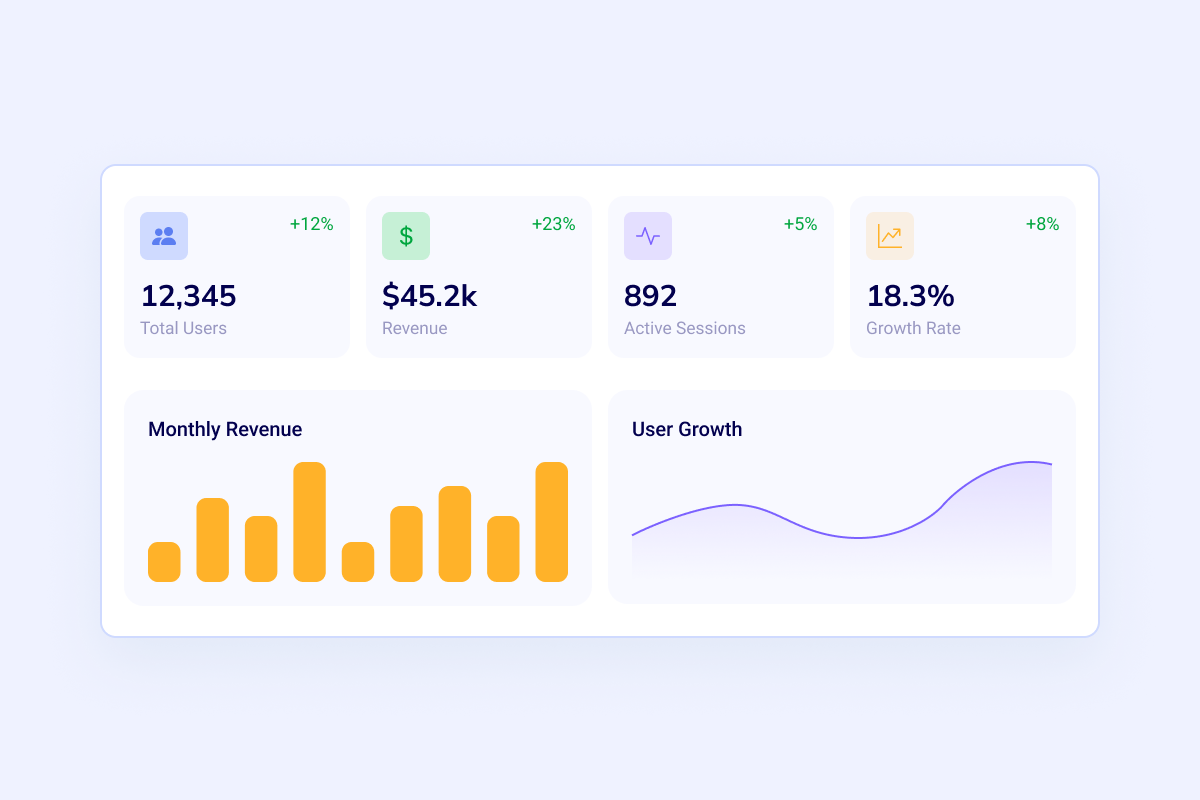
Analytics dashboard with revenue and forecasting metrics

Data

Dashboards and prediction surfaces

Use operational data for forecasting, anomaly detection, risk scoring, and dashboards that explain what changed and what needs action.

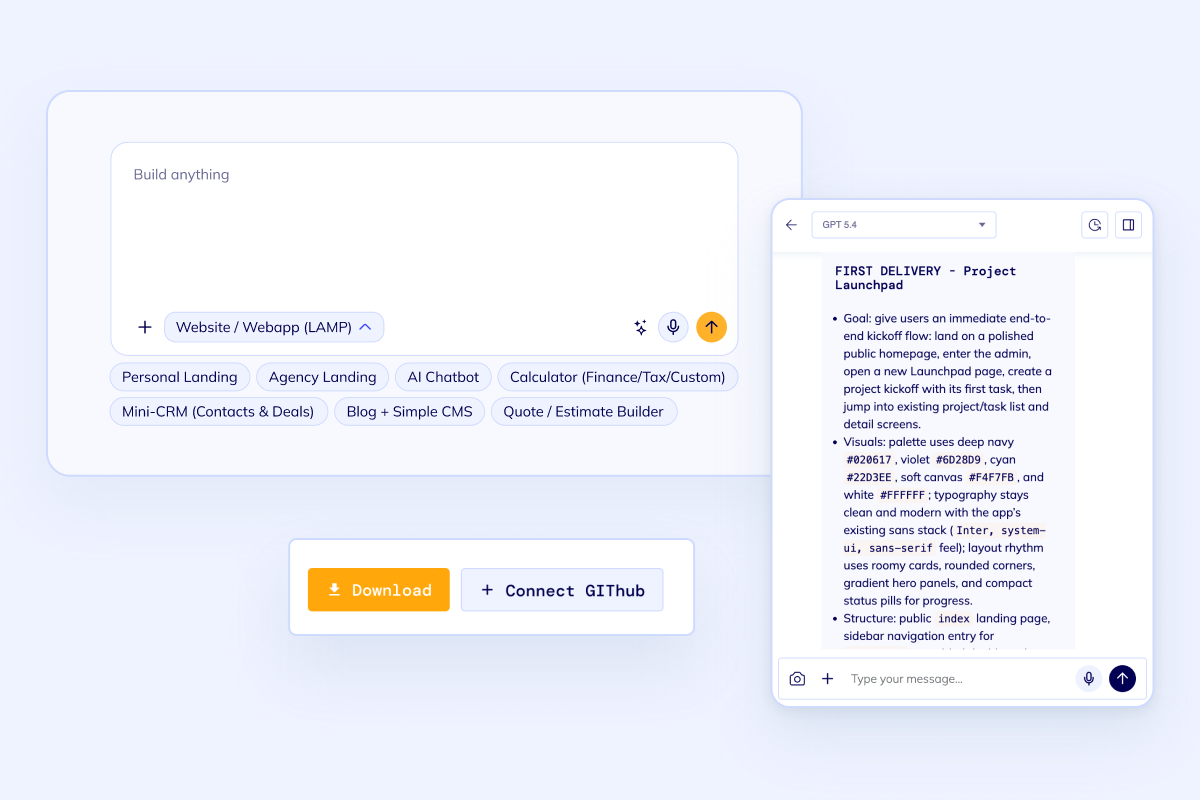
Application integration workflow with source code and deployment controls

Platform

APIs, webhooks, storage, and monitoring

Wire the AI feature into APIs, webhooks, file storage, logs, alerts, queues, background jobs, and deployment workflows your team can maintain.

Workflow demand

Use AI where the business already has records, queues, and decisions

Strong AI integrations usually start with a narrow operating workflow: one source of truth, one owner, one review path, and one measurable bottleneck.

Scope an AI integration

Sales and CRM

Summarize accounts, qualify leads, enrich records, recommend next actions, and route deals to the right owner.

Operations and ERP

Classify requests, generate task updates, flag exceptions, support purchase/order workflows, and reduce repeated data entry.

Customer support

Retrieve policy answers, draft responses, summarize ticket history, and hand off uncertain cases to human reviewers.

Finance and documents

Extract fields from invoices, receipts, contracts, and reports, then route exceptions into approval queues.

Compliance and legal

Search controlled knowledge, summarize evidence, review obligations, and keep an audit trail for AI-assisted actions.

Field and asset work

Turn inspection notes, images, and service records into structured follow-up tasks, dashboards, and alerts.

A production AI integration needs more than a model call

Flatlogic handles the application layer around AI: data access, interfaces, workflow state, APIs, deployment, observability, and handoff.

System boundary

Define where AI reads data, where it writes data, what it is allowed to change, and where human approval is mandatory.

Data and retrieval

Prepare sources, metadata, permissions, embeddings, chunking, prompts, and quality checks so answers are grounded in the right context.

Workflow and UI

Place AI output inside the existing screen, dashboard, queue, or admin panel where people already make decisions.

Monitoring and rollout

Track usage, errors, costs, review rates, escalation reasons, and quality issues after the integration reaches real users.

Best fit

When to choose AI integration

  • Your team already has a CRM, ERP, portal, admin panel, or internal tool that should become smarter.
  • The AI feature needs to read or write business records, trigger actions, or support approvals.
  • You need a production path with permissions, review states, monitoring, and maintainable code.

AI integration process

A practical path from workflow audit to the first AI-assisted action in production.

  • Integration audit

    Review the target workflow, existing systems, data sources, permissions, and the first measurable AI-assisted action.

  • Prototype with real data

    Build the narrow integration path with sample records, prompts, retrieval or extraction logic, and human review points.

  • Harden the workflow

    Add role controls, audit logs, fallback handling, API/webhook wiring, monitoring, tests, and acceptance criteria.

  • Release and expand

    Deploy the first integration, measure adoption and quality, then add adjacent actions only after the core workflow is trusted.

Relevant AI and data-heavy delivery examples

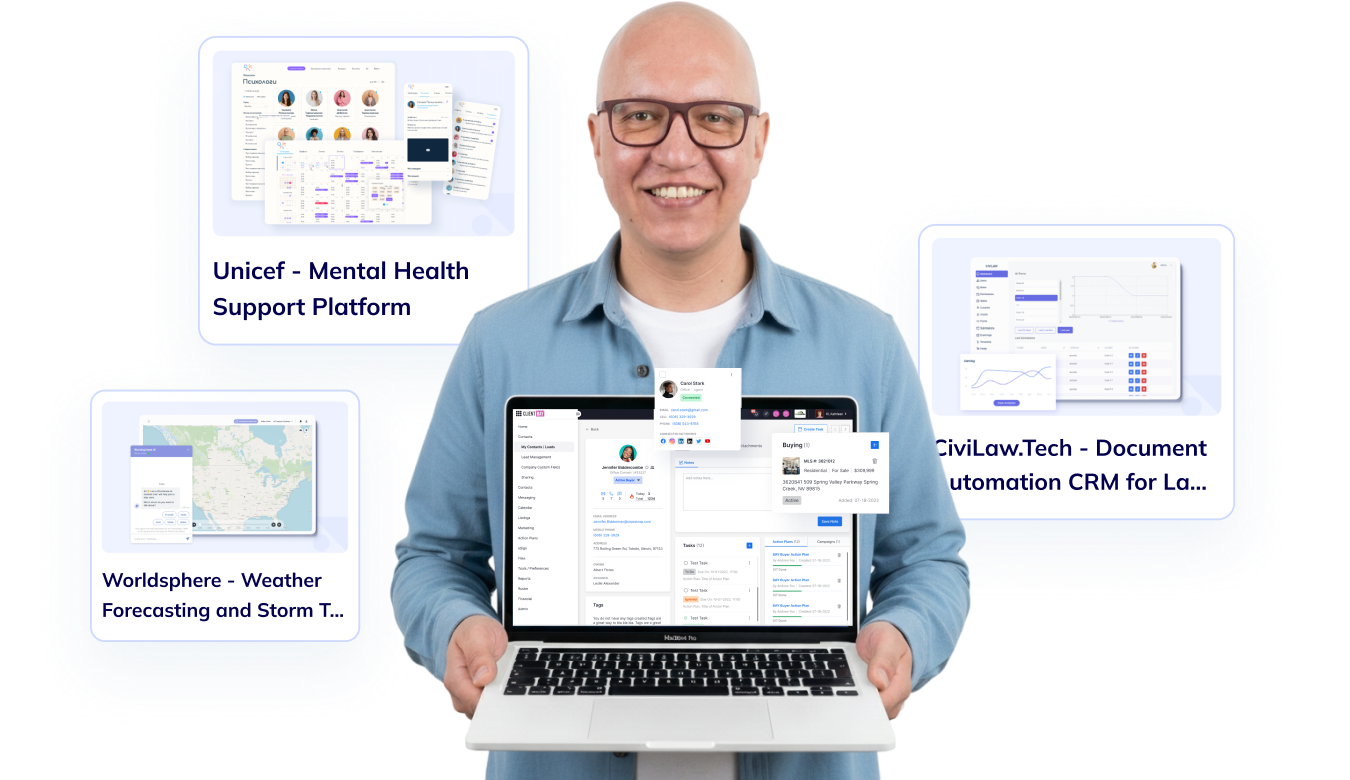
Flatlogic has shipped production systems where AI, data, dashboards, and operational workflow design had to work together.

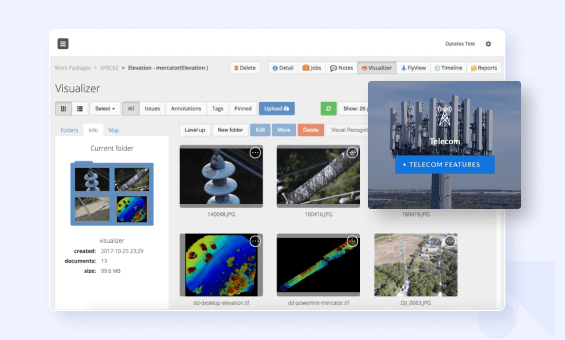
Optelos - AI-powered inspection and asset intelligence workflows
Computer vision workflow support
Operational dashboards
8+ year relationship
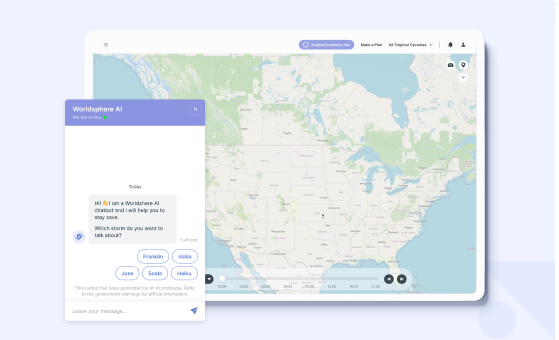
Worldsphere - Predictive weather and risk intelligence platform
Forecasting and risk views
Data-heavy workflows
900+ hours saved

Browse All Case Studies

Build path

Need AI inside an existing system?

Bring the target workflow, current stack, data source, and the action AI should support. We can usually tell you quickly whether the right start is integration, consulting, or a focused custom tool.

Frequently Asked Questions

Bring the system, workflow, or data source. We will help you decide what AI should read, suggest, write, and never touch.

Talk to an AI integration team

Ready to integrate AI into a real workflow?

Share the system you want to connect, the data source, the users, and the business action you want AI to support. Flatlogic can scope the integration and build the first production-ready slice.