Participate in our anonymous Starting Web App Research 2026 & Get 10 CreditsπŸ”₯ It only takes 3 minutes!πŸš€

Build project management software with AI

Generate projects, tasks, milestones, files, dashboards, and role-aware delivery workflows on a dedicated VM your team controls.

Loading the project management software builder...

Projects, tasks, milestones, and approvals PMO, delivery, contributor, and client access Files, comments, notifications, and audit trail Dashboards, CSV imports, API, and webhooks

Prompt example: Build a multi-tenant project management app with project records, tasks, milestones, client access, comments, attachments, notifications, dashboards, CSV import/export, and API/webhook support.

Why this route fits

Project operations without rebuilding the same stack every time

Teams usually need the same foundation: a stable project record, role-aware execution, stakeholder visibility, and room to add integrations without changing platforms halfway through delivery.

Dedicated VM

/

Real code ownership

/

Multi-role workflows

/

Expand without replatforming

Best fit for PMO teams, agencies, implementation groups, engineering programs, and operations teams that need project visibility tied to real execution data.

What the app should cover

Model the project system around how work actually gets delivered

The goal is not a generic task list. The goal is a project management system that keeps planning, execution, files, approvals, and reporting aligned for the teams involved.

Model projects, clients, sites, milestones, tasks, and dependencies around how delivery work really moves.

Give PMO leads, delivery managers, contributors, reviewers, and external stakeholders the right access from day one.

Run execution through boards, lists, calendars, comments, attachments, and status changes instead of scattered tools.

Keep reporting close to execution with workload dashboards, overdue views, alerts, exports, and saved filters.

Connect the workflow to existing systems through CSV imports, REST APIs, webhooks, SSO, and notification services.

Keep the first release useful, then widen the scope deliberately

Start with the project record, task flow, and permissions. Add dashboards, client-facing views, imports, notifications, and integrations once the delivery team is working from one trusted system.

Open AI Web App Generator Same builder path, serious production scope

Common release surfaces

Show each team the right project view

A strong first release usually needs one planning surface, one execution surface, and one stakeholder-facing reporting layer. That keeps the scope focused without turning the product into a thin task tracker.

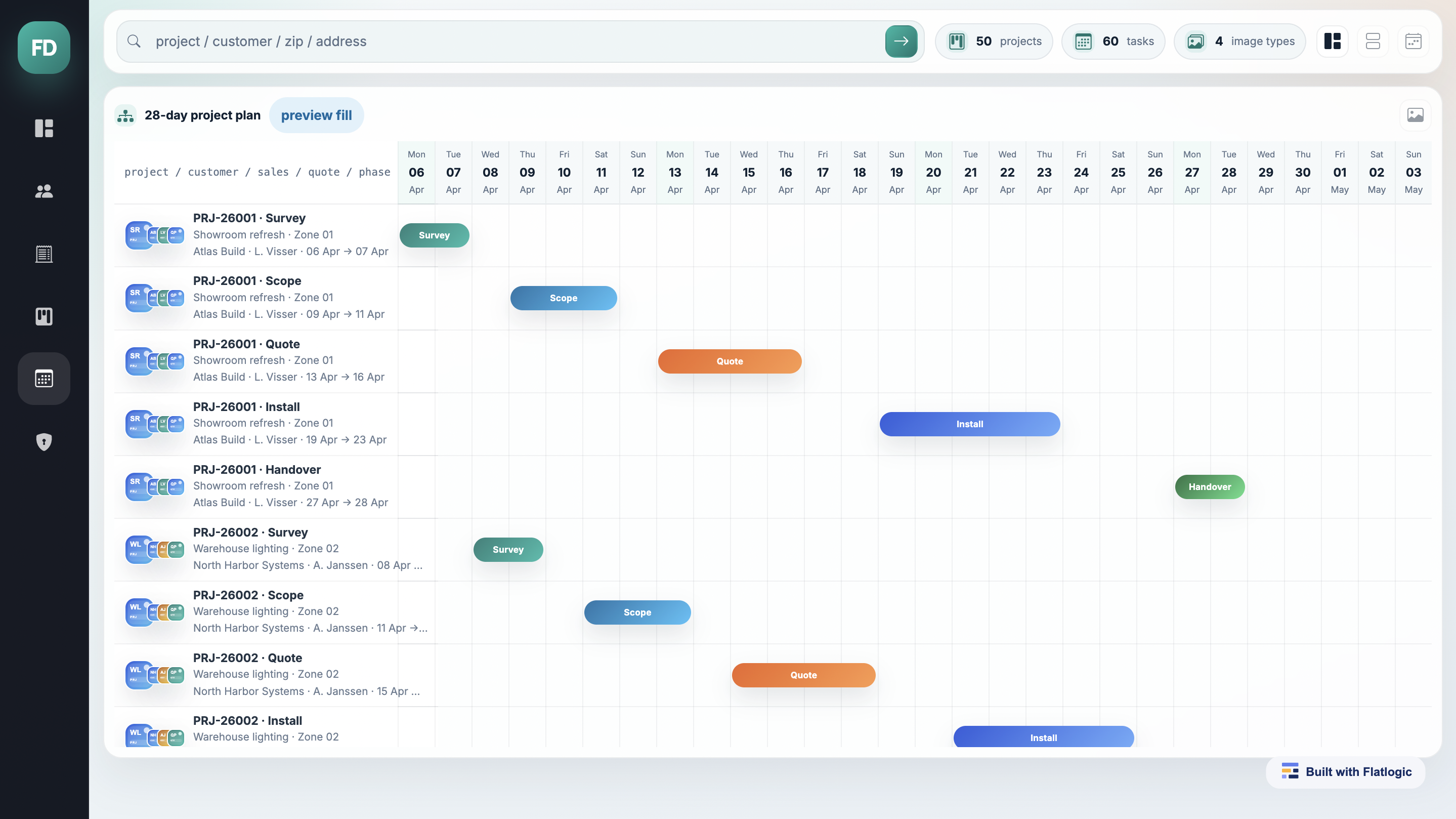
Project planning timeline with milestones and dependencies
Planning and portfolio control

Launch the planning surface with project records, milestones, deadlines, owners, and dependency-aware timelines.

  • Portfolio, client, or program filters
  • Milestones, dependencies, and due dates
  • Capacity and deadline visibility
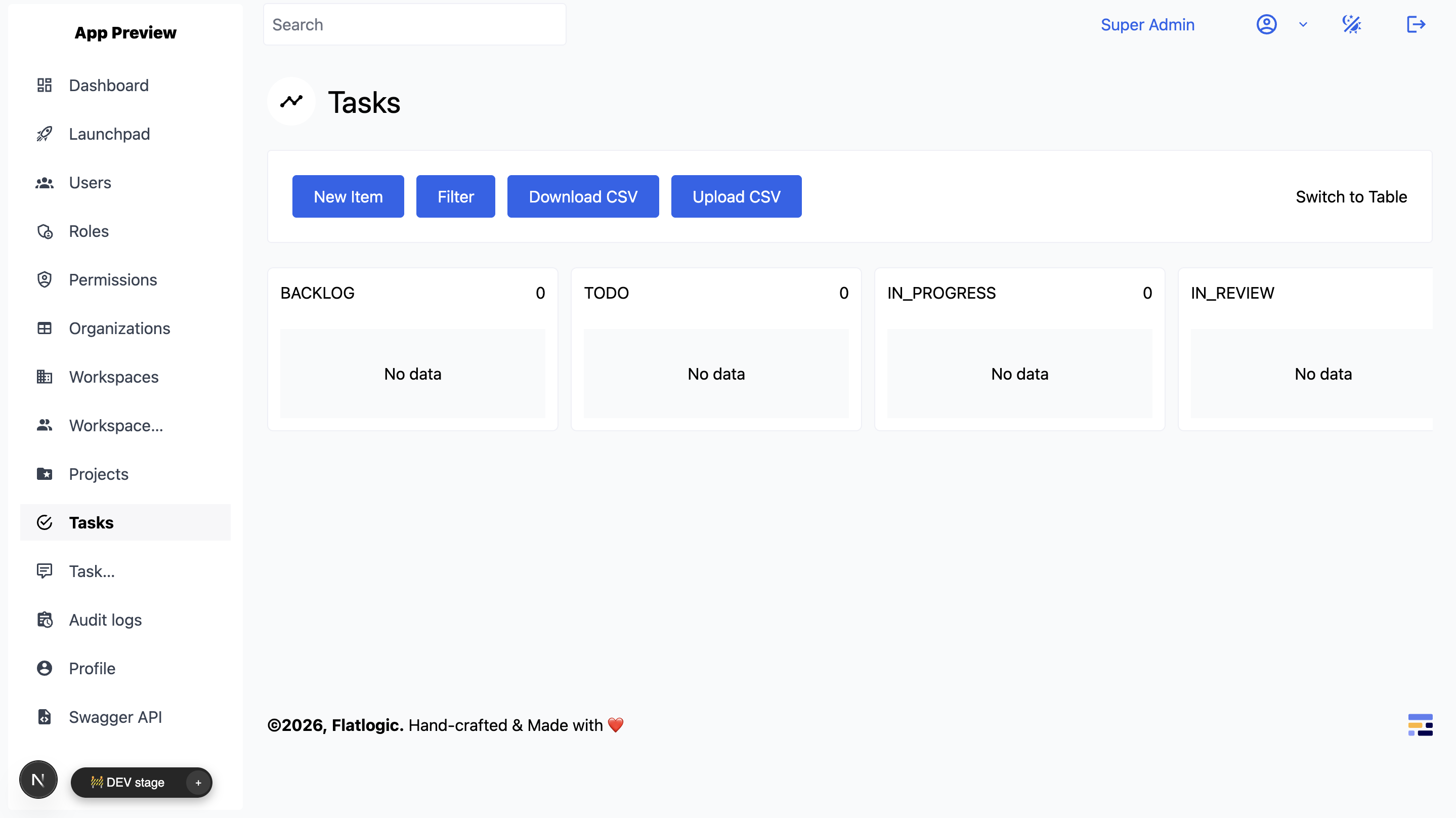
Task management board with project workflow columns
Team execution workspace

Give contributors a clear place to move work, update status, share files, and keep handoffs visible.

  • Boards, task lists, and workload views
  • Comments, attachments, and blockers
  • Notifications and role-aware assignment
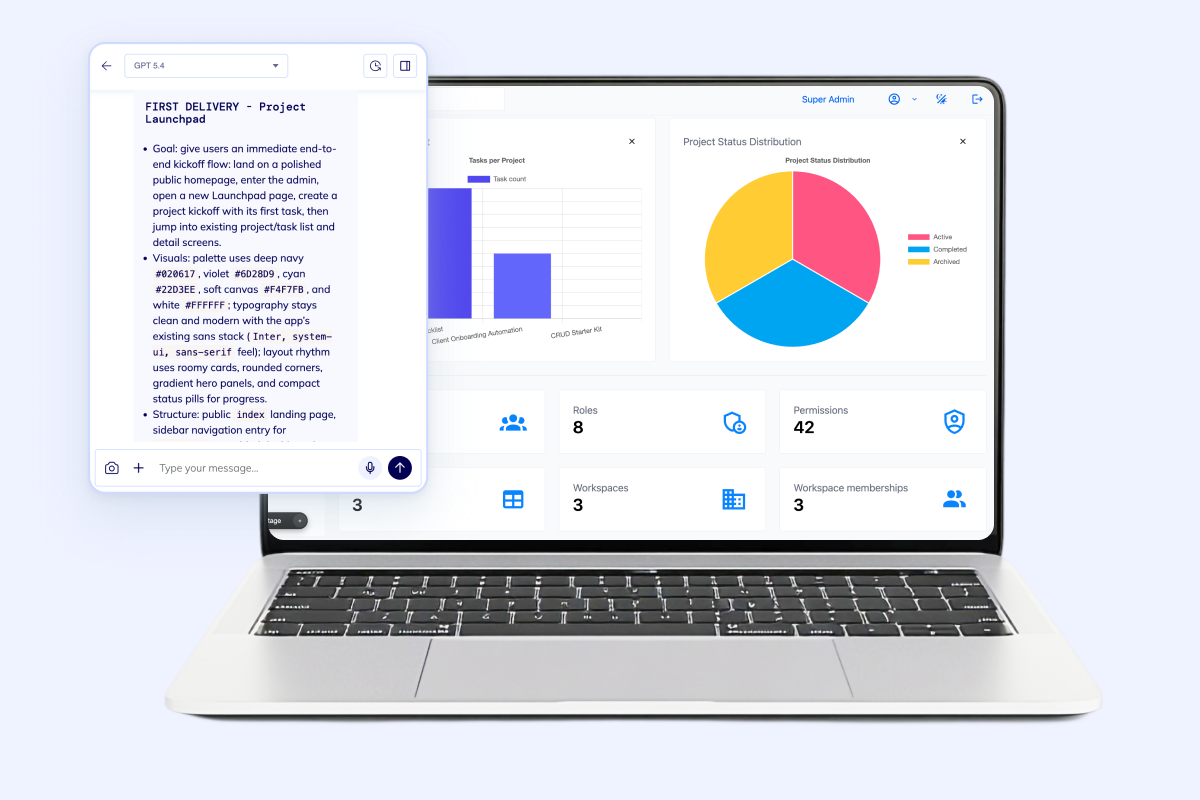
Project dashboard with AI prompt and status widgets
Stakeholder and ops reporting

Surface progress, risks, overdue work, and exports for leadership, clients, or adjacent operations teams.

  • Status summaries and exception queues
  • CSV exports and scheduled reporting
  • Client-safe or team-specific visibility

Launch path

Ship the project system in phases that reduce risk

The fastest route is usually not the biggest route. Start where delivery quality depends on shared project data, then layer on adjacent modules once the team has one workflow core to trust.

  • Define the project record

    Start with projects, tasks, statuses, assignees, milestones, and permissions so the core workflow is stable.

  • Add collaboration surfaces

    Bring in comments, files, checklists, calendars, imports, and notifications so execution stops leaking into side tools.

  • Ship reporting and automations

    Layer on workload dashboards, overdue views, alerts, exports, APIs, and webhooks once teams trust the core record.

  • Expand into adjacent operations

    Move into client portals, approvals, time capture, or broader ERP-style flows without leaving the same codebase.

FAQ

Questions teams ask before they commit to a build

Project management software gets messy when teams mix planning, execution, stakeholder reporting, and adjacent operations in one rushed release. These are the usual scope questions to settle early.

Build the first release fast

Generate project management software around your delivery model

Describe the project record, task flow, permissions, reporting needs, and integrations. Flatlogic turns that into a real codebase on a dedicated VM, so your team can launch, customize, and keep iterating.