Build inventory management software with AI
Generate SKU catalogs, stock movements, multi-location inventory views, reorder alerts, dashboards, APIs, and a codebase your team can keep extending.
The inventory management software builder is loading...
Use this route when the search intent is stock control itself: what items exist, where they are, how quantities change, and when the team needs to replenish or investigate variance.
SKU control
Keep products, variants, units, locations, suppliers, and stock rules in one editable data model.
Stock visibility
Track on-hand, reserved, available, incoming, and transferred quantities without spreadsheet drift.
Reorder signals
Generate low-stock alerts, reorder points, count variance reports, and replenishment dashboards.
Owned codebase
Launch on a dedicated VM, keep source code access, and extend the inventory logic after release.
Ahrefs shows stronger demand around AI inventory management software than exact builder phrasing, so this page keeps the builder promise while using inventory vocabulary buyers already search for.
Inventory-first app generation
Build around stock accuracy, not a generic admin table
Inventory software has to understand quantities, movements, thresholds, locations, and accountability. The first release should make stock changes visible instead of hiding them in disconnected spreadsheets.

Model the inventory record correctly. Create SKU, item, supplier, location, lot, unit, and category records so the system starts from stock data your team can trust.

Track every stock movement. Handle adjustments, transfers, reservations, cycle counts, write-offs, incoming stock, and audit history as first-class workflows.

Add alerts, dashboards, and APIs. Connect reorder points, low-stock alerts, CSV imports, exports, REST APIs, role permissions, and reporting in the same generated app.
From item catalog to inventory control app
Start with the SKU model, then generate the operational screens around it: stock levels, transfer flows, count tasks, reorder rules, dashboards, APIs, and deployment setup.
Open AI Web App Generator Best when stock accuracy is the product boundary.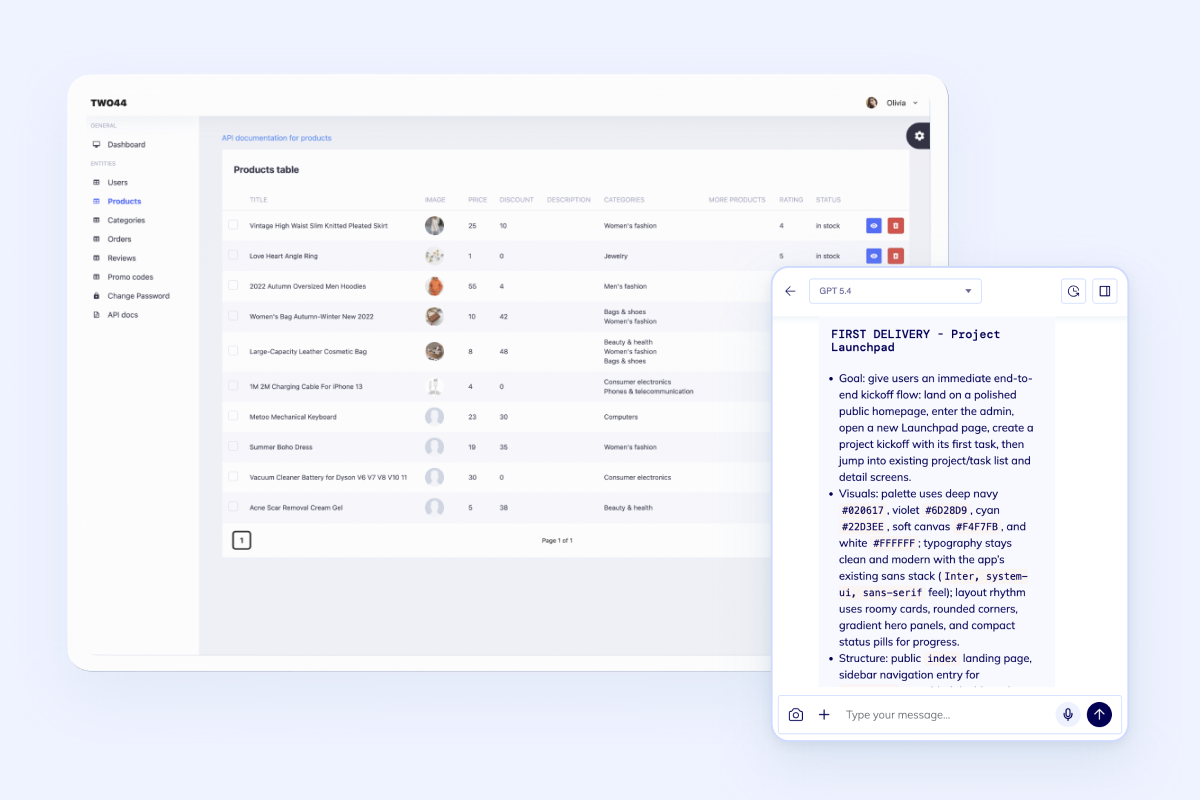
Where this route fits
Keep inventory separate from its neighbors
This landing is for inventory control: SKUs, stock levels, adjustments, transfers, counts, alerts, and reporting. If the center of gravity changes, compare nearby routes before you overstuff the first release.
Boundary check
Choose the route that matches the operational bottleneck
Inventory management should not quietly turn into ERP, WMS, procurement, or order management. These cards keep the new page from competing with existing Flatlogic routes.
Workflow
Generate the inventory system in the order teams actually need it
Start with stock records and movement history, then layer in alerts, reporting, permissions, and integrations once the inventory model is stable.
Describe the stock model
Start with items, SKUs, variants, locations, suppliers, units, reorder rules, and the people who change inventory.
Generate operations screens
Create tables, forms, filters, adjustment flows, transfer records, count tasks, roles, and audit trails around the inventory model.
Add alerts and reporting
Turn low-stock thresholds, count variance, slow-moving items, and location-level inventory into dashboards and notifications.
Connect the surrounding systems
Use APIs, imports, exports, and webhooks when inventory data needs to sync with orders, procurement, accounting, or ecommerce tools.
Related build paths
Use these if the project starts broader than inventory
Inventory software often connects to a larger system. These routes help when the first release is more database-driven, more generic, or more internal-tool oriented.
FAQ
Questions teams ask before building inventory software
A useful first release usually includes item and SKU records, stock by location, adjustments, transfers, cycle counts, reorder points, low-stock alerts, user roles, audit logs, imports, exports, and operational dashboards.
Yes. This page stays inventory-first: SKU control, stock quantities, movements, counts, alerts, and replenishment visibility. Choose warehouse management when bins, barcode scanning, receiving, picking, packing, and floor execution are the center of the product.
Yes. The inventory model can include locations, warehouses, stores, stock transfers, location-level thresholds, and reports that show where inventory is available or reserved.
Yes. Imports, exports, REST APIs, and webhooks are normal for inventory software because stock data often needs to connect with order management, procurement, accounting, ecommerce, or ERP workflows.
Ready to build
Turn your inventory workflow into software your team owns
Start with the stock model, generate the app foundation, deploy on a dedicated VM, and keep extending the code when inventory logic becomes more specific.