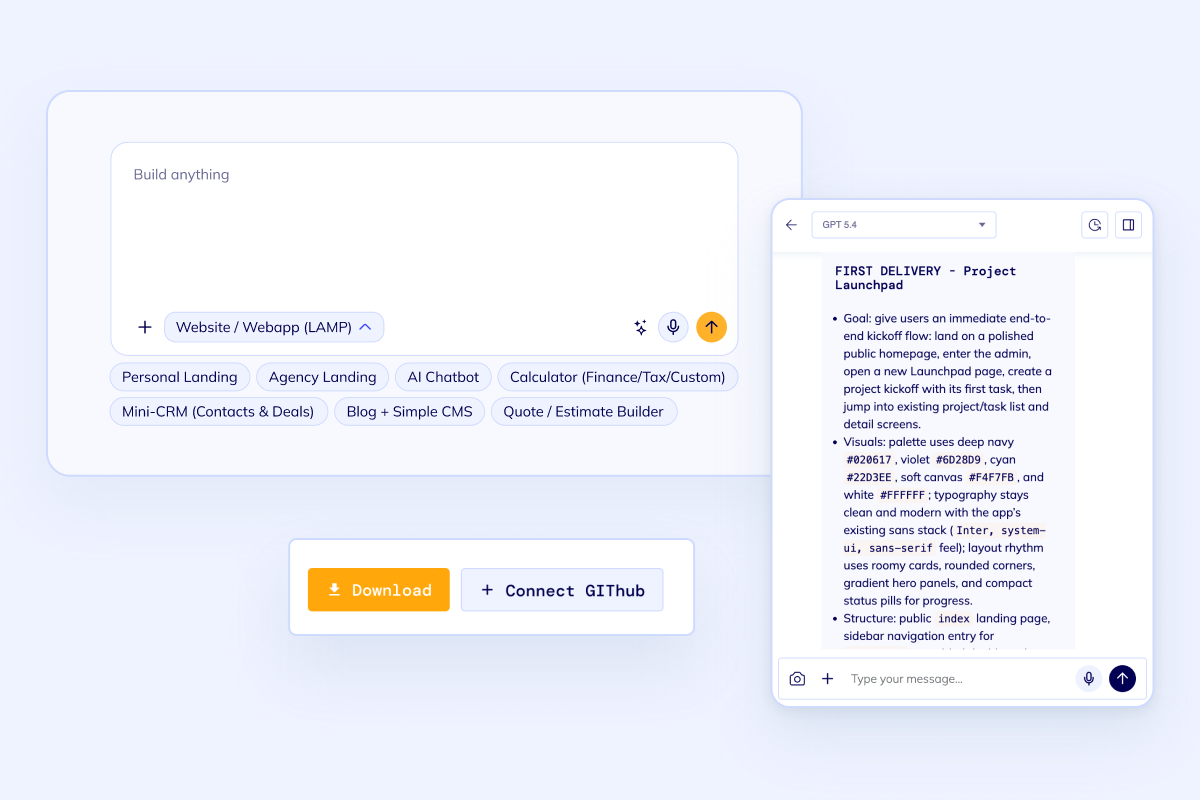
Database schema first
Describe entities, fields, relationships, permissions, and workflows before the app shell is generated.Generate schema, CRUD screens, auth, APIs, roles, and deployment setup from one database-aware prompt.
The database-aware AI builder is loading...
Use this route when the product is not just a chat prompt or landing page. It needs records, relationships, secure access, dashboards, and a codebase that can keep growing after the first release.
Builder focus
Database-backed apps, not throwaway demos.
Project shape
Frontend, backend, auth, roles, database, and deployment.
Ownership
Source code you can inspect, export, and keep improving.
Database-backed first release
An AI app builder with database support should help with more than a prompt box. It should turn records, relationships, permissions, and screens into a deployable application foundation.
Database schema first
Describe entities, fields, relationships, permissions, and workflows before the app shell is generated.
Full-stack screens
Generate forms, tables, filters, dashboards, auth, roles, and admin surfaces around the database model.
Code you can keep
Export the code, push to GitHub, and keep changing the app without being trapped in a no-code runtime.Workflow
Keep the first release grounded in the database and workflow instead of treating the data layer as an afterthought.
Prompt
Schema
App
Deploy
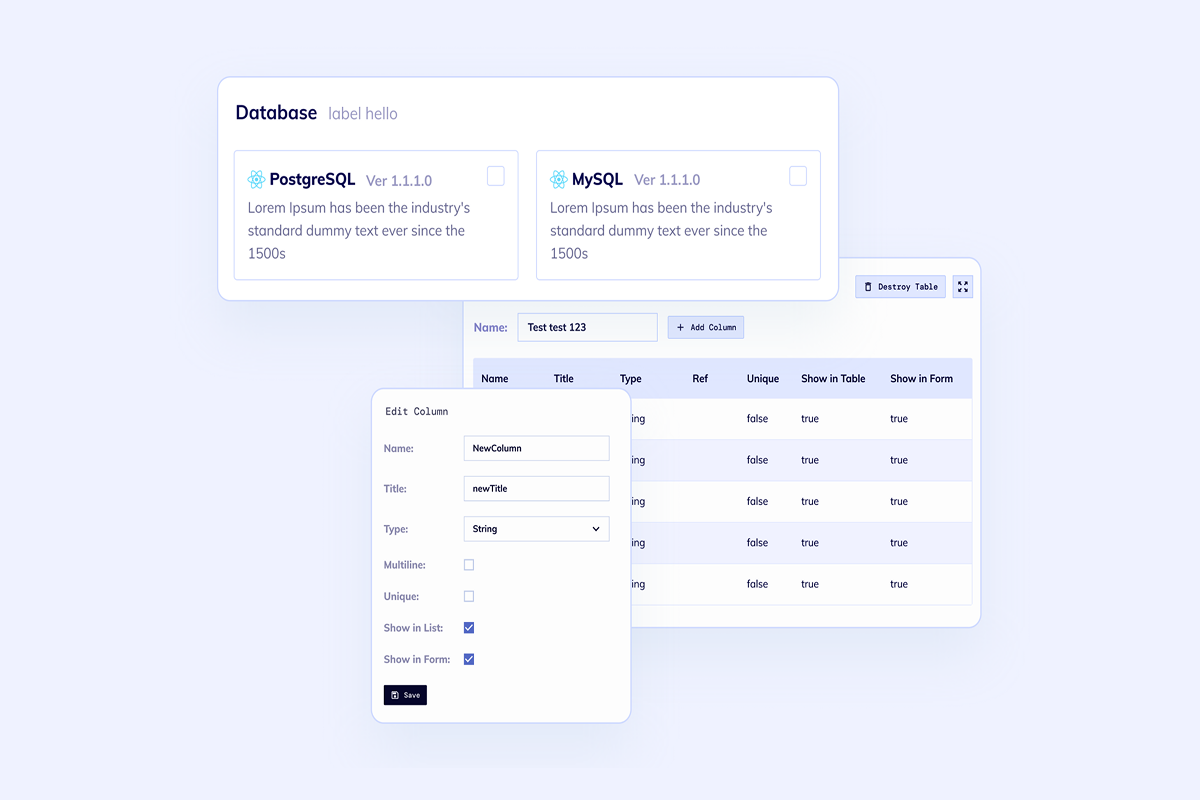
Start with the business workflow, not an empty database. Name the users, records, approvals, dashboards, and reports the first release should include.
Use the builder to shape tables, fields, relationships, and permissions before the app is committed to code.
Create a working web app with CRUD screens, authentication, APIs, and database-backed workflows in one flow.
Launch the generated app, inspect the source code, and keep iterating with your team after the first version is live.
Related build paths
The database-backed AI app route is specific. These related pages help when your intent is broader, narrower, or centered on a different product surface.
Use the broader generator when the app can be CRM, ERP, SaaS, portal, or internal software.
Use this route when the main need is structured records, CRUD, and database-backed UI.
Use this path when the database app mainly serves back-office teams and operational workflows.
Also compare AI Chatbot Builder when the AI assistant is the core product, or AI Software Development Agent when you want the broadest guided software build flow.
FAQ
Yes. The goal is a real full-stack codebase with frontend, backend, database, auth, roles, and deployment. You can keep extending the generated code after launch.
Flatlogic supports database-backed app generation with common relational database choices. The exact stack depends on the selected template and project setup.
Name the users, records, relationships, permissions, and first dashboards. For example: customers, invoices, plans, files, admin users, audit log, and customer portal access.
Yes. The generated project is meant to be inspected, pushed to GitHub, customized, and deployed like normal application code.
Start the first database-backed release
Open the builder with a concrete database-aware prompt, then refine the generated project into software your team can own.