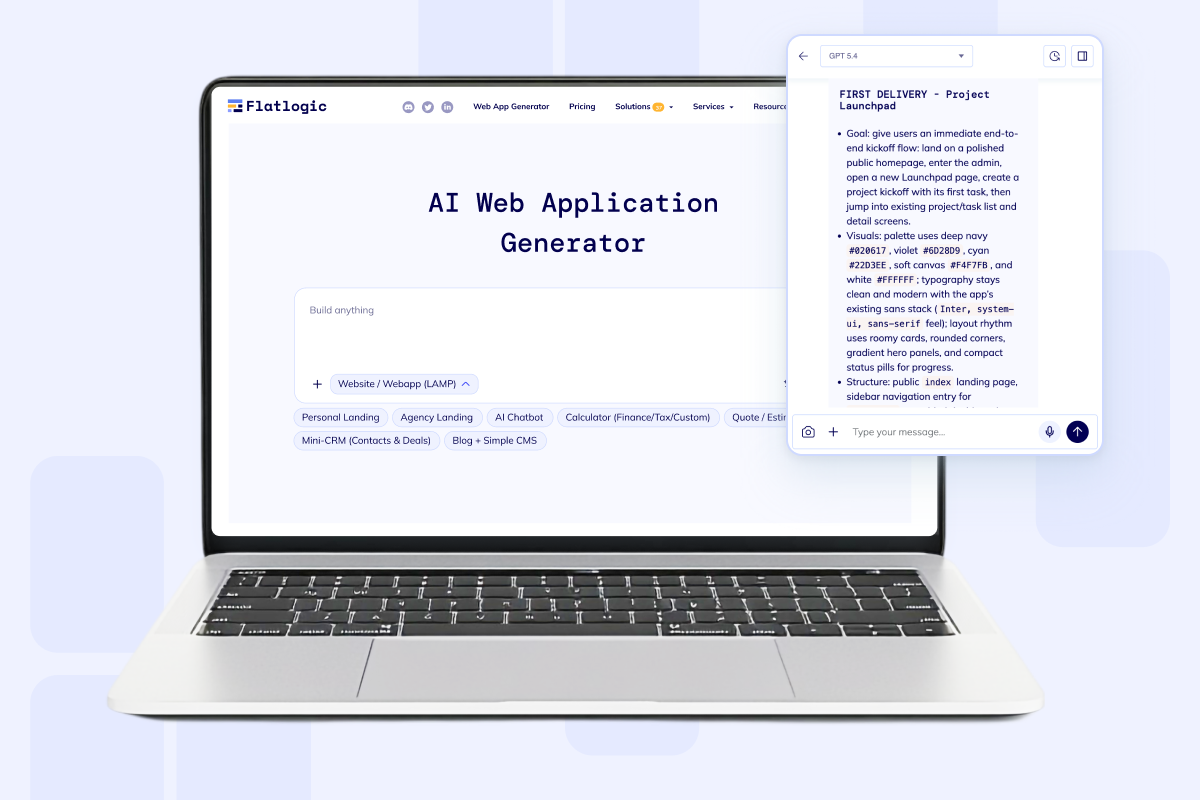
Keep context across sessions and accounts.
Build AI chatbot software
Generate chat history, files, citations, admin controls, and workflow actions on a full-stack app your team can own.
Preparing the chatbot workspace...
Persistent chat history
Knowledge sources and citations
Escalations and workflow actions
Dedicated VM with real code ownership
Start from a support bot, internal copilot, or source-aware assistant. The generator creates the first chat surface, auth layer, admin workspace, and deployable codebase instead of stopping at a prototype.
Built for serious assistant products
Move past the demo chatbox.
Business chat apps usually need memory, sources, admin review, and action hooks before users can rely on them.
Answer with docs, uploads, and citations in scope.
Escalate, notify, or update the system of record.
Ship on a dedicated VM and keep extending the app.
This route is for teams that need the chatbot, its admin surface, and the operational wiring to live in one product.
Assistant surfaces
One builder, three strong chatbot starting points.
Frame the first release around the audience you serve, then keep the same full-stack foundation as the assistant grows.
Support assistant
Answer common questions, capture intake, guide onboarding, and hand off the thread when a person needs to step in.
Internal copilot
Give operations, sales, or delivery teams a secure assistant over SOPs, records, and files without exposing the whole back office.
Source-aware assistant
Package documents, release notes, and policy docs into a searchable assistant with citations, version history, and controlled access.
Product shape
Make the assistant feel shippable on day one.
The landing is framed around a chat-first product with structured records, admin control, and visible improvement loops.
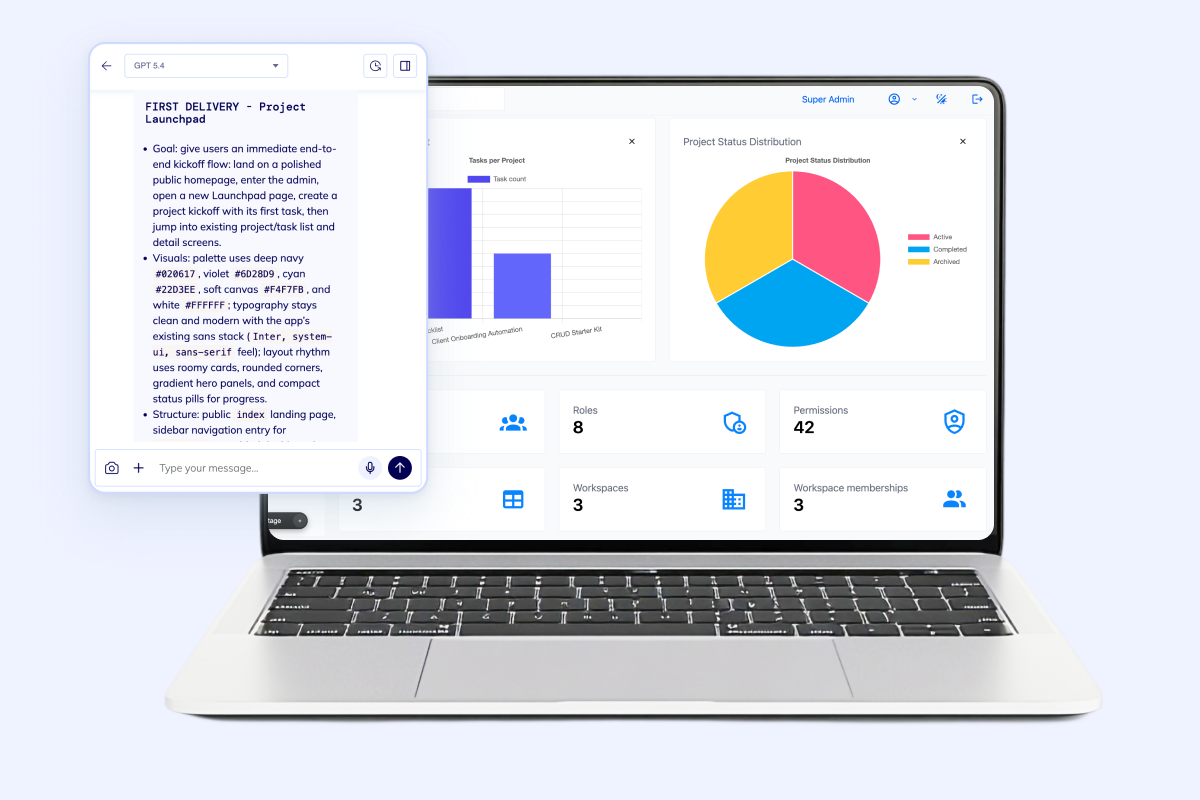
Launch from a real chat surface
Start with a threaded UI that already feels like product work, not a bare prompt box pasted into a landing page.
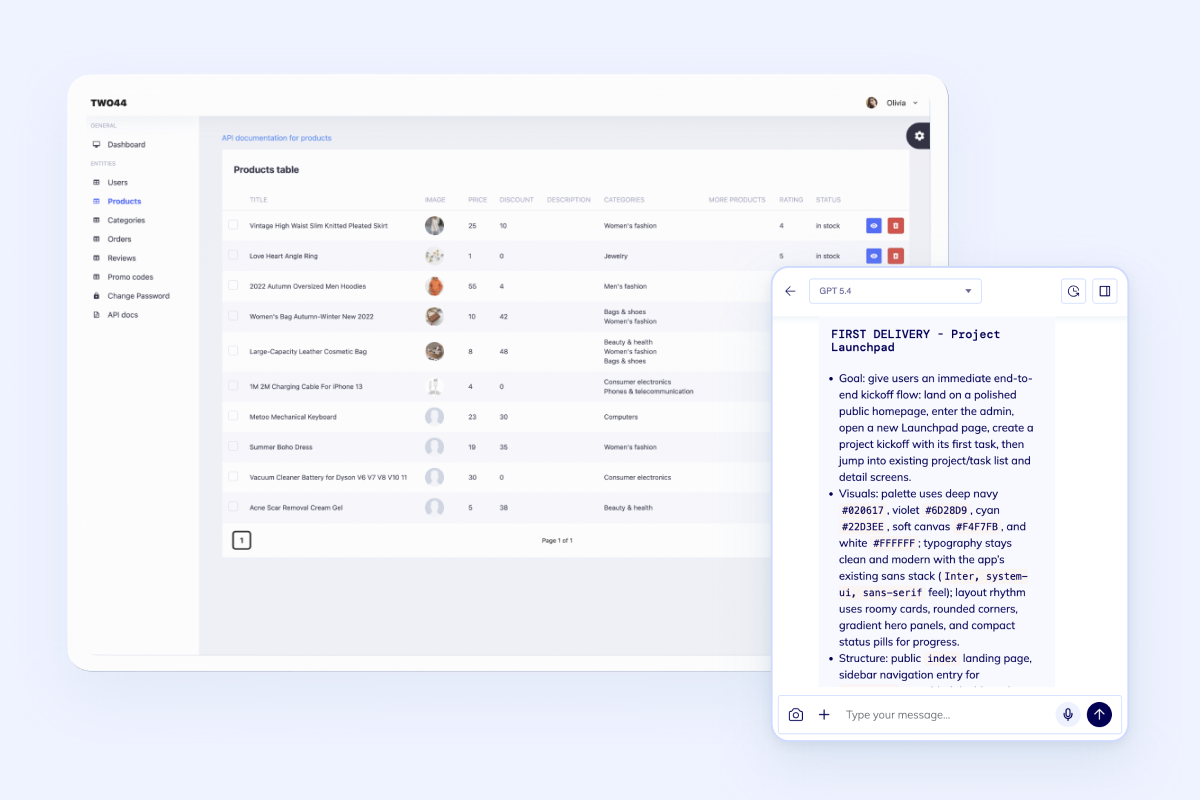
Pair chat with structured data
Keep users, records, workflows, and assistant prompts in the same app so the bot can trigger actions instead of stopping at answers.
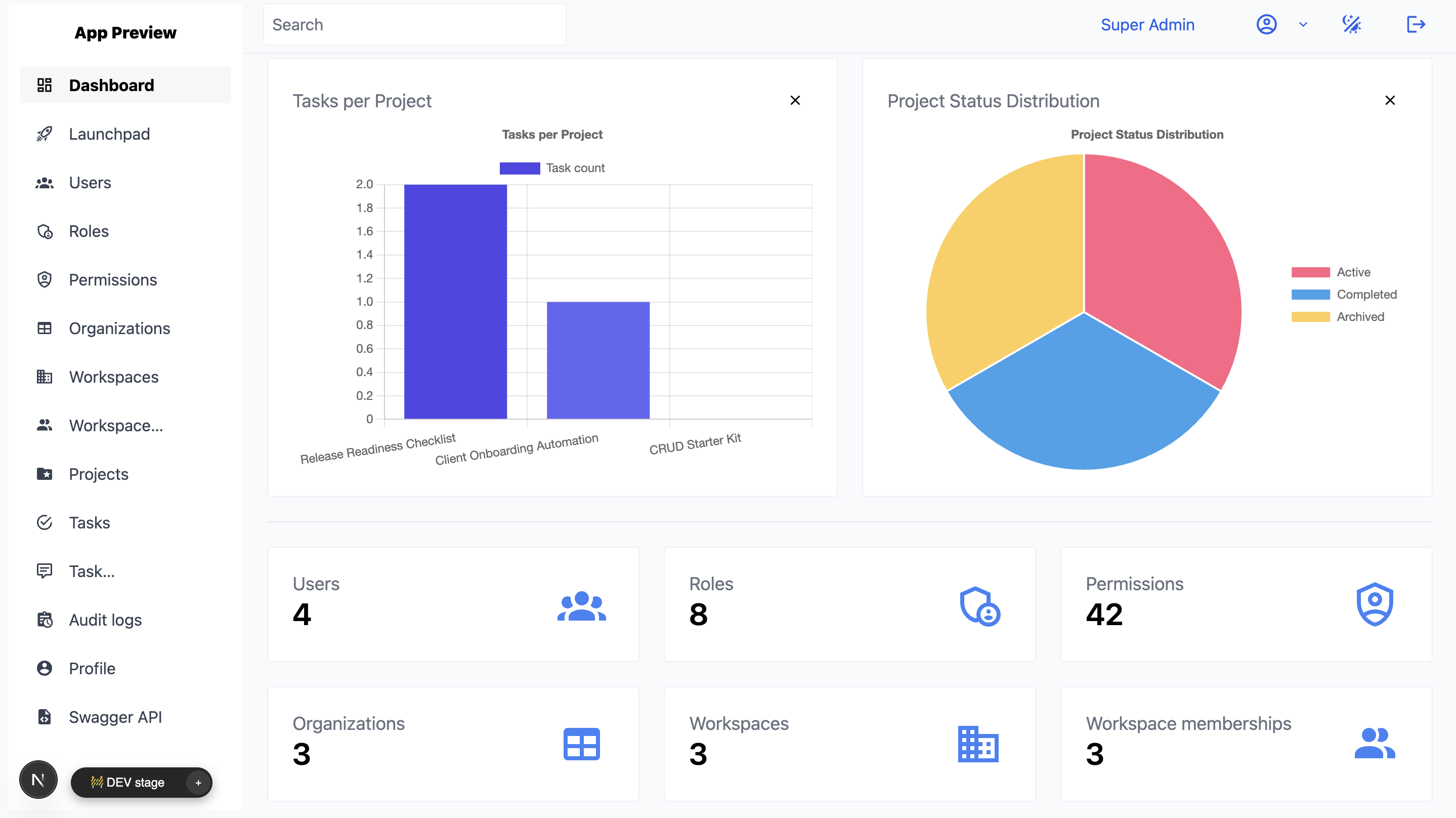
Govern the assistant after launch
Give product or support teams analytics, permissions, and audit visibility so the assistant improves without losing control.
What the first release needs
Ship the assistant with the controls teams ask for next.
Chat UI alone is not enough when the app has to serve customers, internal teams, or account-level data.

Persistent threads, saved history, and role-aware user context across workspaces or tenants.

Files, knowledge sources, citations, and retrieval surfaces that keep answers grounded.

Admin roles, moderation controls, and logs that make review and iteration practical.

Workflow actions, webhooks, and CRM or help desk handoff when the assistant needs to do real work.

Dedicated VM deployment, code ownership, and a full-stack app your team can extend after v1.
FAQ
Questions teams ask before they build.
The page is designed for commercial chatbot intent, so the objections are about control, deployment, and product scope.
Launch the first assistant version
Generate the chatbot, then keep shipping it like a product.
Start with the chat surface, admin controls, and knowledge flows your team needs now. Add deeper integrations, custom actions, and richer governance once the first conversations are live.