Procurement software carries clear commercial demand without collapsing the page into generic ERP messaging.
Build procurement software with AI
Launch requisitions, vendor records, approval chains, purchase orders, receiving handoff, and spend reporting on a real codebase your team can keep shaping.
The procurement software builder is loading...
Procurement software
Vendor management software
Procure-to-pay workflows
Purchase order approvals
Use Web App Generator when the team wants to shape the product directly. Bring the same scope to Custom Web Development Services when migrations, integrations, or rollout support already need senior delivery help.
Research Snapshot
Live requests repeatedly cluster around suppliers, approvals, purchase orders, receiving handoff, and reporting.
The same foundation can cover vendor management software and procure-to-pay workflows on one codebase.
The production request pattern is consistent: purchasing teams want one place to control requisitions, supplier history, approvals, purchase orders, receipts, and audit-ready exports without jumping straight into a full ERP replacement.
Core Capabilities
Keep the first release tightly scoped around purchasing control
Strong procurement software is not just a form builder. It needs structured requests, supplier context, approval logic, purchase order states, receiving handoff, and reporting that survives audit and finance review.

Capture requisitions, line items, owners, budgets, supporting files, and approval status in one purchasing workspace instead of scattered forms and email threads.

Keep vendor records, contacts, catalogs, documents, payment terms, and history searchable so the team can compare suppliers without rebuilding context every time.

Model spend thresholds, approver queues, exception paths, and audit logs so procurement management software actually enforces process instead of just storing records.

Connect purchase orders, receiving confirmations, exports, notifications, dashboards, and APIs so finance and operations see the same source of truth.
Scope Boundary
Pick procurement when buying is the bottleneck, not the whole ERP
Start here when the first controlled system needs to center on requests, suppliers, approvals, purchase orders, and spend visibility. If the release already has to absorb broader inventory, finance, and operational control, move up to Custom ERP instead of stretching procurement into a generic back-office page.
Teams that need broader role-heavy workspace patterns can review Admin Panel before they lock purchasing roles, queues, and reporting views. Teams that want the fastest self-serve start can open Web App Generator and keep refining the same codebase in-house.
Built for purchasing-first operations, not generic software fluffKey Workflow
Move from request to receipt without losing supplier or approval context
Procurement projects usually fail when requests, approvals, vendor notes, and receipts get split across different systems. The first version should keep each handoff visible on one audit-ready timeline.
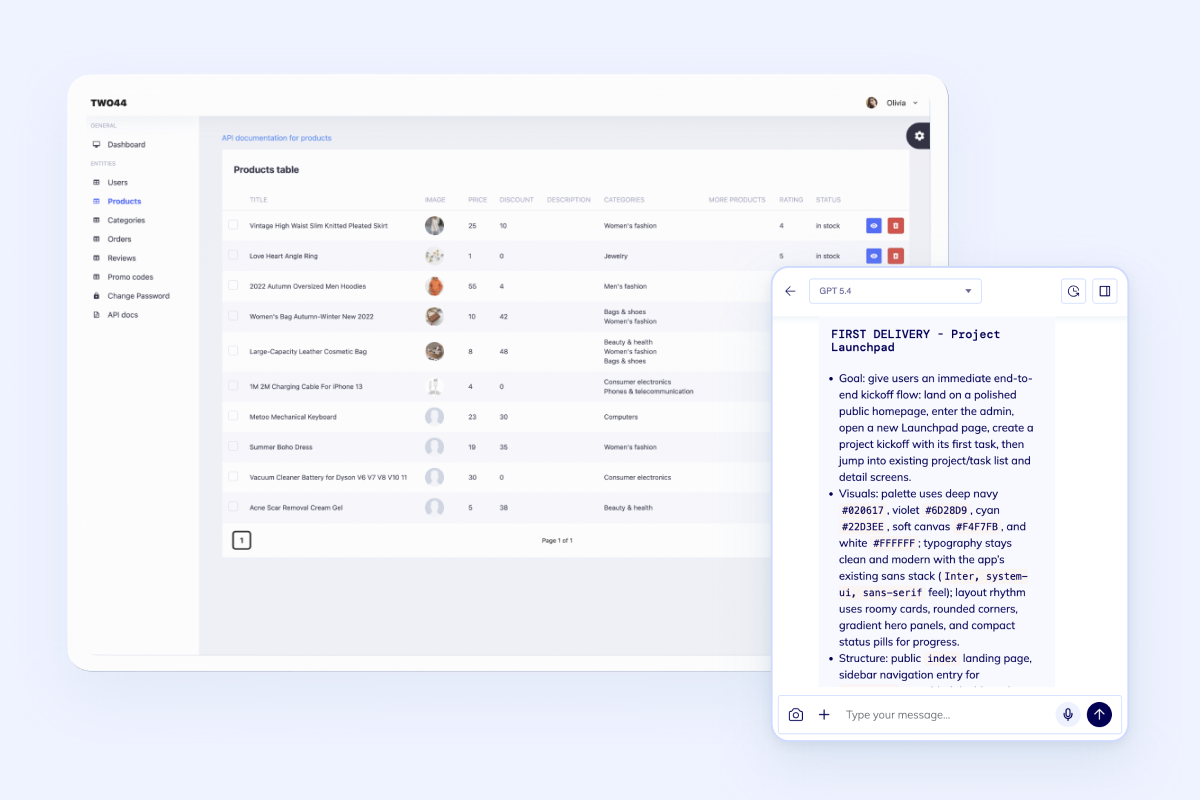
Standardize requests before they become emergency buying
Give teams a structured way to submit purchase requests, attach specs, route exceptions, and see current status without chasing procurement for updates.
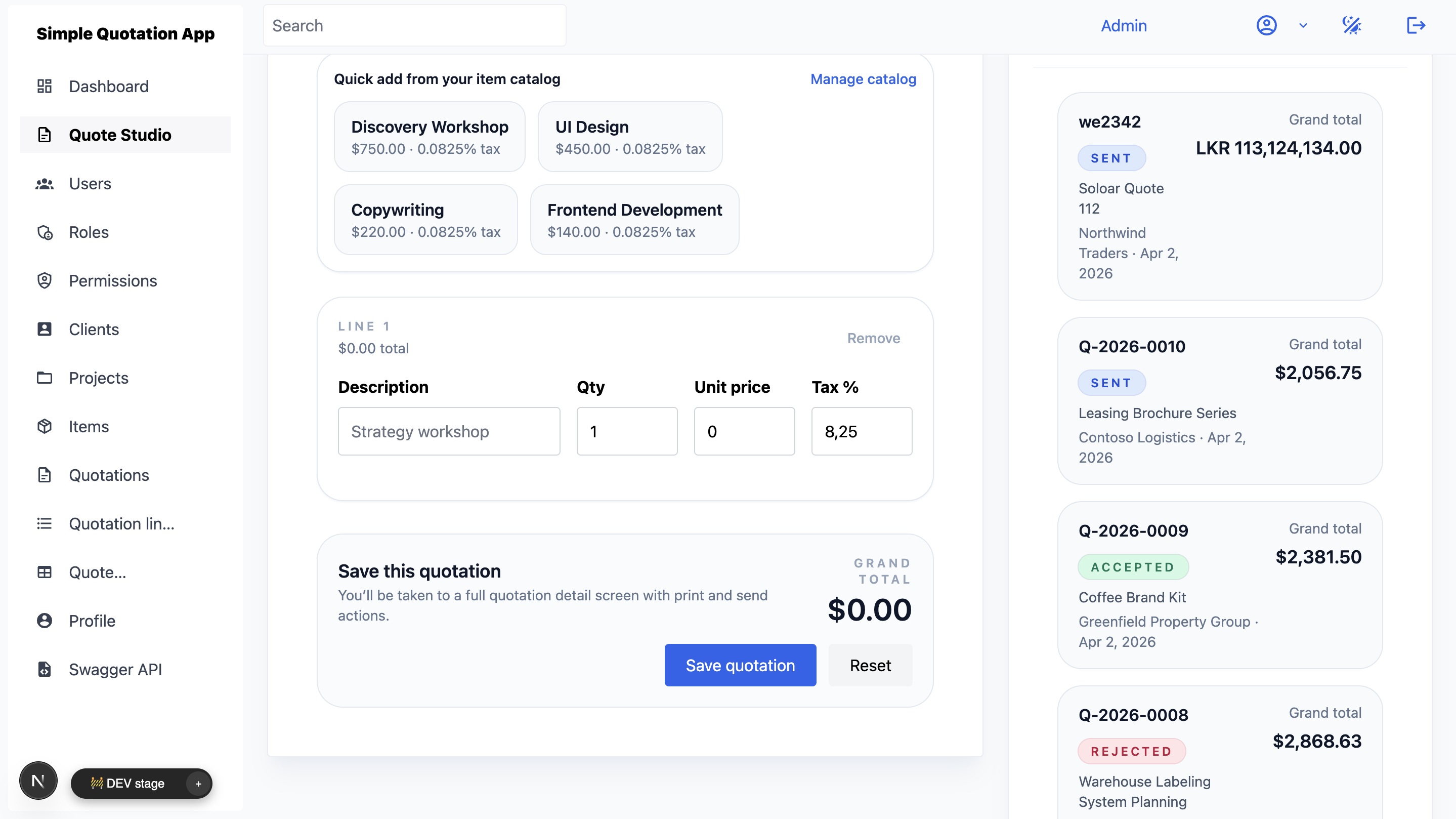
Track suppliers, quotes, and purchase orders in one system
Keep vendor history, quote comparisons, approval context, and PO status changes tied together so the team can make buying decisions with full context.
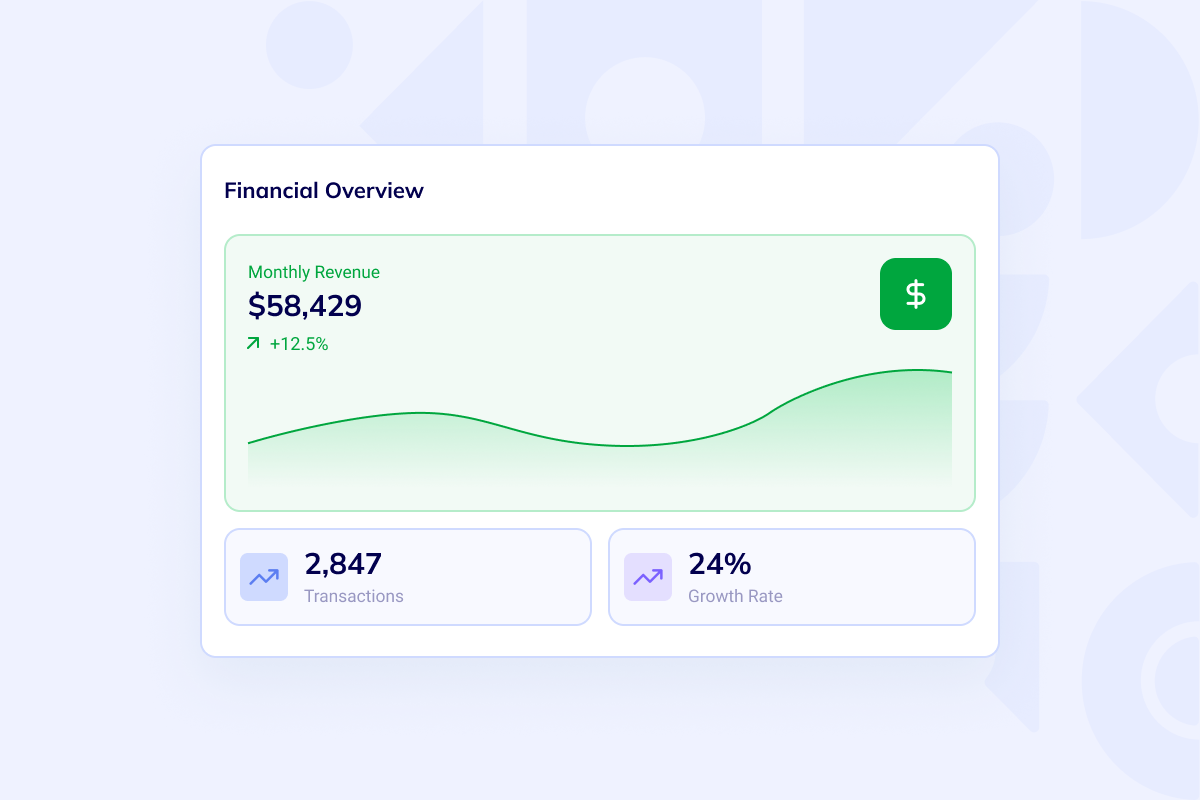
Close the loop with receipts, exports, and spend visibility
Connect receiving handoff, discrepancy tracking, exports, dashboards, and finance-facing reporting so procurement decisions stay auditable after the order is placed.
Best Fit
Keep purchasing workflows in a focused procurement system
Start with supplier records, purchase requests, approvals, and purchase orders. The first release can improve purchasing control without replacing the entire back office.

Procurement teams replacing inboxes and spreadsheets
Use this route when requests, supplier notes, quote files, approvals, and purchase order updates still live across email, spreadsheets, and shared drives.

Finance and ops teams that need spend controls
Use this route when approval thresholds, document trails, imports, exports, and vendor history have to stay visible from request through receipt.

Back-office products that will expand beyond procurement
Use procurement as the first controlled module, then expand deliberately into Custom ERP once purchasing, inventory, and finance handoffs need a broader operating surface.
FAQ
Questions teams ask before they build procurement software
This page stays procurement-first. The core scope is requisitions, supplier records, approvals, purchase orders, receiving handoff, and spend visibility. If the real problem is broader inventory, finance, and cross-department control, start with Custom ERP instead.
Yes. That is usually the right first boundary. Many teams start with requests, approval chains, vendor records, and purchase orders, then add catalogs, receiving, reporting, and integrations after the process is stable.
Yes. Vendor management software, purchase order software, and procure-to-pay workflows can all sit on the same procurement foundation when the data model includes suppliers, approval states, documents, receipts, exports, and finance handoffs.
Choose procurement software when the bottleneck starts before the order is placed: requests, approvals, suppliers, and internal buying controls. Choose order management when the bottleneck starts after order capture and centers on routing, fulfillment, customer updates, and execution.
Launch Path
Build procurement software on a codebase your team can keep extending
Start in the generator when the team wants direct control over requisitions, approvals, vendor records, and purchase orders. If the scope already includes migrations, finance handoffs, or rollout support, use Custom Web Development Services and keep the procurement boundary clear from day one.