Turn inbound requests into scheduled work without losing the SLA clock, customer promise, or technician context.
Field service operations
Build field service management software
Launch a field service system that keeps schedulers, technicians, customer records, parts, and invoicing connected in one operational workflow. Start from the Flatlogic AI Web App Generator, ship on a dedicated VM, and keep extending the codebase as your service process gets more specific.
Dispatch board, SLA timers, and reschedule reasons in one queue
Visit packet with site history, checklists, parts, and customer notes
Proof of work, signatures, photos, and invoice handoff from the same job
This route is for service businesses where the real bottleneck is not sales pipeline or vehicle telemetry, but the gap between intake, dispatch, the technician visit, and the completion packet that billing needs at the end.
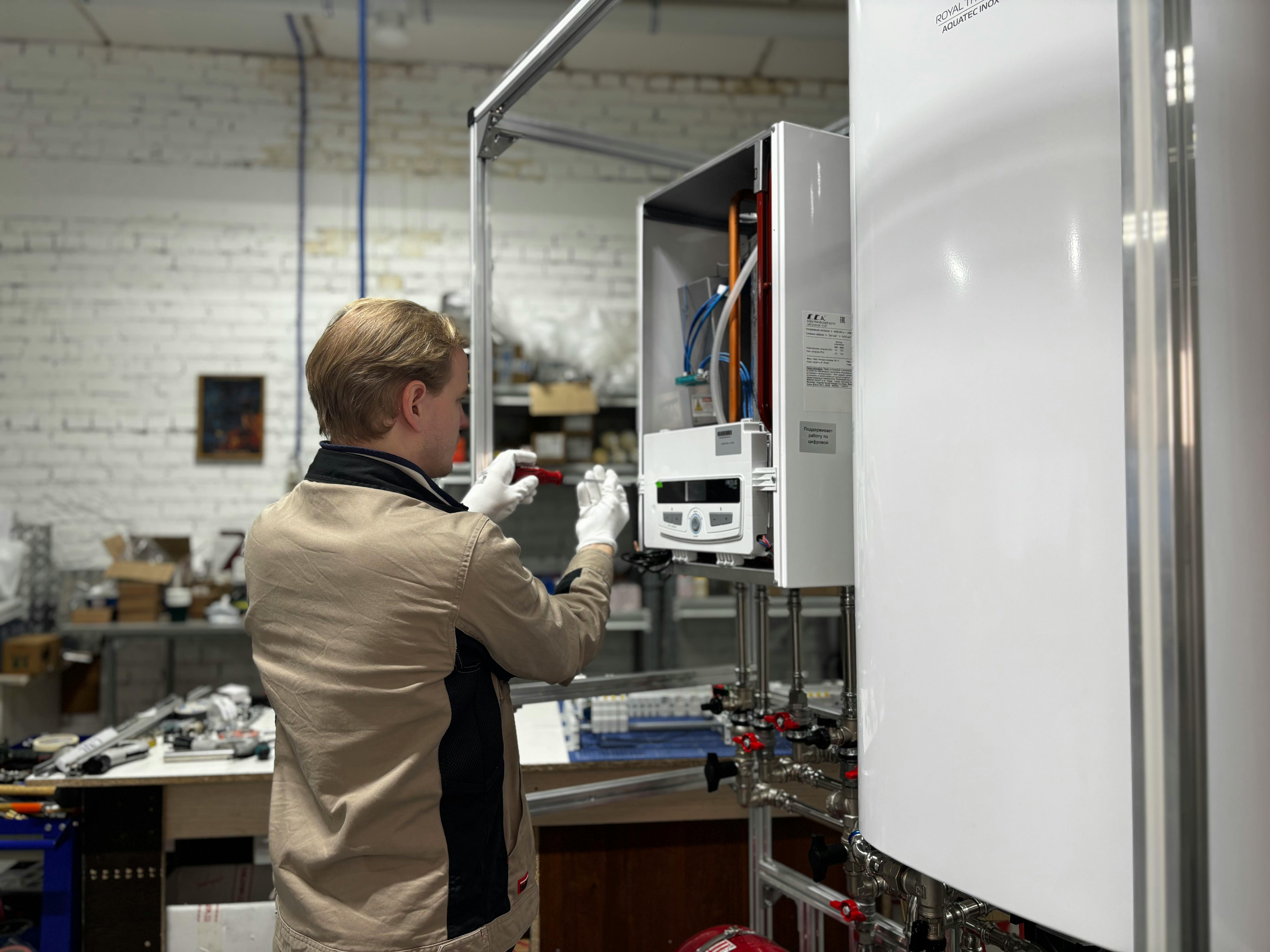
Free photo via Pexels
Prompt the builder with your service workflow
Intake -> dispatch -> onsite -> closeout
Loading the builder workspace...
Starter prompt
Build field service management software with a dispatcher console, drag-and-drop work orders, technician mobile updates, customer sites, equipment history, parts usage, photo capture, signatures, invoice export to QuickBooks, Twilio notifications, and operations dashboards.
What needs to work first
The first useful release is usually operational, not ornamental
Teams evaluating field service software usually need the same early foundations: a live dispatcher surface, structured work orders, technician updates, customer communication, and a clean handoff to billing.
Keep the customer, site, asset, repeat issues, checklist, documents, and required parts on the same work order.
Turn the finished job into signatures, service notes, invoice-ready totals, and a clean record for the next visit.
Capability stack
Model the service workflow without rebuilding the platform basics
You still get the common platform foundations: authentication, permissions, CRUD surfaces, dashboards, APIs, file handling, and deployment. That makes it practical to focus the custom work on dispatching, work orders, technician flow, and billing logic instead of rebuilding infrastructure from scratch.

Dispatch board and job routing
Plan work by status, zone, skill, SLA, and technician availability instead of juggling spreadsheets and inboxes.

Work orders with full site context
Keep customer, location, asset, service history, parts, attachments, and checklists together on each job.

Technician updates from the field
Capture arrival, progress, notes, photos, signatures, and parts usage without waiting for end-of-day re-entry.

Billing and notifications
Hand work off cleanly to invoicing, customer updates, and accounting sync once labor, materials, and completion are confirmed.
Three connected surfaces
Run the same job through dispatch, field execution, and back office review
The page should not feel like a generic dashboard. It should feel like one service lifecycle shared by three different roles with different decisions to make.
Coordinator console
Schedule, reassign, and keep the queue moving
Live board
4 SLA risks
North zone
PM queue
Emergency
Needs callback
Unassigned
06
- Boiler reset · Midtown tower
- Leak check · Site 14
- Warranty revisit · Glen Park
Rolling today
09
- HVAC PM · 11:00
- Fire panel check · 13:30
- Door motor repair · 15:00
- Route jobs by priority, service area, and technician skill
- Track waiting, in-progress, blocked, and completed work from one board
- Expose exceptions early instead of discovering them when billing starts
Technician flow
Collect proof of work while the visit is happening
Visit packet
On site
Asset history
Checklist
Photos
Signature
Before arrival
Packet
- Access notes and contact
- Repeat issue from March
- Required MERV-13 filters
During visit
Capture
- Start/stop labor time
- Pressure reading + photos
- Customer sign-off and follow-up
- Show the next visit, required tasks, customer notes, and asset history
- Record labor, checklists, photos, signatures, and follow-up actions
- Return structured updates to dispatch without extra admin overhead
Back-office handoff
Close jobs into invoices, service history, and reporting
Closeout review
Ready to bill
Labor
Parts
Approvals
Customer notice
Exception queue
02
- Missing signature · Unit 402
- Extra refrigerant pending approval
Invoice packet
$1,480
- 3.5h labor + truck fee
- Parts attached to visit
- Service report emailed automatically
- Review parts, labor, approvals, and exceptions before invoicing
- Sync accounting, notify customers, and retain a searchable service record
- Report on response time, completion rate, revenue, and technician throughput
Integrations and rollout
Launch the operator core first, then connect the edges that matter
The fastest way to make this useful is to release the internal operating surface first, then attach accounting, messaging, and external workflows once the queue logic is right. If you want help with the heavier implementation work, pair the generator with custom web development services.
Shape the operating model
Define customers, sites, assets, service types, technicians, teams, and work-order states in a data model you can keep extending.
Launch the operator core
Ship dispatch, work orders, permissions, filters, audit trails, file handling, and dashboards first.
Connect finance and messaging
Wire QuickBooks, Xero, Twilio, webhooks, or internal APIs after the day-to-day flow is stable.
Add the next layer
Extend into approvals, portals, estimates, contract workflows, asset warranties, or deeper reporting when the team is ready.
FAQ
Questions teams usually ask before they commit to this route
Fleet software is vehicle-first. This landing is service-operations-first: dispatchers, work orders, technicians, customer sites, service history, parts, and invoicing. If vehicles matter, you can still model them, but the workflow does not assume that every job starts with a fleet record.
Yes. The common first release is a dispatcher console plus technician-facing status updates, notes, photos, signatures, and task completion. That gives the team a usable field loop before adding more advanced routing or portal features.
Accounting sync, customer notifications, and APIs usually matter first because they remove the broken handoff between field activity and back-office follow-through. QuickBooks, Xero, Twilio, REST APIs, and webhooks are typical early integrations.
No. Smaller service teams often need this shape first because off-the-shelf tools leave too much work in spreadsheets and email. The difference is that you can start with the core operator flow and expand the codebase as the process grows.
Yes. Flatlogic Generator starts from a real template and deploys each project to a dedicated VM, so your team can keep customizing the code, infrastructure, and integrations without platform lock-in.
Ready to build
Start with the service workflow you already know needs to exist
If the team already knows it needs dispatch, work orders, field updates, customer history, and invoice handoff in one product, this is a strong landing to start from. Open the generator, or talk to engineers if the rollout has to cover deeper process design from the first version.
Suggested rollout map
Dispatcher core
Intake queue, SLA filters, assignment board, and role-based job status changes.
Technician loop
Visit packet, checklists, photos, signatures, labor, parts, and follow-up notes.
Closeout handoff
Invoice-ready totals, customer updates, accounting sync, and searchable service history.