Provider boundary
Store connection settings, authentication state, ingestion health, timestamps, and errors without hardcoding one vendor into every screen.
Trading application foundation
Generate the application layer for market dashboards, portfolio views, alerts, simulations, provider connections, roles, and audit history—without pretending the builder includes live market data or brokerage execution.
Start with a scoped, non-advisory application workflow. Connect licensed data, execution, and regulated services separately when your product requires them.
Describe the controlled workflow
The prompt keeps live execution and bundled market data outside the first application scope.
The trading platform builder is loading...
Real code, clear boundaries
Flatlogic supplies a full-stack codebase and dedicated VM foundation. Market data, brokerage execution, investment advice, and regulatory review are not bundled services.














See how Flatlogic Generator turns your description into maintainable application code, then connect external financial services under your own agreements.
Provider-to-audit workflow
Separate provider connectivity from user-facing workflows, route exceptions through controlled review, and retain a clear operational history.
Connect providers
Normalize status
Power user views
Review exceptions
Retain audit history
Store connection settings, authentication state, ingestion health, timestamps, and errors without hardcoding one vendor into every screen.
Give support and operations teams queues, role-based actions, and provider-health views. For broader back-office controls, explore an internal tool builder.
Record status changes, reviews, and operator actions. If your organization separately manages policy evidence, compare compliance management software; Flatlogic does not certify compliance.
Explicit application modules
Define each record, role, screen, and workflow directly. For a BI-first product without portfolio or order-intent flows, start with the analytics dashboard builder.

Search provider-backed instruments, organize personal watchlists, and show freshness or availability states beside every external value.

Model accounts, holdings, cash entries, simulated positions, and history without presenting the application as a brokerage or accounting ledger.

Let users define rules, channels, quiet periods, and acknowledgement states while the application records delivery and provider status.
Capture hypothetical actions or proposed orders, validate required fields, and route them for review without executing a transaction.
Separate end-user, analyst, operations, support, and administrator actions with clear permissions and accountable handoffs.
Connect REST or webhook adapters, support controlled CSV import and export, monitor failures, and preserve operator activity.
Financial workspace showcase
These interface examples show how financial metrics and analytical views can be organized. They are not live market feeds, brokerage screens, or evidence of investment performance.
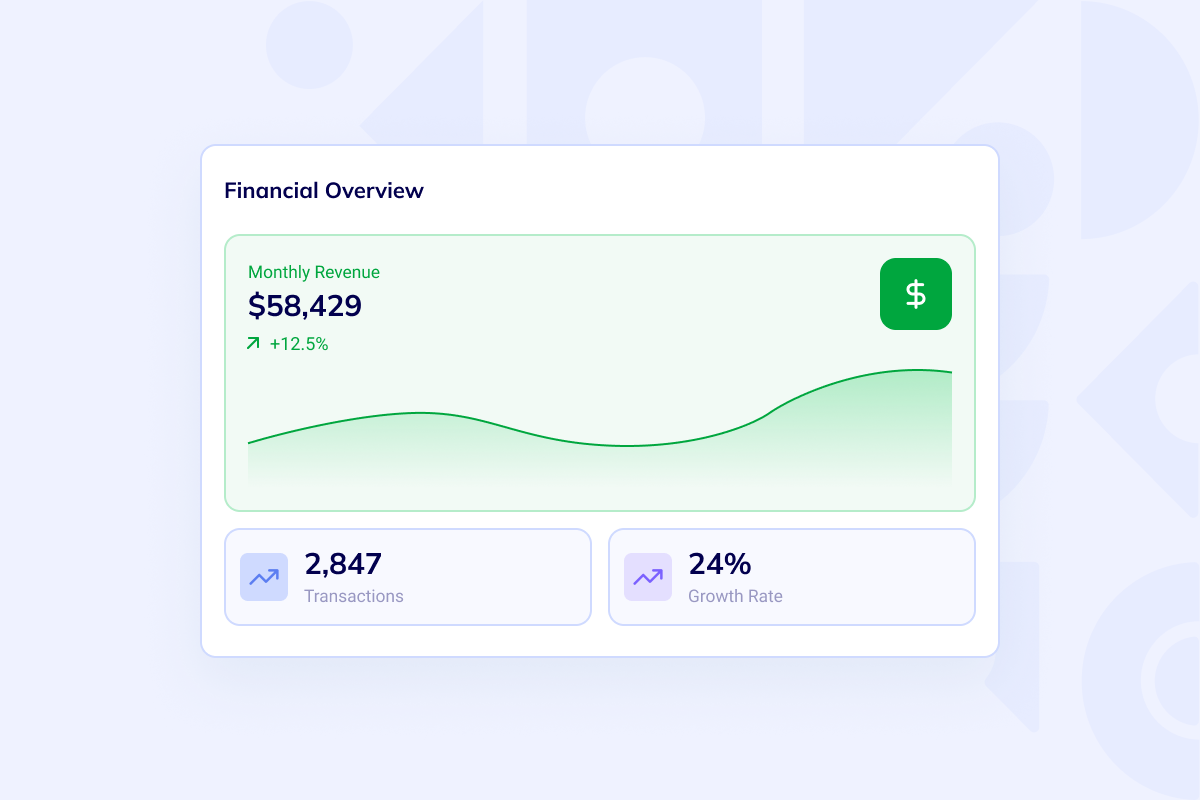
Arrange portfolio summaries, watchlists, alert states, and provider-health indicators in one focused workspace. Real values enter through the external APIs you configure.
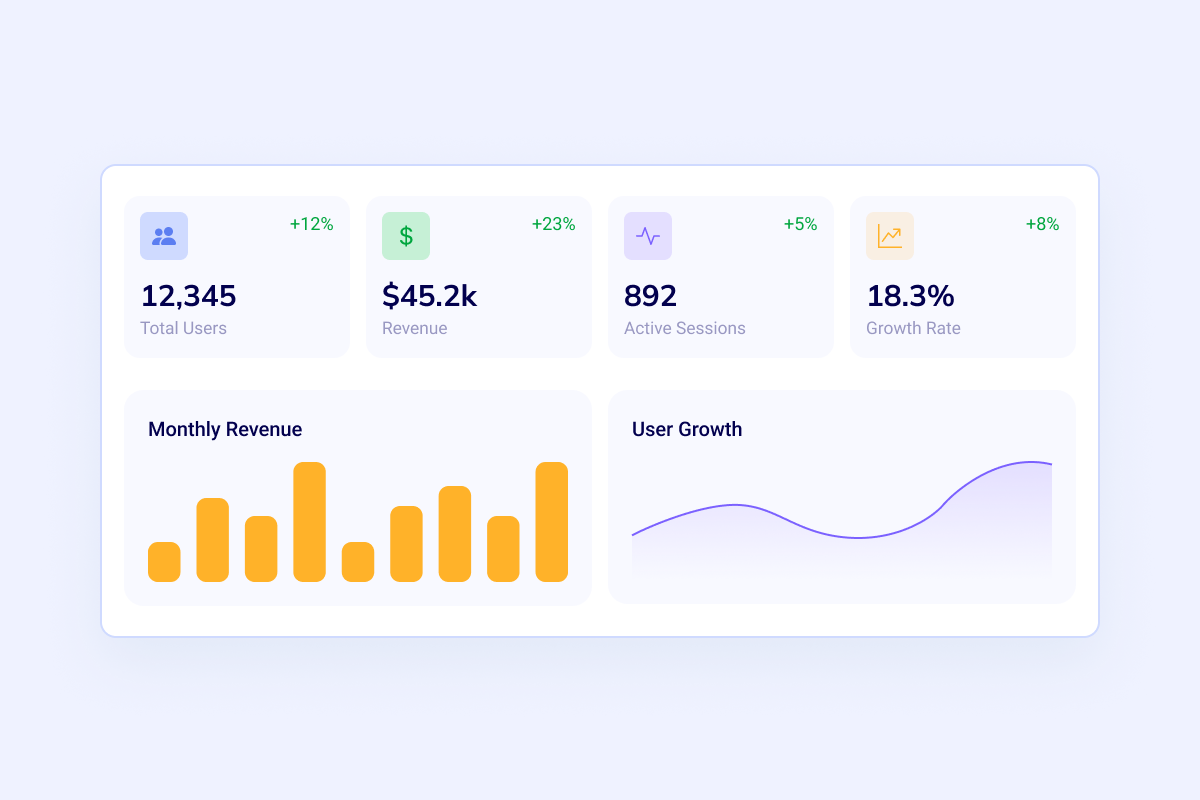
Combine comparison views, ingestion health, alert history, and review workload. Keep customer-facing views separate from provider-health, permission, and exception controls; for a focused operations console, compare the AI admin panel generator.
Trading platform FAQ
Clarify what Flatlogic builds, which services stay external, and where your team remains responsible.
No. The generated application can provide settings, adapters, ingestion status, and screens for data supplied by external market-data providers. You choose the provider, obtain the required access and licensing, and connect it to the application.
Not by default. This page scopes the first application around watchlists, portfolios, alerts, simulations, and reviewed order intent. Brokerage execution and investment-advice services remain outside Flatlogic and require your own qualified providers, product controls, and professional review.
No. Regulatory obligations depend on the jurisdiction, instruments, users, workflows, and operating model. Your legal and compliance teams remain responsible for defining, reviewing, and validating every applicable requirement.
It is a non-executing application workflow that can record hypothetical positions or a user’s proposed action, route it for review, and preserve status history. It does not execute an order or predict an outcome.
Yes, when those providers offer suitable APIs and your account has the required access. The generated codebase can be extended with API and webhook adapters, authentication, monitoring, error handling, and provider-specific testing.
You keep the generated source code and can continue changing its data model, roles, screens, integrations, and workflows. Each project runs on a dedicated VM, giving your team a practical foundation for ongoing development and deployment.
Start with a controlled scope
Return to the prepared prompt for watchlists, portfolios, alerts, simulations, provider adapters, roles, review queues, and audit logs—with live execution and market data explicitly outside the first build.