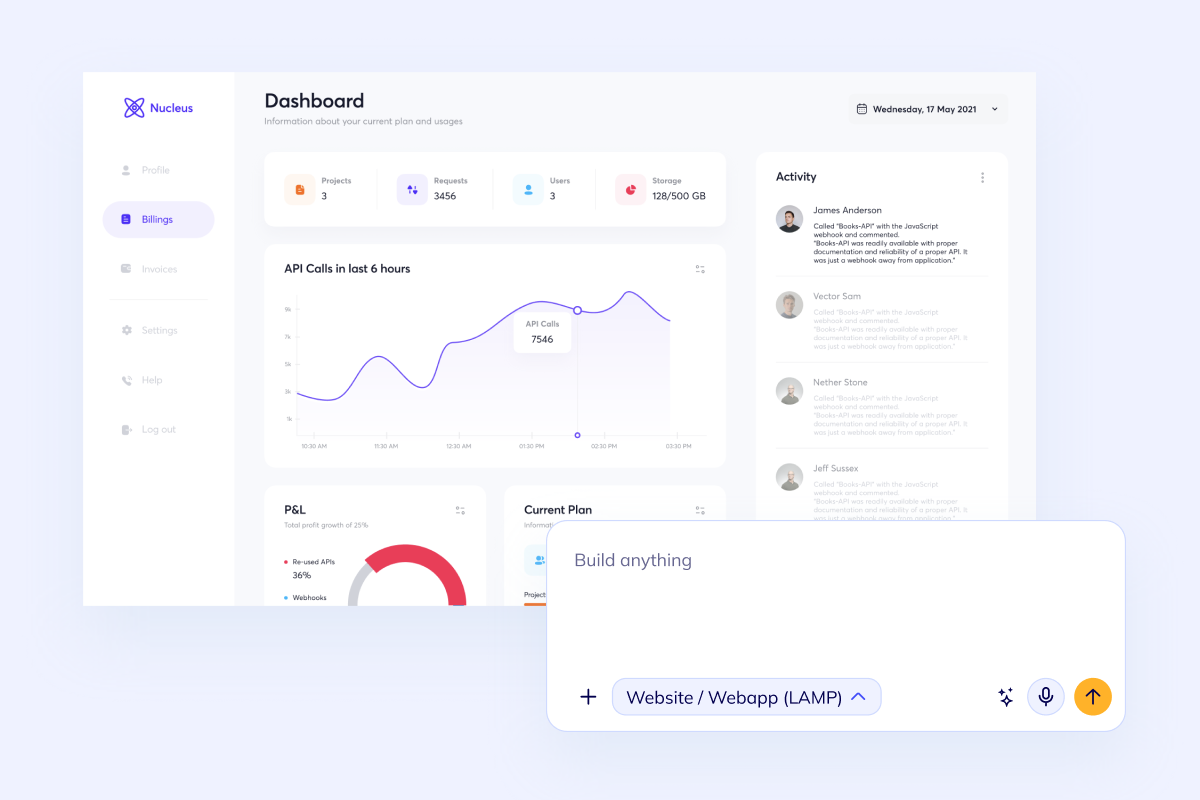


Build Compliance Management Software with AI

Generate audit-ready workflows, evidence handling, approval paths, and reporting in one builder.

The compliance builder is loading...

Audit logs and approval history Evidence vault and document generation Role-based access, SSO, and review queues REST API, webhooks, and notifications

Start with the compliance operating layer first: controls, evidence, approvals, alerts, and the reporting views your team needs when audits or reviews arrive.

Built for teams that need traceable compliance operations with real permissions, records, and audit-ready reporting, not another spreadsheet-plus-inbox workaround.

Core Capabilities

What the first serious compliance management release needs

Compliance requests repeat the same structure: permissioned workflows, audit logs, evidence files, notifications, review queues, and dashboards that show what is complete, blocked, or overdue.

Compliance controls icon

Model policies, controls, owners, and exceptions in one system so teams stop managing compliance in spreadsheets and scattered docs.

Compliance evidence icon

Collect files, review notes, and approval trails in a structured evidence flow that stays readable when audit time arrives.

Compliance automation icon

Connect SSO, alerts, APIs, and webhook-driven workflows early so the first release supports real compliance operations instead of manual chasing.

Built for audit-friendly operations, not just a polished admin shell

Flatlogic gives you a real starting point: a production-grade template, a dedicated VM, and an AI coding agent that can shape the software around your controls, review process, evidence model, and reporting logic.

This is the right fit when the product needs role-based access, document handling, APIs, webhooks, SSO, and code-level customization instead of a locked compliance checklist.

Templates, deployment, and ownership in one workflow

Compliance Workflows

Model the roles, evidence, and review states before compliance work becomes manual

The hardest part is not the UI polish. It is keeping policy owners, reviewers, auditors, and operators aligned on the same records, documents, and status changes.

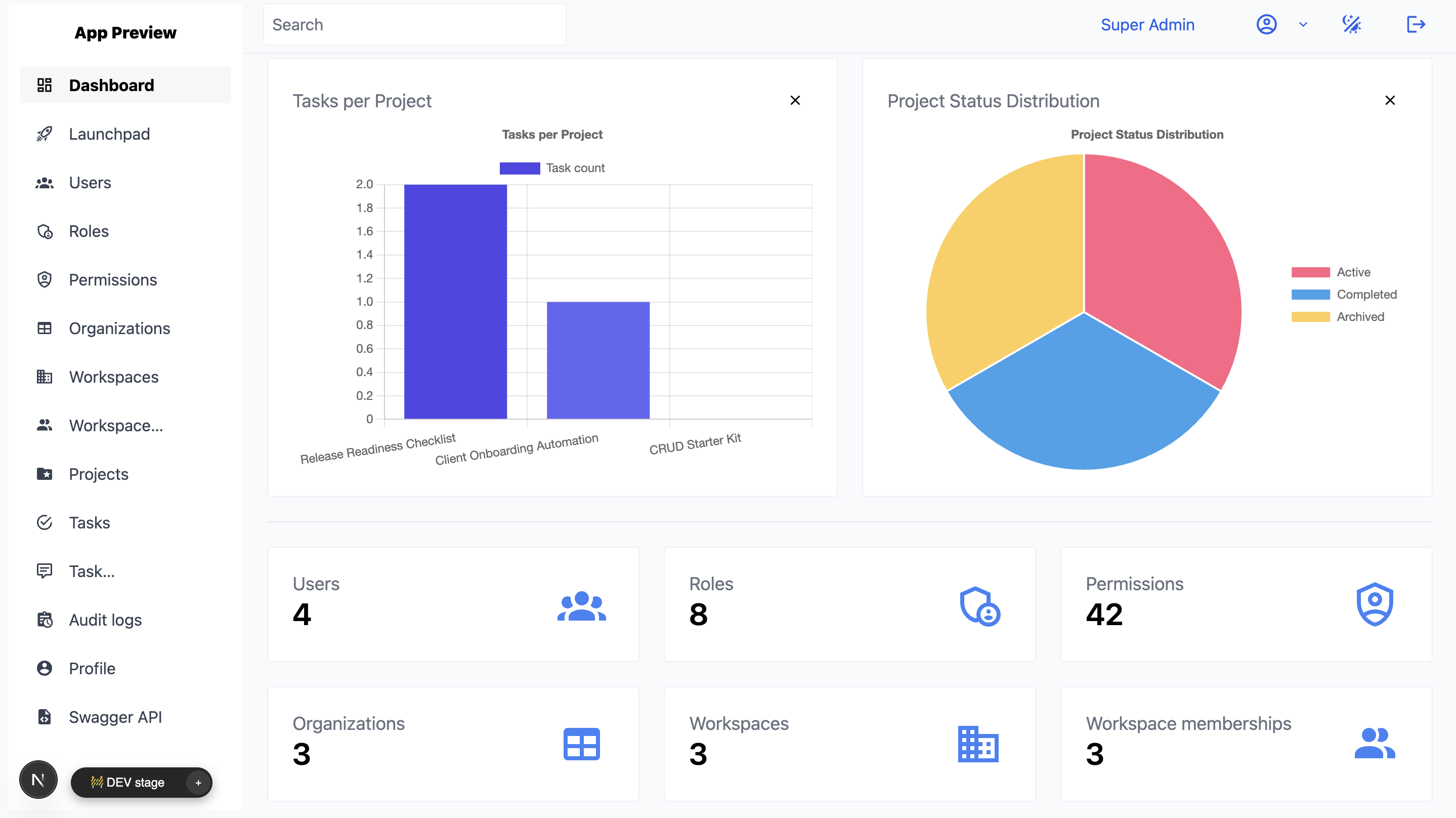
Compliance admin dashboard preview
Compliance admin workspace

Give compliance leads one place to manage frameworks, owners, deadlines, and unresolved exceptions without losing traceability.

  • Control registry and owner assignment
  • Status filters, due dates, and escalation views
  • Permission-aware admin actions and audit trail
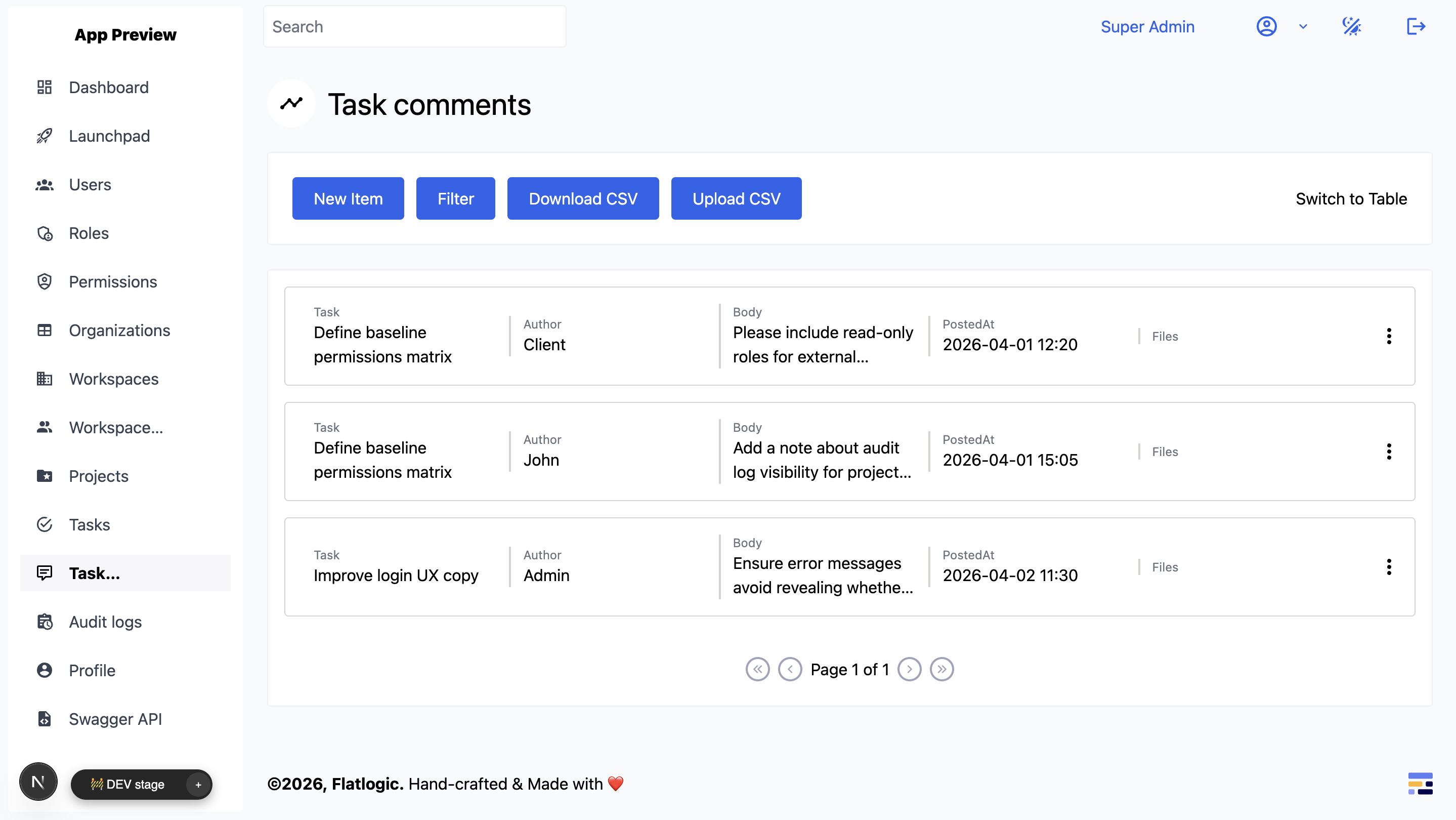
Compliance evidence workflow preview
Evidence and review workflows

Control owners need a fast path to upload evidence, respond to requests, and move approvals forward without email chaos.

  • Evidence uploads and versioned records
  • Review comments, approvals, and reopen flows
  • Notifications for missing or aging items
Compliance reporting dashboard preview
Audit and reporting views

Auditors and operations teams need dashboards, exports, and change history that explain what happened and what still needs action.

  • Dashboard summaries and control health reporting
  • CSV or document-ready exports
  • Issue queues, remediation tracking, and history

Best Fit

Strongest fit for compliance teams that need custom workflow control

This page is strongest when the product needs more than a checklist or document folder. It is for teams that need approvals, ownership, evidence, reminders, dashboards, and audit-ready history in one operating system.

Security and GRC compliance icon

Security and GRC programs

Best for SOC 2, ISO 27001, internal control, and audit programs that need clear owners, evidence records, reminders, and exportable status views.

Quality review compliance icon

Quality and review operations

A strong fit for QA scoring, call review, policy signoff, exception handling, and regulated review queues where every decision needs history.

Vendor oversight compliance icon

Vendor and policy oversight

Useful for vendor assessments, policy attestations, access reviews, remediation tracking, and other oversight workflows with multiple stakeholders.

Compare Custom ERP when compliance sits inside broader operations. Review Custom CRM for customer-facing review or oversight flows. If the same product also needs multi-party onboarding and moderated transactions, explore Marketplace Website Builder. For broader back-office UI patterns, review Admin Panel.

Questions

Questions teams ask before they build compliance management software

Ready To Start

Generate the first version of your compliance management software now

Start with controls, evidence records, approvals, notifications, and reporting in the builder. If you want senior implementation help from day one, use Custom Web Development Services and build the compliance workflow as a delivery project on the same VM-backed system.