

Build a Marketplace Website with AI

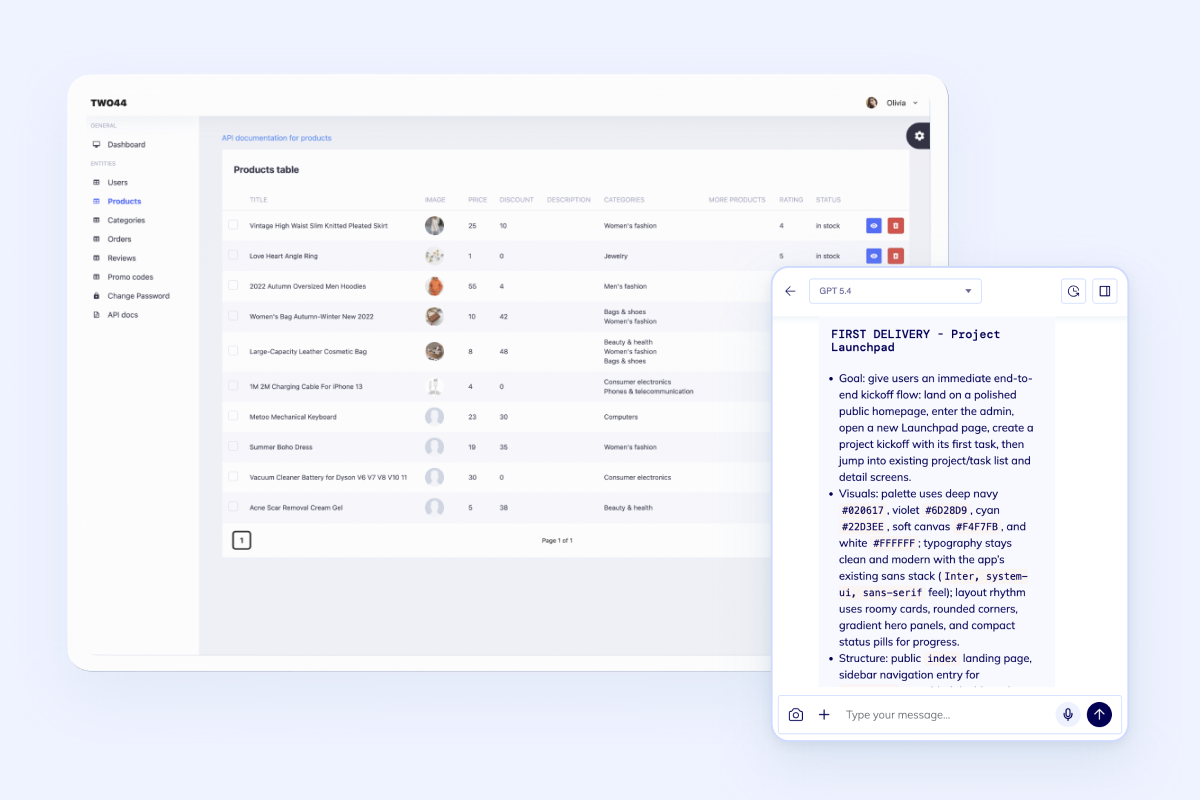
Generate the first version of your seller flows, buyer journeys, and marketplace operations in one builder.

The marketplace builder is loading...

Seller onboarding and profile management Buyer search, filters, favorites, and checkout Orders, moderation, analytics, and notifications Dedicated VM with real code ownership

Start with the core marketplace engine first: listings, profiles, search, orders, admin control, and the integrations needed to operate a live platform.

Built for teams that need a real marketplace system with admin control, not a storefront mockup that breaks as soon as sellers, approvals, or live orders appear.

Core Capabilities

Everything the first marketplace release needs to feel launchable

Marketplace requests repeat the same pattern: multi-role access, listing and search workflows, order handling, notifications, and an operator dashboard that keeps the platform under control.

Marketplace catalog icon

Launch listings, categories, advanced search filters, and profile pages so buyers can browse a real catalog instead of a thin demo.

Seller operations icon

Support seller onboarding, role-based access, approvals, reviews, and order workflows without hand-assembling the whole back office.

Marketplace launch icon

Connect checkout, notifications, analytics, and admin dashboards early so the first release can actually handle live marketplace activity.

Built for real marketplace operations, not just the storefront

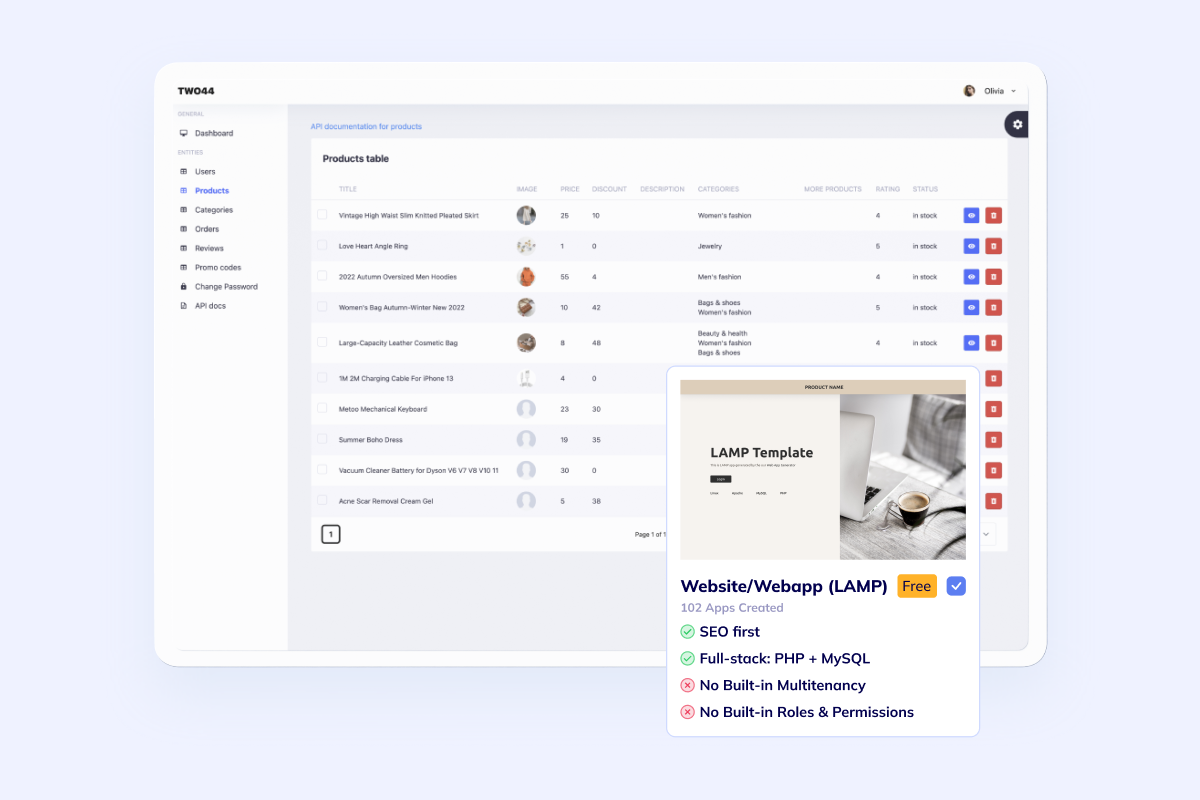
Flatlogic gives you a real starting point: a production-grade template, a dedicated VM, and an AI coding agent that can shape the marketplace around your catalog, approval rules, search logic, and admin workflows.

This is the right fit when the marketplace needs Stripe, SendGrid, analytics, REST APIs, and code-level customization instead of a locked-down plugin stack.

Templates, deployment, and ownership in one workflow

Marketplace Workflows

A marketplace works only when seller, buyer, and operator flows line up

The public catalog matters, but the harder part is keeping onboarding, orders, moderation, and reporting connected across every role that touches the marketplace.

Seller marketplace dashboard preview
Seller workflows

Give vendors a clean path to submit listings, manage inventory, update media, and track order status without exposing the whole admin system.

  • Profile and store setup
  • Listings, media, and category assignment
  • Inventory, order, and notification views

Buyer marketplace catalog preview
Buyer workflows

The buyer side needs more than a storefront. Search, favorites, reviews, checkout, and account history have to work together from the first launch.

  • Catalog search and filter combinations
  • Favorites, reviews, and account history
  • Checkout and post-purchase confirmations
Marketplace admin operations preview
Operator workflows

Operators need visibility across users, orders, payouts, reviews, and moderation queues so the marketplace does not become manual chaos.

  • Role-based admin views
  • Order, review, and approval queues
  • Analytics, auditability, and support actions

Best Fit

Strongest fit for marketplace models that need custom workflow control

This page is best when the product is not a basic one-seller shop. It is for platforms where multiple participants, approvals, search logic, and operations rules shape the product.

B2B wholesale marketplace icon

B2B wholesale marketplaces

Best for teams that need customer-specific accounts, product catalogs, quote or invoice-led orders, and operations dashboards.

Multi-vendor marketplace icon

Multi-vendor product platforms

A strong fit when multiple sellers need profile pages, listing approvals, reviews, favorites, checkout, and ongoing moderation.

Niche marketplace platform icon

Niche listing and transaction apps

Useful for startup directories, giveaways, automotive listings, or curated vertical marketplaces where discovery and trust matter as much as checkout.

If operator tooling is the main challenge, review Admin Panel. If the product is more relationship-heavy around accounts and vendor communication, compare Custom CRM. If marketplace operations lean harder into inventory, purchasing, or finance workflows, compare Custom ERP.

Questions

Questions teams ask before they build a marketplace website

Ready To Start

Generate the first version of your marketplace website now

Start with listings, accounts, seller flows, search, checkout, notifications, and admin controls in the builder. If you want senior implementation help from the beginning, use Custom Web Development Services and treat the marketplace as a delivery project on the same code-owned foundation.