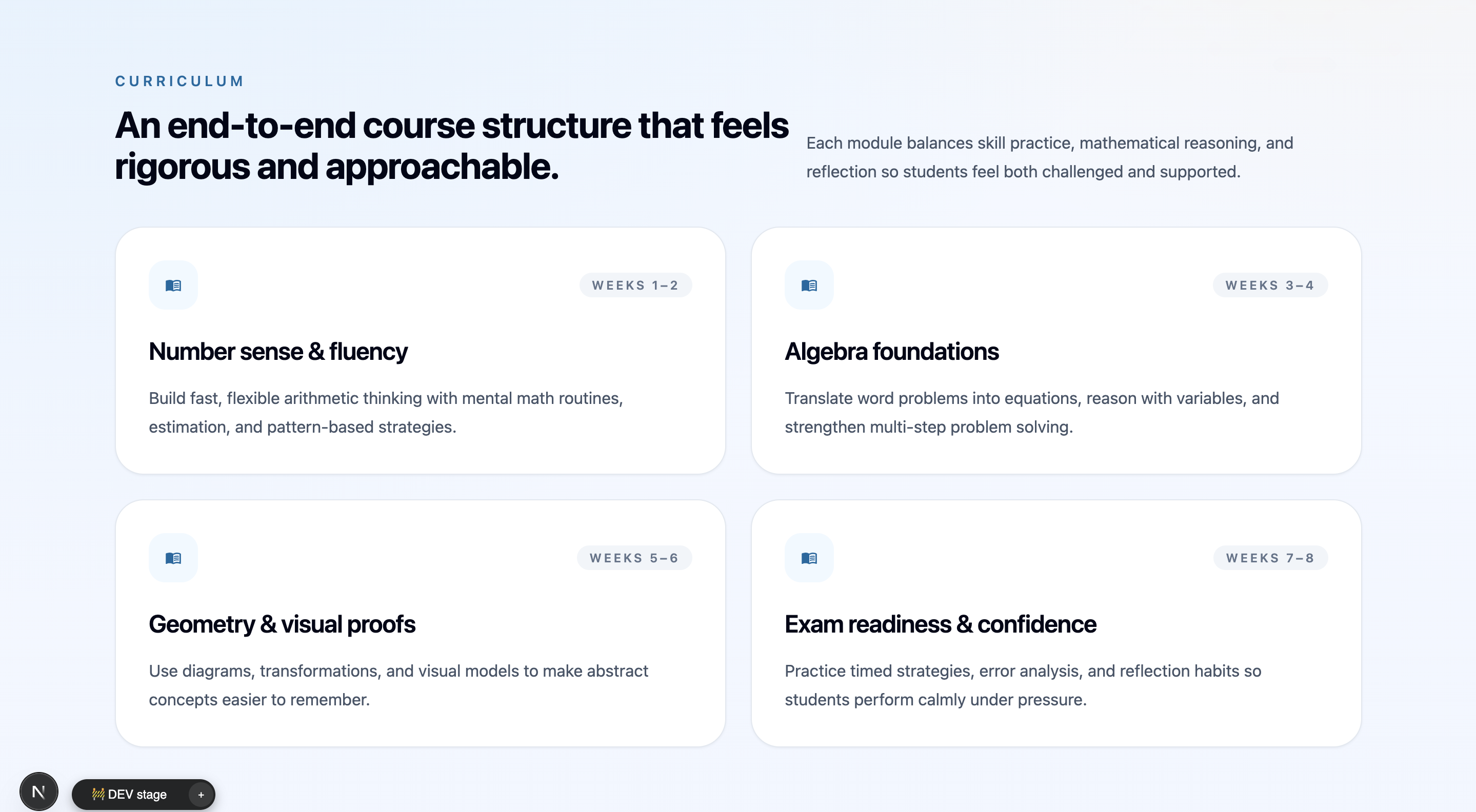
Course and lesson structure
Organize courses, modules, lessons, resources, enrollments, and progress.
Generate courses, portals, quizzes, payments, progress tracking, and admin tools for education software you can own.
The education app builder is loading...
Prompt example: Build an education app with courses, lessons, student and instructor accounts, quizzes, progress tracking, certificates, payments, file uploads, email notifications, analytics, and an admin panel.
Keep the frontend, backend, database schema, and deployment setup.
Run each project in its own VM.
Add admins, instructors, students, parents, and reviewers.
Track progress, scores, certificates, and exports.
Education scope
Define the learning records first, then generate the app and keep editing the code.

Create records for courses, lessons, quizzes, enrollments, certificates, and progress.

Set up roles for admins, instructors, students, parents, and reviewers.

Deploy on a dedicated VM and keep the source code.
Describe what students and instructors need. Flatlogic generates the first app with code, deployment, admin pages, and room to extend.
Best when learning progress is a core recordWorkspace views
Start with course structure, learner pages, instructor tasks, payments, and progress reports.
Organize courses, modules, lessons, resources, enrollments, and progress.
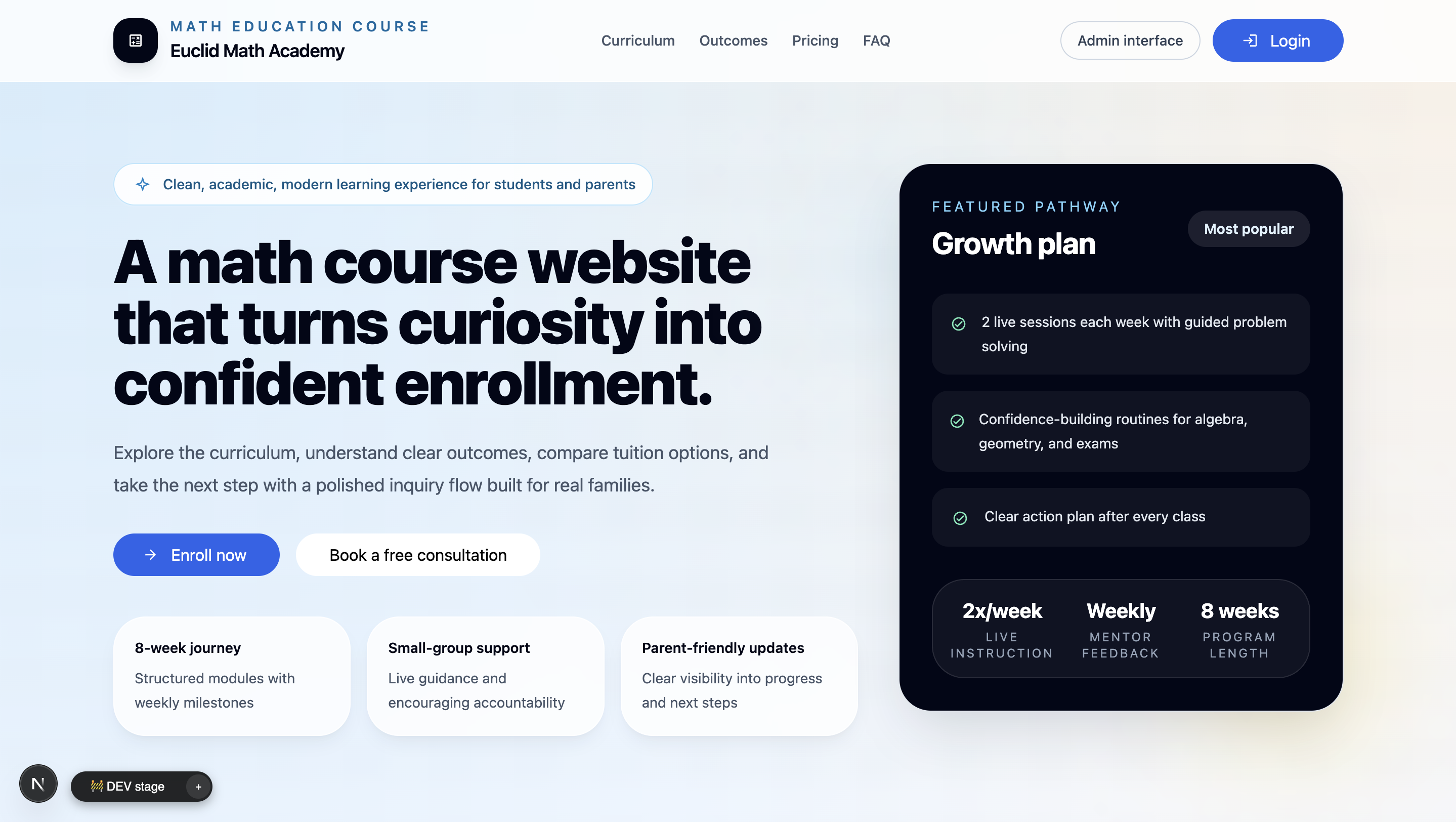
Create pages for course discovery, learner dashboards, payments, and onboarding.
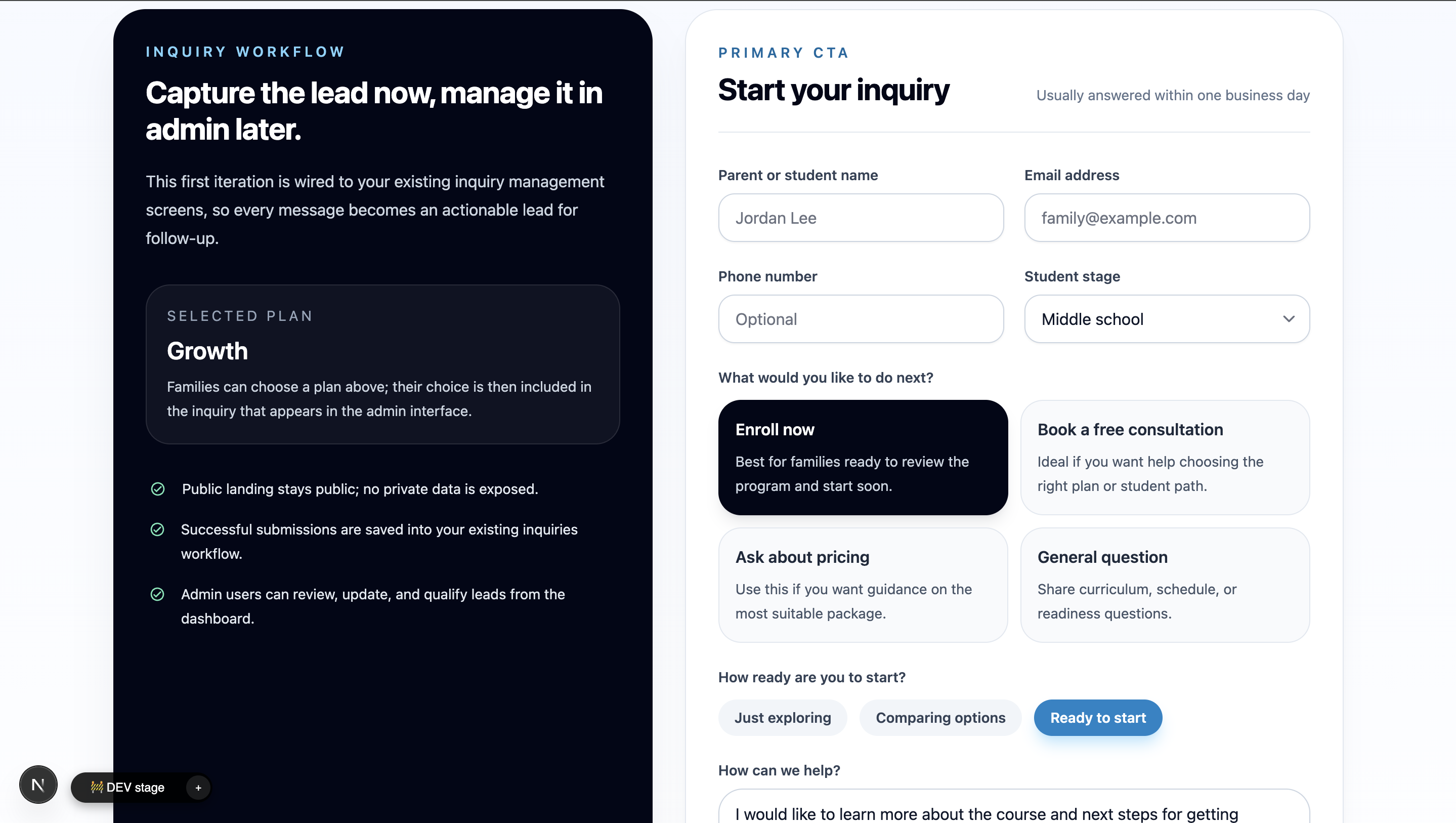
Collect student details, assign plans, track sessions, and route follow-ups.
Build flow
Start with the app structure, then refine lessons, tests, portals, integrations, and reports in code.
Courses, lessons, quizzes, enrollments, certificates, uploads, users, and roles.
Create screens, permissions, student portals, dashboards, and deployment setup.
Set progress rules, quiz scoring, certificates, review queues, reminders, and approvals.
Add payments, uploads, email, login, dashboards, exports, and optional AI features.
Best-fit products
It is best for apps where lessons, learners, progress, and roles need to live together.

Courses, lessons, quizzes, certificates, payments, uploads, and learner dashboards.

Training paths, completion tracking, reports, reminders, cohorts, and admin control.

Student profiles, parent access, schedules, credits, learning plans, and reports.
Questions
Short answers before you generate the first version.
Start the build
Open the builder with a clear prompt. Review the app, then keep editing the code.