



Client workspace
Clients need a clean place to sign in, review updates, and handle the next step without hunting through inbox threads.
- Secure login and account access
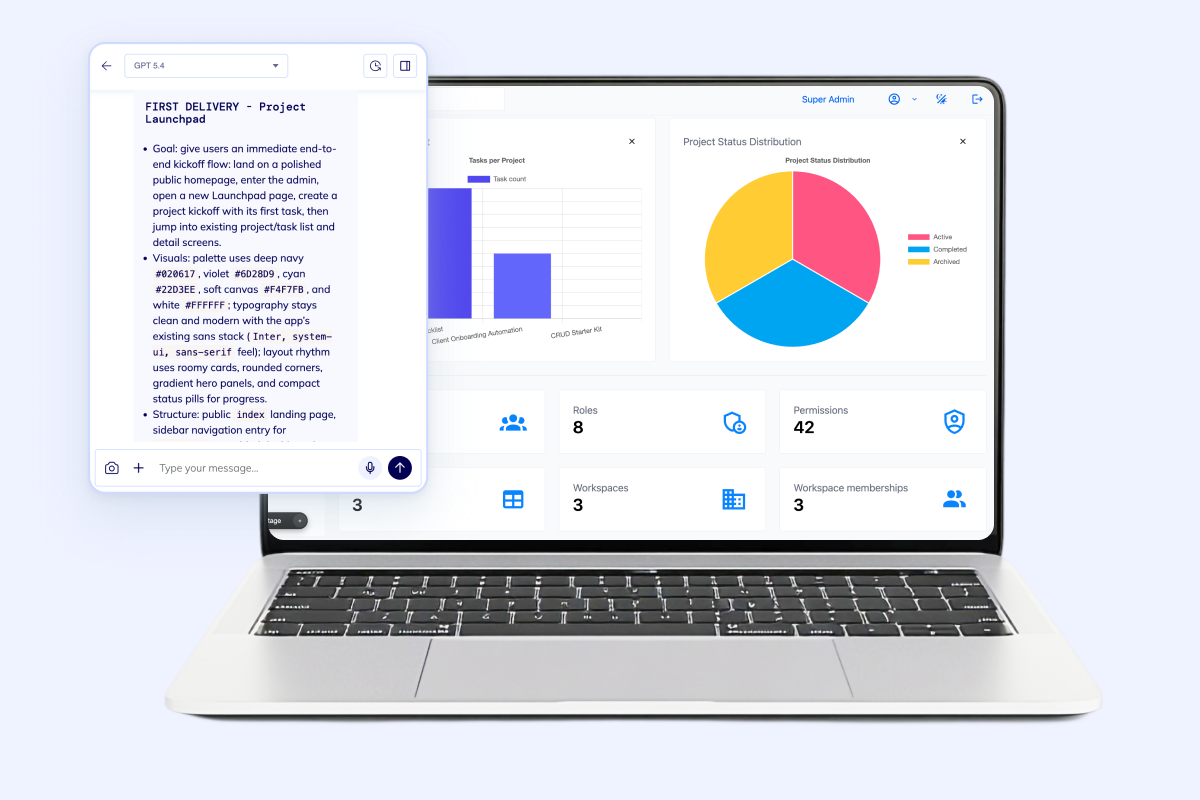
- Client-facing dashboard widgets
- Messages, tasks, and status views
Generate secure login, client dashboards, documents, invoices, status tracking, and admin workflows on a dedicated VM with real code ownership.
The client portal builder is loading...
Best fit for B2B teams that need one portal where clients can log in, see live status, exchange documents, handle billing or approvals, and stay in sync with the internal team without email chaos.
Flatlogic is a strong fit when the client portal needs real auth, dashboards, records, files, notifications, and deployment-ready source code instead of a brochure site or a locked plugin stack.
Portal foundation
The hard part is not a public homepage. It is keeping login, records, files, updates, invoices, and follow-up actions connected in one portal that still feels simple to use.

Give every client a secure login with the right view of dashboards, records, files, and next actions.

Keep document sharing, comments, uploads, and approvals inside the portal instead of scattered across email threads.

Show live project, onboarding, shipment, or service status so clients can see progress without waiting on manual updates.

Connect notifications, invoices, reminders, and operator workflows so the first release feels usable in production.
Flatlogic Generator gives the client portal a real starting point: an AI-assisted build flow, a production-ready template, a dedicated VM operated by an AI coding agent, and source code your team can keep customizing.
If the portal also needs broader internal workflow control, connect the right adjacent product path instead of forcing everything into one vague app description.
Open Client Portal Builder Real templates, deployable code, and room to iterateConnected workflow
Portal requests repeatedly turn into multi-surface systems. External users need clarity, the team needs control, and the delivery workflow still has to stay maintainable as the portal grows.
Clients need a clean place to sign in, review updates, and handle the next step without hunting through inbox threads.
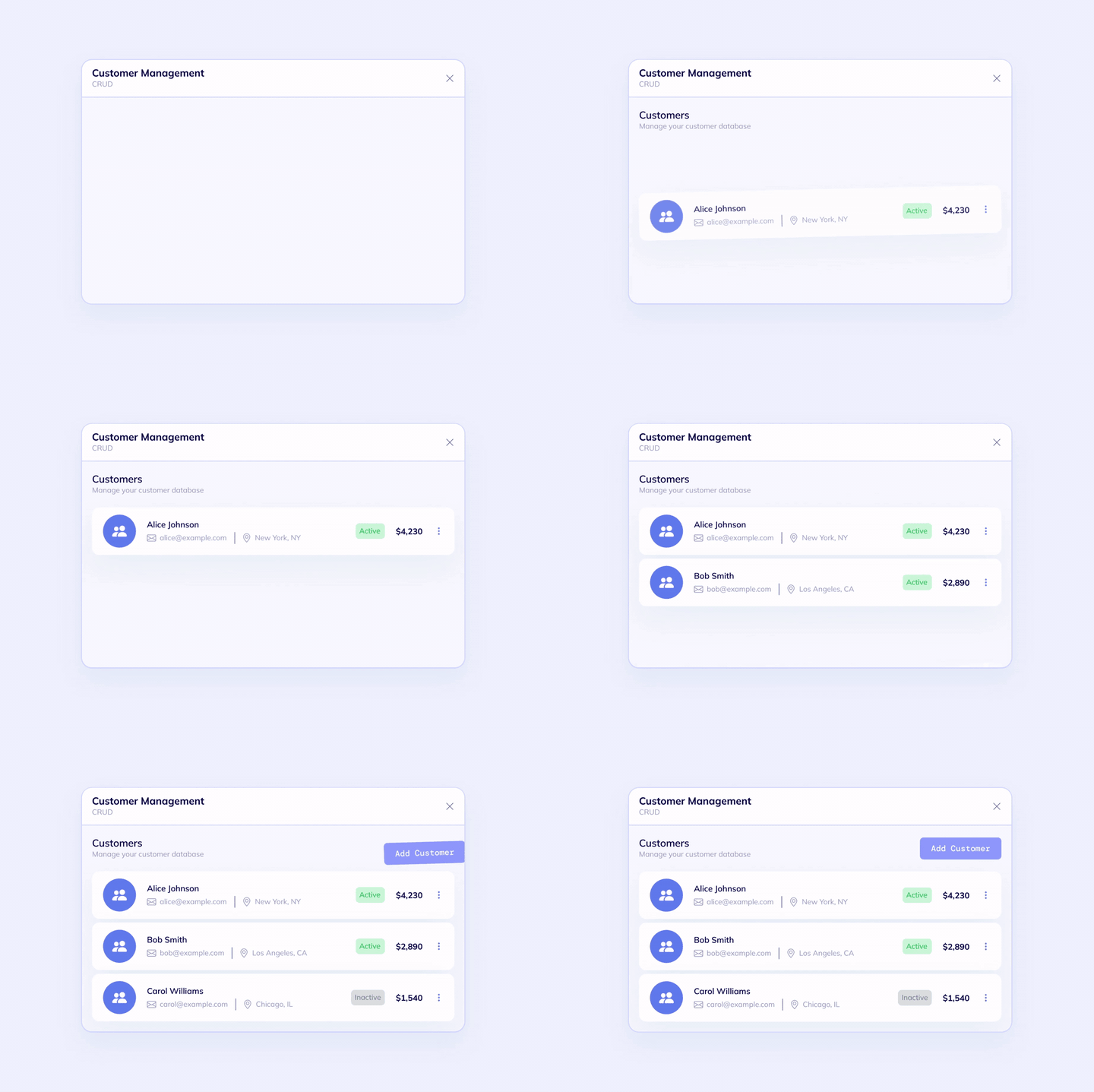
Internal teams need one admin workspace to manage accounts, records, approvals, and exceptions without duplicating work.
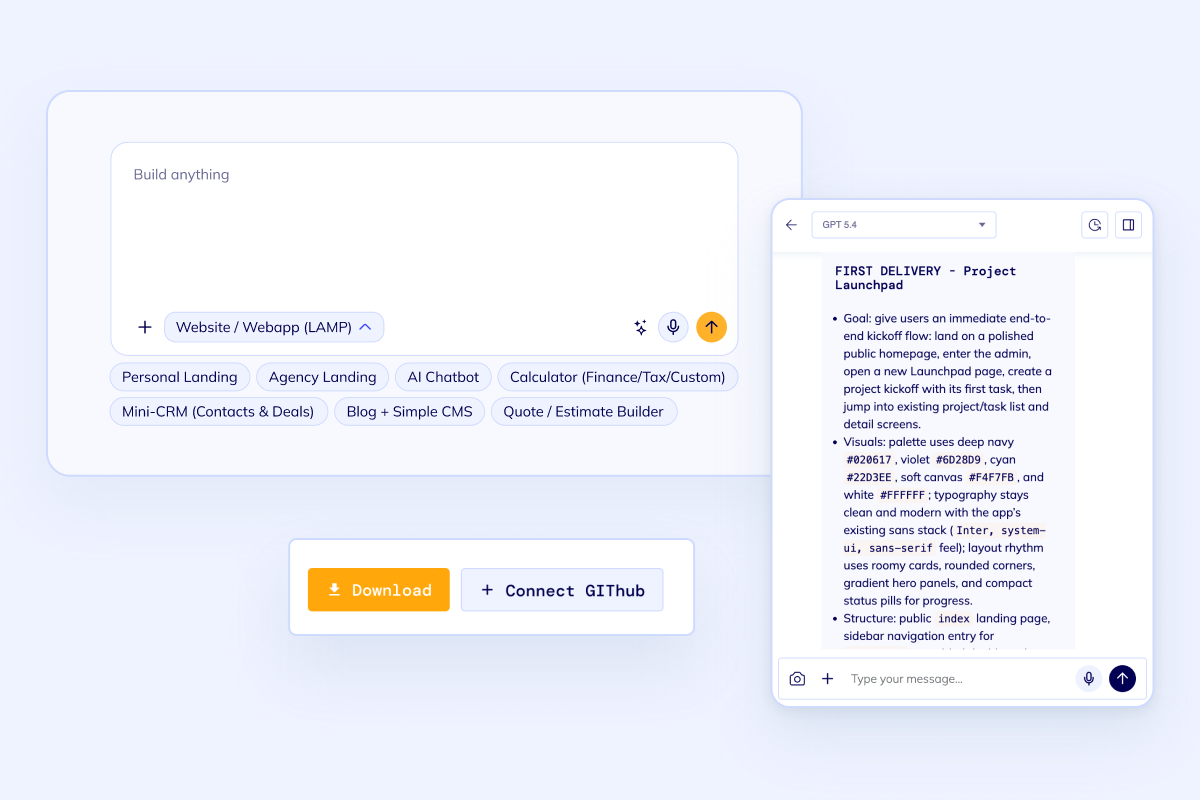
A portal becomes credible when the code can be deployed, reviewed, and extended deliberately as requirements grow.
Best fit
A client portal makes sense when customers, partners, or account stakeholders need their own place to check records, upload documents, follow progress, and complete the next step. If the scope is mostly internal, use the neighboring solution pages instead of stretching the portal keyword too far.

Useful when clients need to review project status, upload files, approve deliverables, or stay aligned with the team.

Strong fit for agencies, logistics teams, professional services, and regulated workflows where records and updates matter.

Use this route when the portal needs invoices, notices, subscriptions, request forms, or account-level reporting.
Compare Custom CRM when the project is more about internal account management, Custom ERP when the portal sits inside broader operational workflows, and Custom Web Development Services when you need senior delivery help from the start.
FAQ
Portal projects sound simple until permissions, documents, notifications, and internal handling need to line up. These are the questions that usually shape the real scope.
Next step
Start with secure login, client-facing dashboards, files, status tracking, invoices, and admin workflows in the builder. If the portal needs senior implementation help from day one, use Custom Web Development Services and treat the portal as a delivery project on the same code-owned foundation.