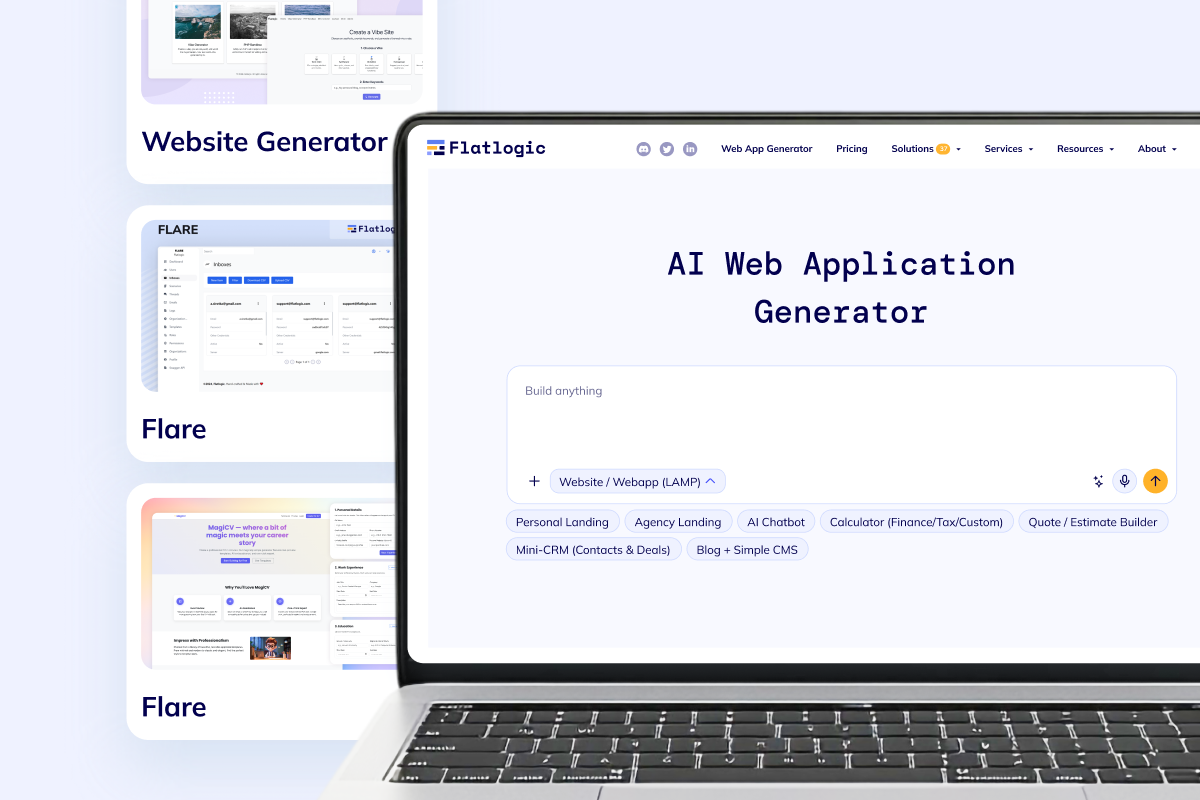



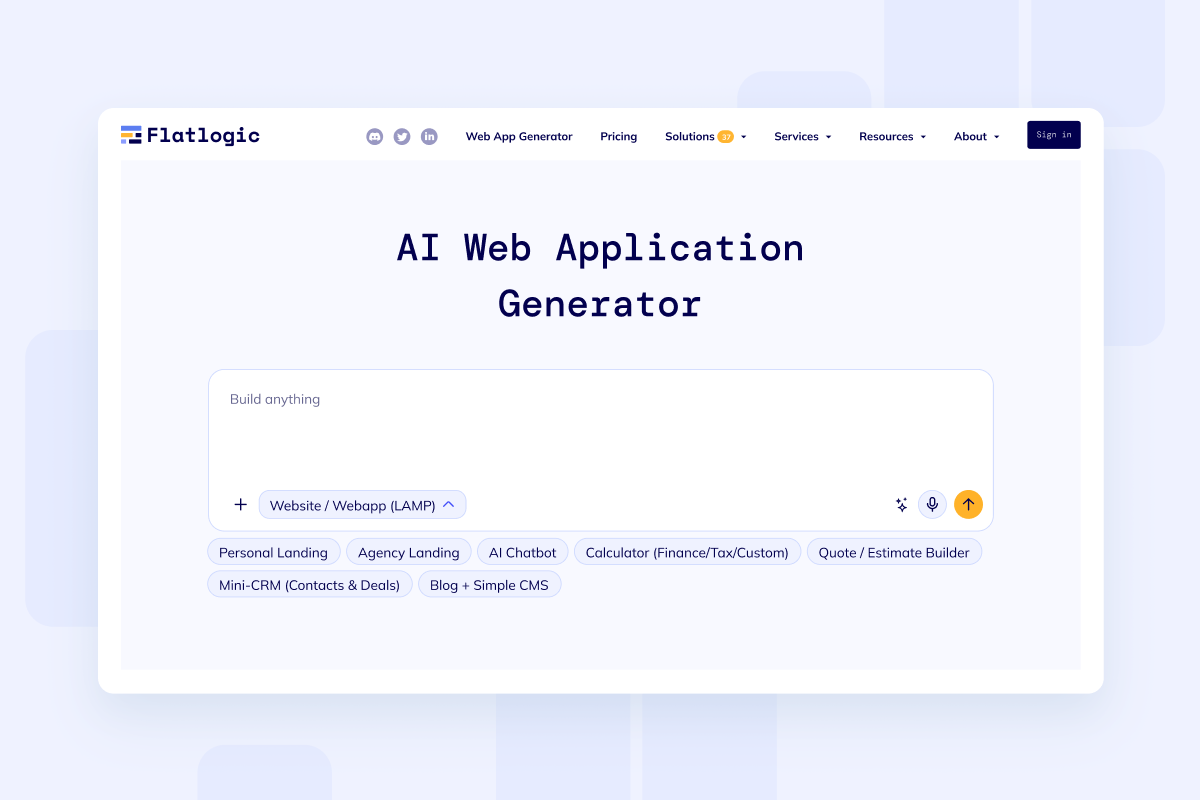
Public website with real launch flow
Start with the homepage, services, pricing, contact flows, analytics, and a real publish path instead of a throwaway mockup.
Generate public pages, CMS editing, lead capture forms, secure areas, and deployment on a dedicated VM from one builder-first flow.
Loading the website builder...
Use this route when you want to build a website that needs more than a theme: content collections, reusable sections, notifications, admin control, and room to grow into a larger product later.
Start with the website scope, generate the first release fast, then keep shipping from the same code-owned foundation as the project gets more specific.
Website capabilities
Production conversation data around CMS and website projects consistently clusters around public pages, responsive layout, SEO basics, post editing, image management, contact capture, notifications, and secure access when the site needs a private side.

Launch the homepage, service pages, case studies, pricing, articles, and reusable sections in one public-facing website structure.

Give editors and operators a real admin area for publishing, media updates, content collections, search, and role-based access.

Add forms, email notifications, analytics, secure resource areas, payments, or scheduling when the website needs product logic beyond static pages.
This route is for teams that want the speed of AI-assisted setup but still need a real codebase, deployment control, and a clean path to future customization. The first version can stay compact while the foundation remains production-ready.
Open Generator Pages, CMS, auth, integrations, deploymentWebsite patterns
The broad keyword is intentional, but the page works best for websites that still need structure behind the scenes: publishing workflows, searchable content, protected areas, lead routing, and a deployment path your team can keep extending.
Start with the homepage, services, pricing, contact flows, analytics, and a real publish path instead of a throwaway mockup.
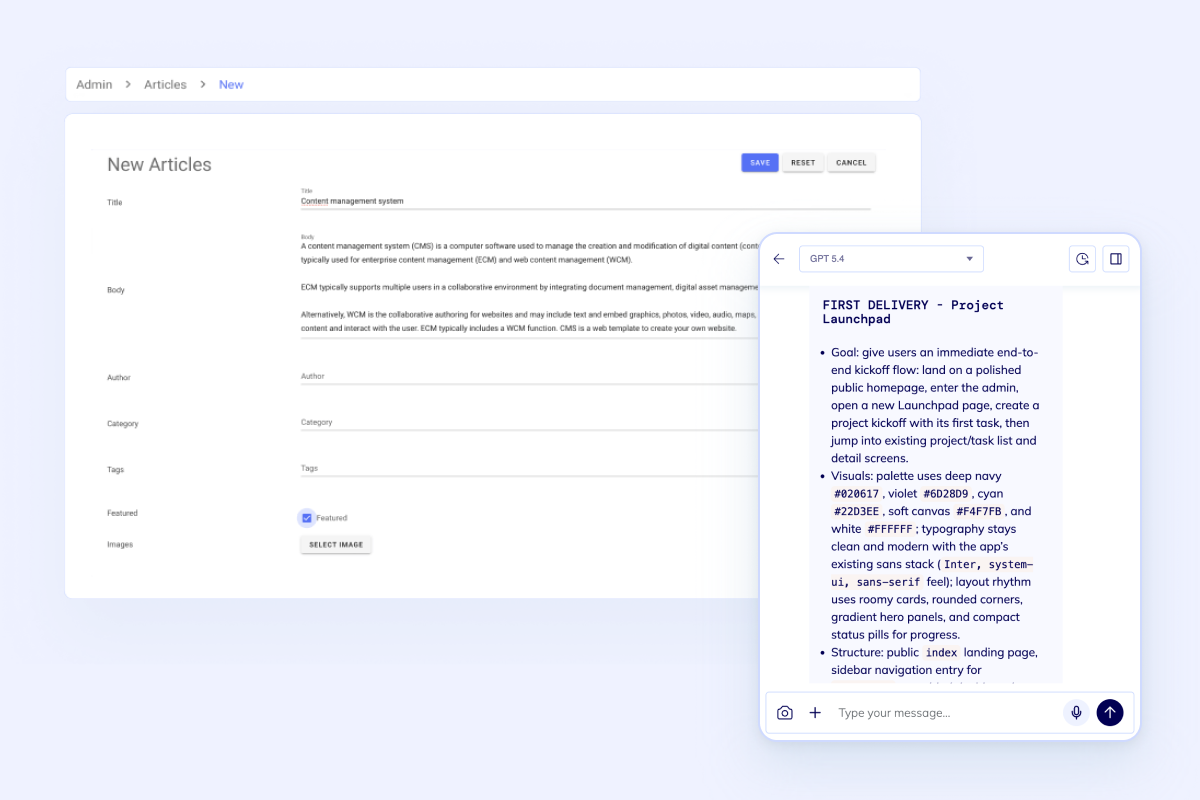
Manage articles, media, categories, reusable sections, and page updates from an admin workspace your team can keep using after launch.
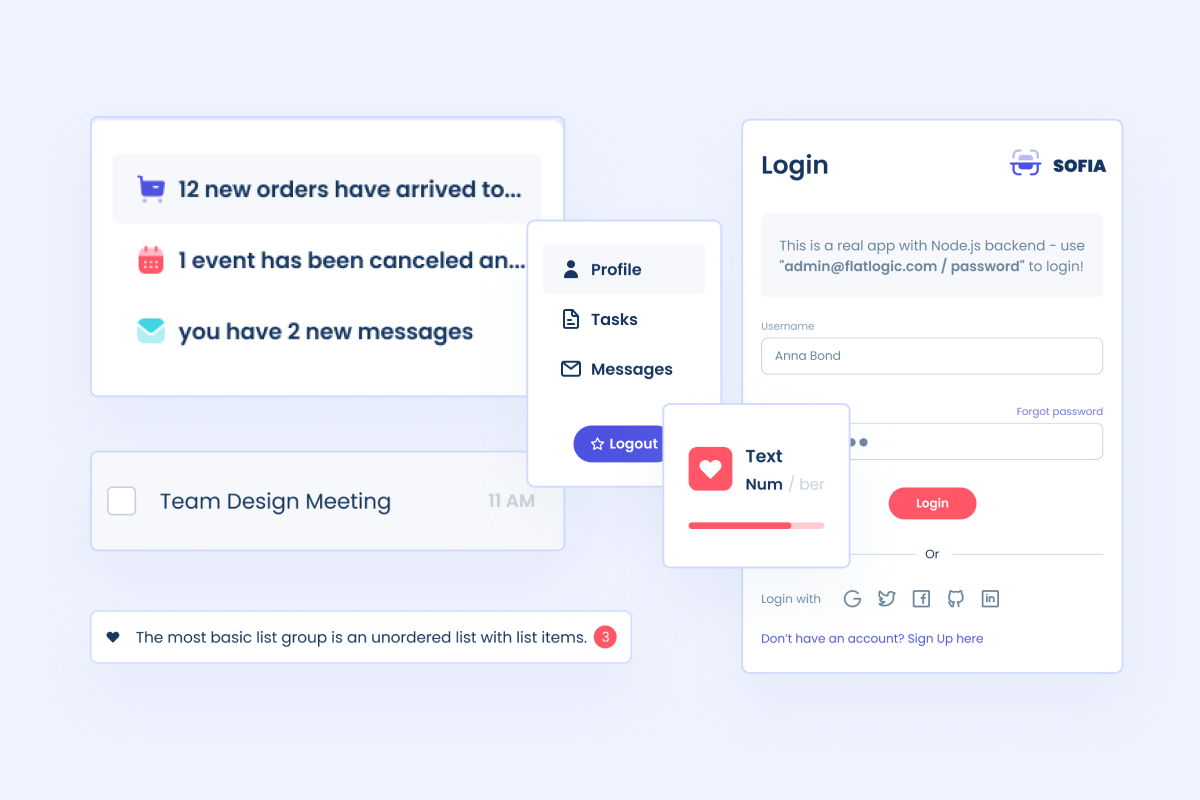
Add login, gated resources, invoices, files, dashboards, and role-based access when the website also needs a private side.
Start from the AI Web App Generator when the scope is still open. Use Custom Web Development Services if you already want senior implementation help and a delivery partner. Bring in AI Consulting Services when the website plan also includes AI-assisted workflows, internal knowledge flows, or rollout planning.
FAQ
Start the first version
If you want more than a theme and page editor, start with the builder now. Generate the codebase, review the structure, then ship on a dedicated VM with a path to future product logic.