Ingest and organize
Upload reusable media, retain versions, group assets into campaigns and collections, and control who can contribute.
Generate a code-owned DAM platform for reusable images, video, and design files—with metadata, approvals, rights controls, distribution, APIs, and an operator workspace your team can keep extending.
Your digital asset management builder is loading...
Prepared prompt: Build digital asset management software for images, video, and design files with metadata schemas, tags, collections, version history, previews and renditions, approval queues, rights expiry, brand portals, role-based access, search, APIs, webhooks, audit logs, and external object-storage integrations.
A serious software foundation
Flatlogic gives your DAM project an editable full-stack foundation on a dedicated VM. Use the AI web application generator to reach a working first version, then keep shaping the data model, workflows, and integrations around your operation.










Built for teams that need maintainable business software, clear ownership, and room to keep iterating.
One controlled asset lifecycle
Give every image, video, and design file a path from intake to controlled distribution—without reducing the system to a document tree or a playback catalog.
Upload reusable media, retain versions, group assets into campaigns and collections, and control who can contribute.

Define schemas, tags, categories, ownership fields, and searchable filters that match the way your teams retrieve assets.

Route previews through reviewer queues, capture decisions, protect approved versions, and keep status visible to contributors.

Record original files and derived formats, dimensions, crops, and transformation status across each approved asset version.

Attach usage terms, territories, owners, and expiration dates so teams can stop distributing assets when rights change.

Serve approved assets through brand portals and APIs, apply role-based access, trigger webhooks, and retain an audit trail.
Planning the internal approval and rights operation first? Explore an internal tool builder. Need a dedicated control surface for metadata, permissions, and audit work? See the AI admin panel generator. Document repositories and subscription streaming remain separate product scopes.
A media-first operator workspace
Bring visual search, collections, permissions, approval status, rights, and distribution controls into one workspace designed around media rather than folders alone.
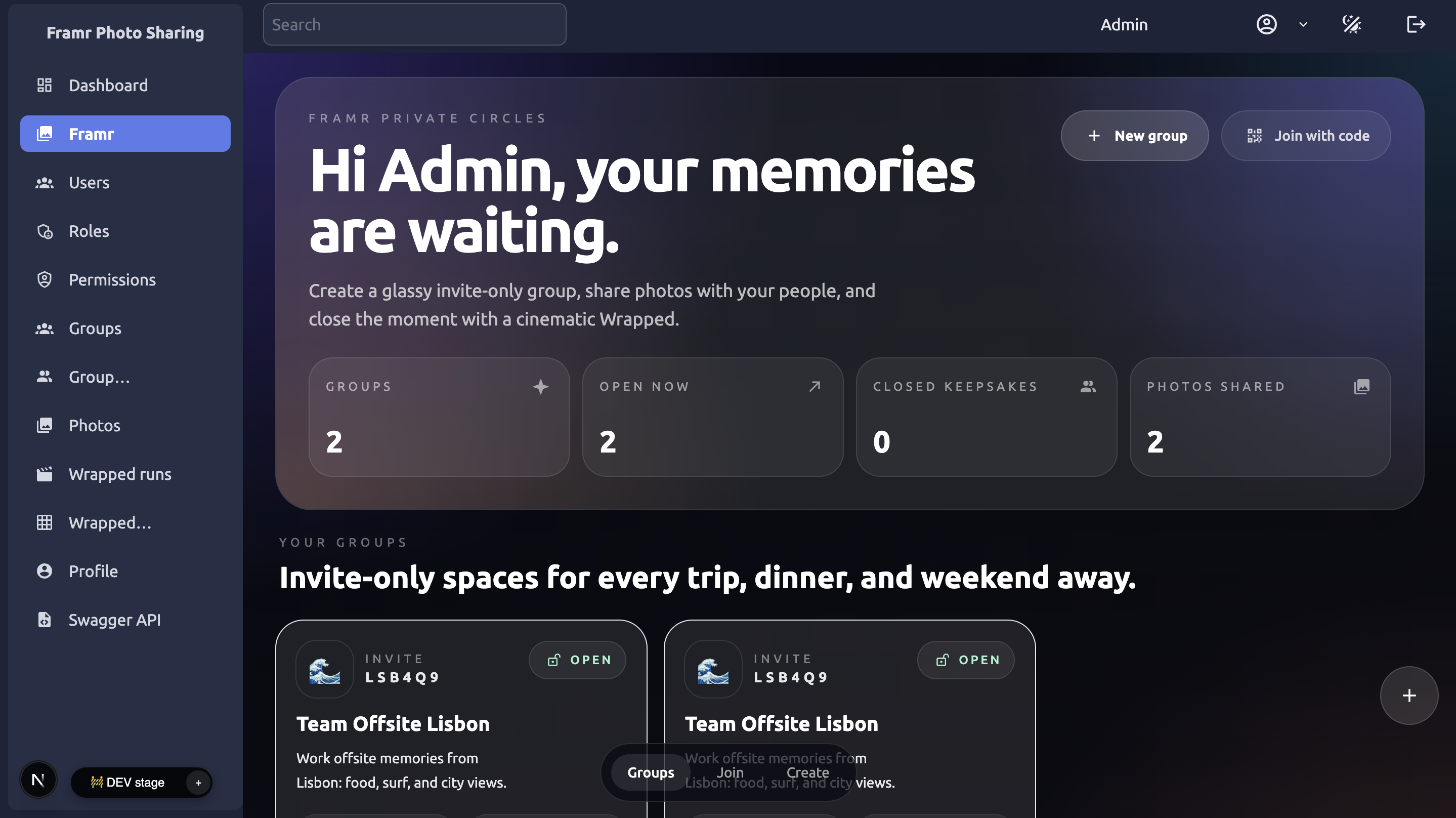
Shape the operator view around asset librarians, reviewers, brand users, and administrators. When outside partners need a focused destination, extend the same controlled distribution model into a client portal with the access and content each audience should see.
Approval to distribution
Start with the asset model, connect the services you already trust, generate the operational flows, and keep improving the code as usage grows.
Model assets, versions, schemas, tags, collections, ownership, usage terms, and expiry rules.
Integrate your chosen object storage, CDN or transformation service, identity provider, email, APIs, and webhooks.
Create contributor, librarian, reviewer, brand-user, partner, and administrator flows with approval and access controls.
Release approved assets through portals and APIs, monitor expiry, retain change history, and extend the application from real usage.
Need a public launch surface alongside the media operation? Use the same code-owned approach to build a website around your brand and distribution goals.
DAM software questions
Know what Flatlogic generates, what remains an external integration, and how this application stays distinct from adjacent media systems.
Build the first version
Return to the prepared digital asset management software prompt, adjust the details for your teams and integrations, and generate the foundation you can keep extending.