Turn audience, tone, source files, and examples into repeatable generation steps.
Build an AI content generator app with real code
Generate the schema, prompt flows, brand asset library, review screens, credit rules, and deployment setup for a content generation product your marketing team can own.
The AI app builder is loading...
Brand voice and campaign templates
Social captions, blog drafts, and email variants
Approvals, credits, exports, and analytics
LinkedIn posts
Instagram captions
Launch emails
Blog briefs
Product copy
Prompt example
Build an AI content generation app for a content marketing team where users save brand voice rules, upload source assets, create campaign templates, generate blog drafts, social captions, and email variants, approve outputs, track credits, and export content for publishing.
Content app foundation
More than a prompt box
A useful AI content generator needs product infrastructure around the model: brand guidelines, campaign briefs, source material, review states, credits, logs, and places for content teams to work.
Manage briefs, drafts, assets, approvals, revisions, and publishing handoff in one app.
Generate blog drafts, social captions, email variants, summaries, and product copy from one workflow.
Launch on a dedicated VM and keep the generated codebase open to your team.
What the app can include
Build the content workspace around generation
Use Flatlogic to start with the records, screens, and controls that turn AI content generation into a working product for writers, agencies, marketers, and creator-tool teams.

Campaign template library
Reusable templates for blog posts, social captions, product descriptions, scripts, summaries, and launch briefs.

Brand kit and source intake
Upload documents, images, notes, examples, or URLs so generated content can follow the right context.

Draft review workspace
Track prompts, outputs, versions, status, reviewer notes, and export-ready deliverables.

Credits and performance views
Control users, plans, credits, rate limits, channel exports, and content analytics without bolting on a second system.
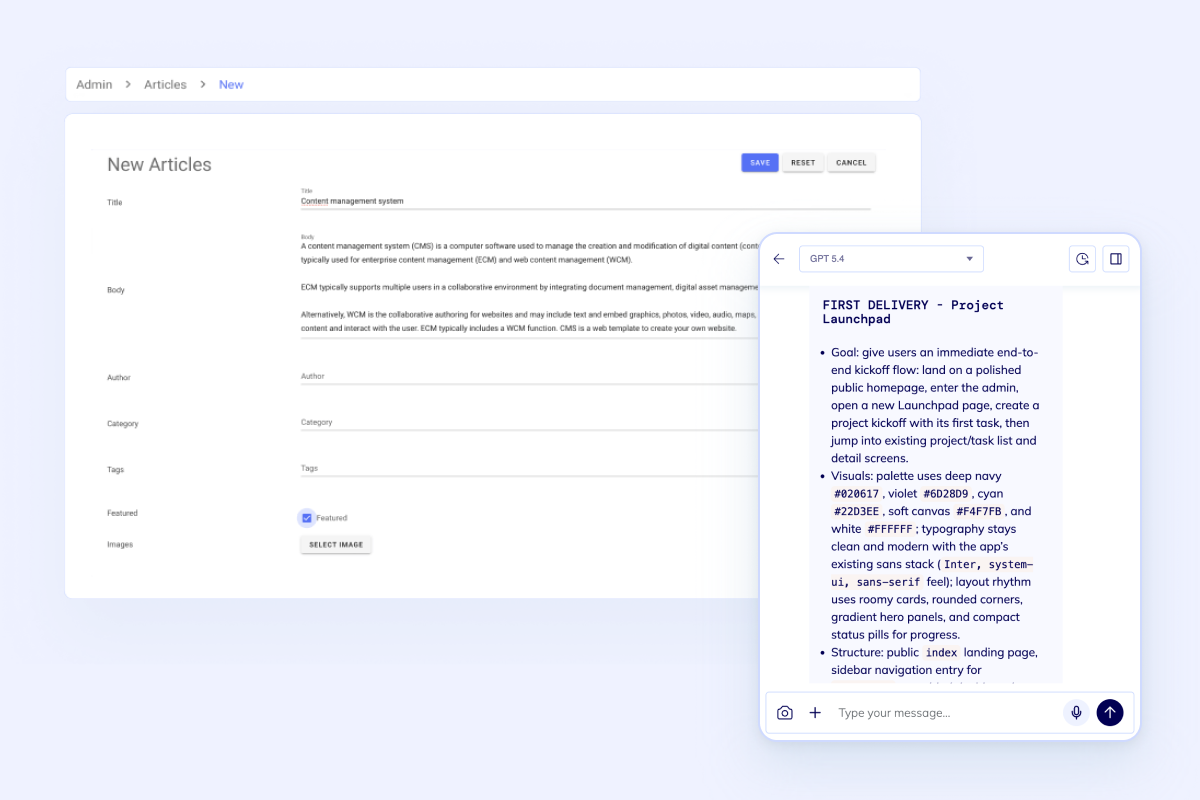
Keep the product boundary clear
Your first release can focus on the content workflows that matter: reusable campaign prompts, uploaded context, brand voice rules, draft review, channel exports, usage analytics, and upgrade paths.
Start with this builderLaunch path
From content idea to running app
Describe the workflow once, then use the generated codebase as the starting point for provider integrations, generation queues, campaign calendars, channel exports, and team-specific rules.
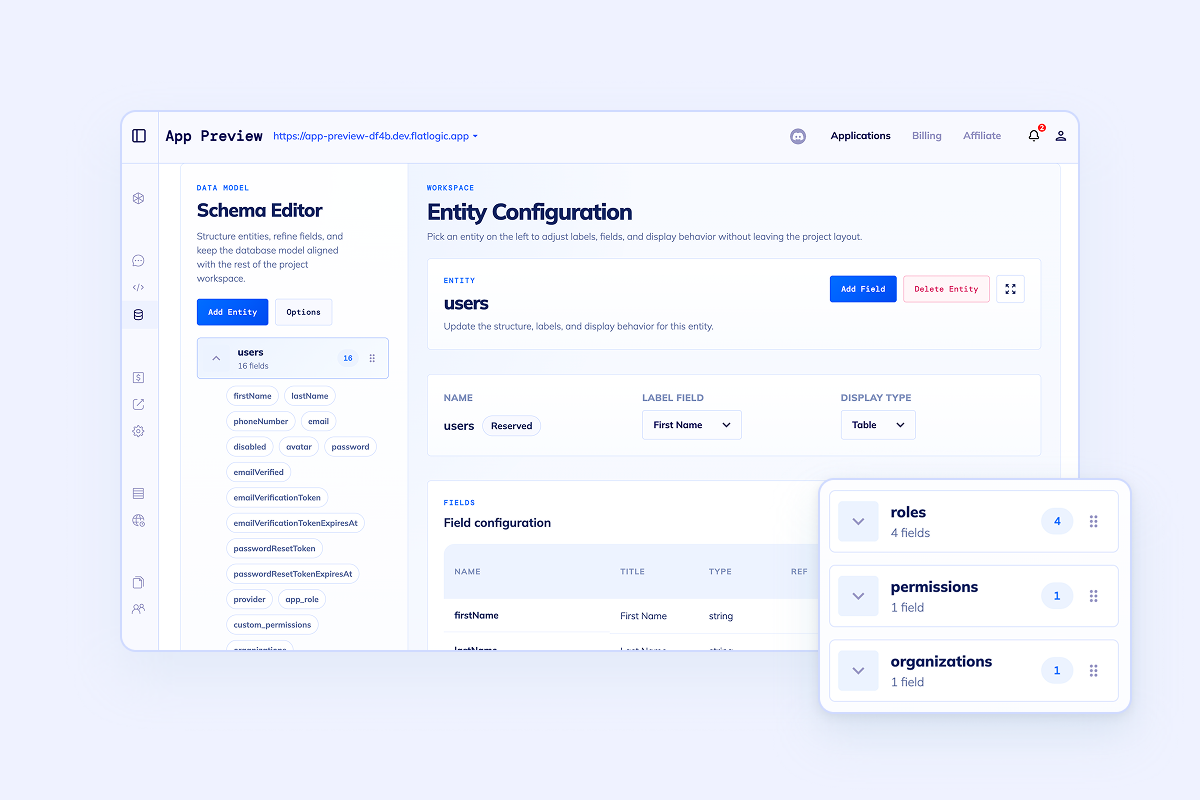
Model the campaign workflow
Start with users, brands, campaigns, prompt templates, source assets, generated drafts, approvals, usage logs, and credit records.
Generate the first content workspace
Create the frontend, backend, database, auth, roles, and admin screens so writers and marketers can test the workflow quickly.
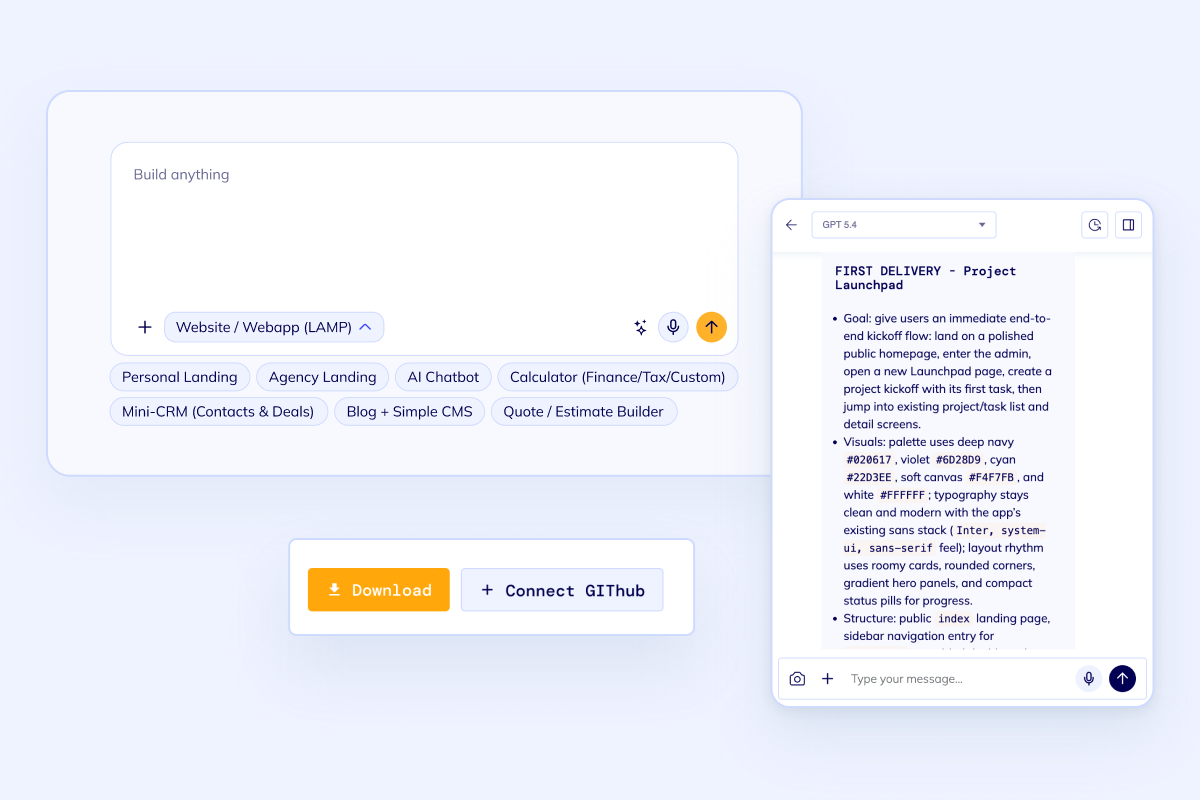
Iterate with real code
Extend the generated app with provider fallbacks, moderation, social exports, content analytics, and publishing integrations.
FAQ
Common questions before you build
It is for building your own AI content generator app. The page focuses on the software around generation: brand voice, prompts, files, users, plans, history, approvals, exports, analytics, and deployment.
Yes. You can model templates and workflows for blog posts, product descriptions, social captions, email variants, scripts, summaries, PDFs, images, or other structured outputs, then continue extending the codebase.
Most teams start with an AI provider such as OpenAI, file storage, email delivery, Stripe billing, REST APIs, webhooks, and analytics. The exact list should match your product workflow.
A chatbot page is centered on conversations. This page is centered on content operations: campaign templates, brand assets, generation history, review states, exports, credits, and publishing workflows.
Start with a concrete prompt
Build your AI content generator app
Use the builder to generate the first working version, then keep iterating on the source code with your own brand rules, campaign templates, social exports, integrations, and release priorities.