


TL;DR
- Pick a CRM based on workflow fit, not feature count; map your customer journey before buying or building.
- Off-the-shelf CRMs (HubSpot, Pipedrive, Salesforce, Zoho) are fastest for standard sales processes.
- Custom CRM makes sense when your workflow needs unique objects, logic, permissions, or deep ops integration.
- Flatlogic can generate a source-code full-stack CRM from a natural-language spec, then you extend it as needs evolve.
- AI-assisted app generation shortens the “blank repo” phase, but integrations, security, and maintenance still need engineers.
Fact Box
- Salesforce lists Starter Suite from $25/user/month (US) and €25/user/month (EU) as of September 2026.
- HubSpot offers a free CRM that includes contact management, deal pipelines, task/activity management, and reporting dashboards.
- Pipedrive centers on visual deal pipelines and links activities and follow-ups to pipeline stages.
- Pipedrive supports customizable pipelines and fields, workflow automation, reporting, and integrations with hundreds of apps.
- Flatlogic’s AI Web App Generator can create a full-stack app with DB, frontend, backend, auth, roles, APIs, and deployment.
Before choosing another CRM subscription, take a closer look at how your business actually works. The best CRM for a small company isn’t necessarily the one with the longest feature list, it may be the one that fits your workflow instead of forcing your team to change it.
If you’re searching for CRM software for a small business, you’re probably trying to answer a few practical questions. Should you buy an existing CRM or build a custom one? Which tools are affordable enough for a startup but flexible enough to grow with it? How difficult is it to create your own CRM, and does custom CRM software still require a large development team?
“The purpose of business is to create and keep a customer” – Peter Drucker.
Managing those relationships becomes much harder once a company moves beyond a handful of customers and leads. Information starts appearing in spreadsheets, email inboxes, messaging apps, sales tools, and accounting systems, and it becomes increasingly difficult to understand the full history of a customer without checking several places. This is one of the reasons CRM software has become such a standard part of modern sales operations. Major platforms such as HubSpot, Salesforce, Pipedrive, and Zoho have built their products around bringing customer information, sales activity, communication, and reporting into a more structured environment. At the same time, the rise of AI-assisted software development is creating another option for smaller companies: instead of adapting their processes to an existing CRM, they can build a web application around the way their business already works.
By the end of this article, you’ll have a better understanding of the main tools available for building or managing CRM software for a small business, what to consider before choosing one, and when a custom CRM starts making more sense than another off-the-shelf subscription. We’ll start with Flatlogic, an AI consulting and development company that helps startups and businesses create custom web applications, including CRM systems, and then compare that approach with established platforms such as HubSpot, Pipedrive, Salesforce, and Zoho.
What Does a Small Business Actually Need From a CRM?
Before comparing traditional CRM platforms, it’s worth taking a step back. A CRM isn’t valuable because it has a particular number of features. It’s valuable because it gives a team a reliable picture of what is happening with customers.
For a small sales team, that might mean knowing which leads came in this week, who owns them, when each prospect was last contacted, which opportunities are close to a decision, and what needs to happen next. If the information is spread across a spreadsheet, email inbox, and Slack, the team spends time reconstructing that picture instead of working with it.

A useful CRM therefore needs to do a few basic things well. It should keep customer and company information organized, make the sales pipeline visible, record interactions and activities, and make follow-up easier. As the business becomes more mature, reporting, automation, permissions, integrations, and custom workflows become increasingly important.
The interesting part is that different businesses reach that point in different ways.
A small agency might mainly need contacts, deals, proposals, and follow-up reminders. A SaaS startup might also need trial accounts, subscriptions, renewals, customer health information, and support history. A property business could need properties, owners, buyers, viewings, offers, and contracts.
All of these companies can technically use the same CRM. But that doesn’t mean they need the same application. This is where the distinction between a CRM product and a custom CRM application becomes useful.
A CRM product gives you a predefined environment that you configure. A custom CRM gives you much more control over the data model and business logic. Neither approach is automatically better; the right choice depends on how closely your business process matches the software you are buying.
Flatlogic
If the priority is to get a CRM that actually matches the way your business works, Flatlogic is an option worth considering before committing to a standard CRM platform.
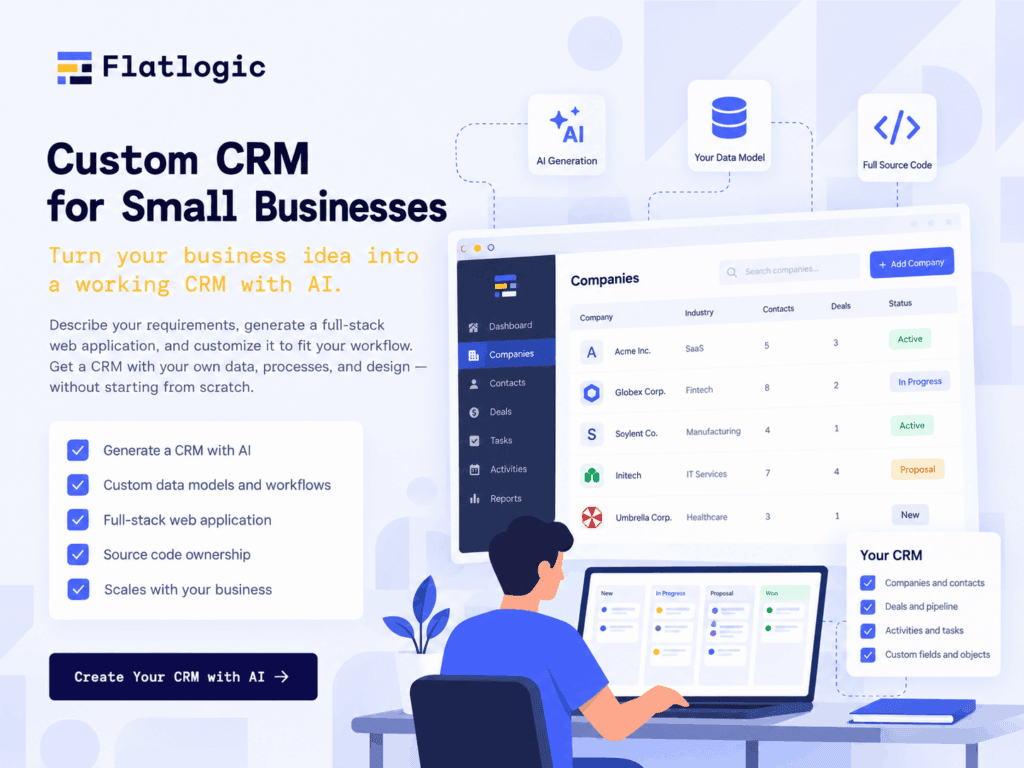
Flatlogic is an AI consulting and development company that helps startups and businesses build custom web applications, including CRM, ERP, dashboards, internal tools, and other business software. Its AI Web App Generator allows a team to describe the application it needs and generate a working full-stack web app with a database, frontend, backend, authentication, user roles, APIs, and deployment. The generated application can then be modified and extended as the business requirements become clearer.
For a small company, this can be particularly useful when the sales process doesn’t fit neatly into a traditional CRM. Instead of changing the company’s workflow to match an existing product, the team can start by defining its own process. A CRM might include companies, contacts, leads, opportunities, activities, tasks, and reports, but it can also include whatever is specific to that business, whether that’s customer onboarding, contracts, subscriptions, technical assessments, approvals, or other internal processes.
You also don’t have to start with a large development project. Flatlogic can generate the initial application from a natural-language description, giving the team a working foundation that can be tested and refined. Developers can then continue working with the generated source code, connect additional services, change the database structure, or add functionality as the application grows.
That is where the approach differs from buying a conventional CRM.
With HubSpot, Pipedrive, or another established CRM, you start with an existing product and configure it around your business. With Flatlogic, you start with the business requirements and generate the software around them. For a company with a relatively standard sales process, an existing CRM may still be the faster and simpler choice. But if the CRM needs to reflect a specialized workflow or eventually become part of a larger internal business application, having more control over the underlying software can be valuable.
There is also a practical advantage for startups that expect their requirements to change. A company might begin with a simple CRM containing leads, contacts, deals, and activities, then later add customer onboarding, account management, billing information, or custom reporting. Because the application is generated as full-stack software with source code, it can continue evolving instead of remaining limited to the features provided by a CRM vendor.
For many startups, that’s the main reason to consider Flatlogic. The goal isn’t to build a complicated CRM just for the sake of customization. It’s to create a business application that fits the company’s workflow from the beginning and can grow alongside it, without requiring the team to completely redesign its processes around someone else’s software.
HubSpot
If the priority is to get a CRM running without building software, HubSpot is one of the most obvious places to start.
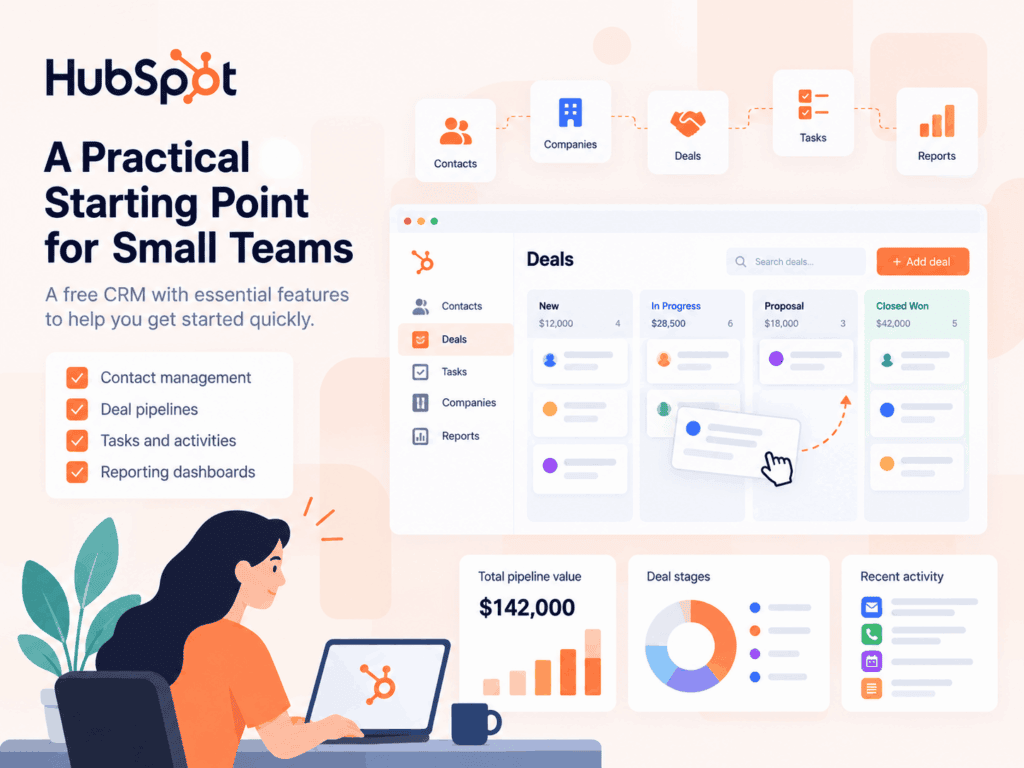
HubSpot currently offers a free CRM aimed at startups and small businesses. Its free product includes contact management, deal pipelines, CRM import, task and activity management, reporting dashboards, and other basic CRM capabilities. HubSpot also positions its wider platform around marketing, sales, customer service, content, and AI features, allowing businesses to add functionality as their requirements grow.
For a young company with a conventional sales process, that can be a major advantage. You can create a contact, associate it with a company, move an opportunity through a pipeline, record meetings and emails, and give other members of the team visibility into the relationship.
You also don’t have to design the database or build the user interface. Those decisions have already been made for you.
That is exactly why buying software is often the sensible choice.
If your sales process is relatively standard, spending time building a custom CRM may not give you much additional value. Your team probably doesn’t care whether the database was designed specifically for your company. They care whether they can find a customer quickly and know what to do next.
HubSpot becomes less straightforward when the business starts requiring highly specific processes or objects. More advanced CRM functionality is tied to paid editions, and the broader platform can become increasingly sophisticated as more products and features are introduced.
For many startups, that’s still a reasonable trade-off. The company gets a mature platform, a large ecosystem, and a relatively quick implementation without taking responsibility for building and maintaining the underlying software.
Pipedrive
Pipedrive takes a somewhat different approach. Its product is strongly centered on the sales pipeline, deals, activities, and follow-ups, which makes the platform particularly easy to understand for sales-focused small businesses.
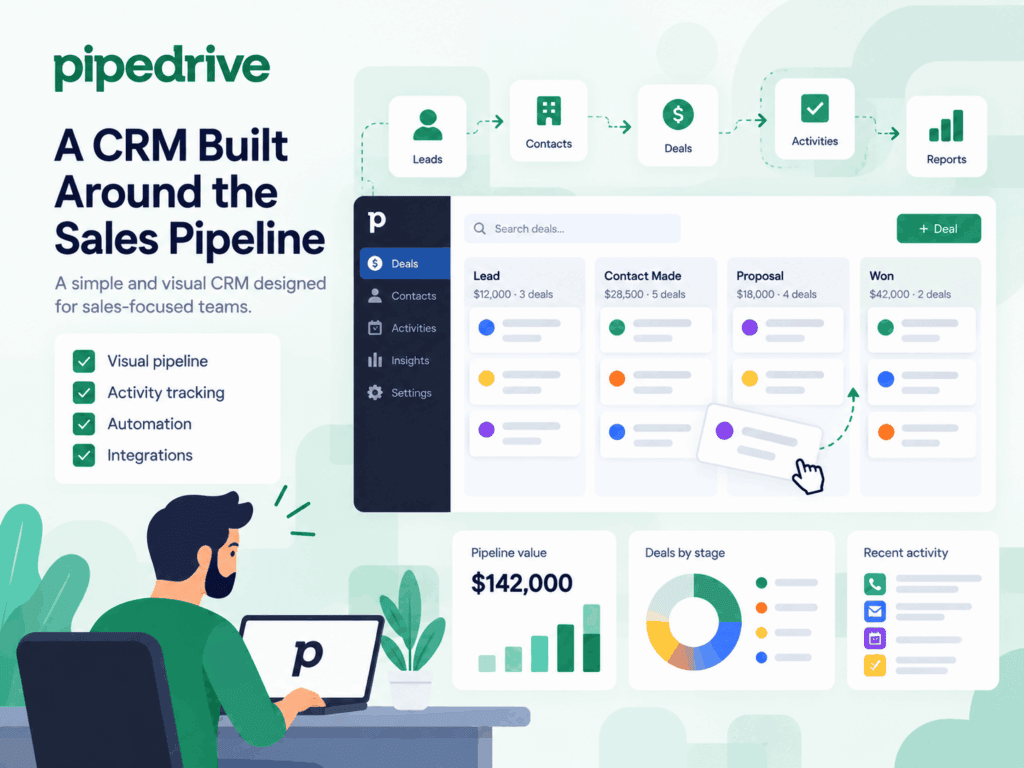
The basic idea is straightforward: your opportunities move through a visual pipeline, your team can see what needs attention, and activities can be connected to different stages of the sales process. Pipedrive also supports customizable pipelines and fields, workflow automation, reporting, and integrations with hundreds of other applications.
This can be a good fit for an agency or B2B company where the sales process is relatively predictable. Instead of maintaining a spreadsheet and manually checking which prospects need attention, the team can work from a shared pipeline.
Automation is another useful part of the platform. For example, Pipedrive can create activities when a deal moves to a particular stage or trigger other actions based on changes in the sales process.
The advantage is that a small team doesn’t need to spend time building those workflows itself.
The limitation is the same one you’ll find with practically every ready-made CRM: the platform has its own underlying model. You can customize it, but you’re still working inside a product that was designed for a broad market.
For companies with a straightforward sales process, that isn’t necessarily a problem. In fact, it can be the reason to choose Pipedrive. The more unusual the business process becomes, however, the more important it is to ask whether customization is helping or whether the team is simply adding workarounds.
Salesforce
Salesforce is often associated with large enterprises, but its Starter Suite is explicitly positioned for small businesses that want a turnkey CRM.
As of September 2026, Salesforce lists Starter Suite from $25 per user per month in the US and €25 per user per month in the EU, with pricing subject to the applicable billing terms and market availability. The package includes account, contact, lead, and opportunity management, lead routing, reports and dashboards, email integration, task management, and other CRM functionality.
The reason a startup might choose Salesforce isn’t necessarily because it needs all of Salesforce immediately. It may be thinking further ahead.
A business that expects a more complicated sales organization, multiple teams, increasingly sophisticated reporting, or a broader CRM ecosystem may value having a platform that can grow into those requirements.
The trade-off is that larger platforms can require more thought during implementation. For a small team, the cost isn’t only the subscription. There’s also configuration, onboarding, process design, and the time employees spend learning the system.
That doesn’t make Salesforce a poor fit for small businesses. It simply means that a startup should consider how much CRM infrastructure it actually needs today rather than choosing software purely because it can support a much larger organization tomorrow.
Zoho CRM
Zoho CRM occupies another interesting position. It provides a broad set of CRM capabilities while giving smaller businesses considerable control over fields, processes, automation, and integrations.
Zoho’s current CRM offering supports lead and deal management, customizable pipelines, workflow automation, custom fields, and process tools such as Blueprint. The company also positions Zoho CRM as a platform that can be adapted to different business processes without requiring a technical team for every customization.
That can make it attractive to companies that have moved beyond a very simple sales process but aren’t ready to build their own software. There’s also the wider Zoho ecosystem to consider. A business already using Zoho products may find it easier to keep more of its operations within the same family of applications.
For a small company, this kind of ecosystem can reduce the number of separate systems employees need to understand.
At the same time, customization has its own limits. Adding more fields and workflows to a standard CRM doesn’t necessarily turn it into software designed specifically for your company. At some point, the question becomes whether you’re configuring an existing system or trying to make it behave like a completely different application.
When Does It Make Sense to Build a Custom CRM?
This is probably the most important question for a startup. Building custom CRM software isn’t automatically a better choice than buying one. In many cases, it would be unnecessary. If your team has ten people, a simple sales process, and a few hundred contacts, a ready-made CRM may solve the problem perfectly well.
The situation changes when the CRM becomes deeply connected to the company’s operations.
Imagine a recruitment business. Its customer management process isn’t only about companies and contacts. It might need candidates, vacancies, interviews, hiring stages, documents, recruiters, client approvals, and placement information. Or consider a property company that needs to connect buyers, sellers, properties, viewings, offers, and contracts.
A standard CRM can store some of these records, but the company may end up creating increasingly complicated custom fields and automations to make the system work. A custom application could represent those relationships directly.
That can also be valuable for startups building a business around a specific operational process. If the workflow itself is part of the company’s competitive advantage, the software supporting that workflow becomes more than a simple administrative tool.
There’s another factor that has changed the economics of custom development: AI.
A few years ago, creating a custom CRM generally meant starting a software project from the ground up. Developers had to establish the database, application architecture, authentication, APIs, interface, deployment environment, and basic CRUD functionality before the business could even begin testing the idea.
AI-powered development platforms can now automate a significant amount of that initial setup.
Flatlogic’s approach is an example. The company describes its generator as a way to move from a description of the application to a working full-stack web app, including database models, interfaces, authentication, roles, APIs, dashboards, and deployment. Once the initial application exists, users can iterate with AI or continue development through the generated source code.
This doesn’t eliminate the need for engineering. Complex integrations, security, data migrations, business logic, testing, and long-term maintenance still require technical judgment.
What changes is the starting point.
A startup doesn’t necessarily have to spend months building the first version of an internal system before anyone can use it. It can start with the workflow, generate an initial application, test it with the people who will actually use it, and then decide what needs to change. For an early-stage company, that feedback loop can be much more valuable than trying to design the perfect CRM upfront.
Buy or Build?
The easiest mistake is to compare CRM products based only on their feature lists.
Almost every modern CRM has contact management. Most have pipelines. Many offer automation, reporting, integrations, mobile apps, AI features, and dashboards. If you compare them that way, several products will appear almost identical.
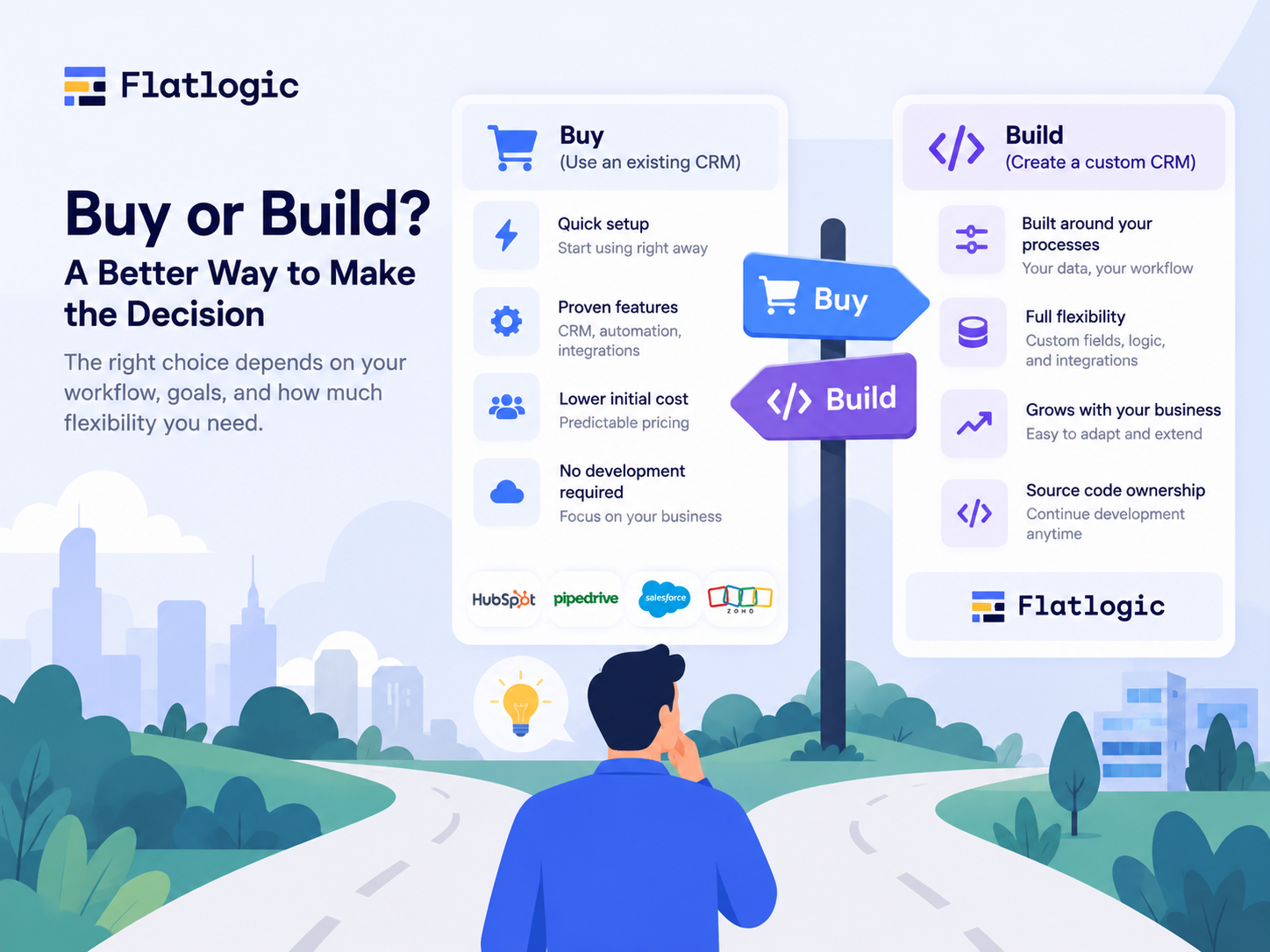
The more useful question is what happens when the software meets your actual workflow. Start by mapping the journey of a customer through your company. Where does a lead come from? Who qualifies it? What information needs to be collected? Who decides whether the lead becomes an opportunity? What happens after a proposal is sent? Which tasks should be created automatically? What happens after a deal closes?
You may discover that the process is simple enough for an existing CRM. That’s a good outcome. You may also discover that your team is doing a surprising amount of manual work just to make the current system function. People may be copying data between tools, maintaining spreadsheets alongside the CRM, creating manual reminders, or using Slack messages to compensate for missing workflow features.
That’s when it becomes worth looking at custom development.
Another useful consideration is how important the CRM will become to the company. If it is simply a place where salespeople keep contact information, buying software is usually enough. If it eventually becomes the central system connecting sales, onboarding, billing, support, renewals, and management reporting, then owning more of the underlying application can become strategically important.
The decision also doesn’t have to be permanent. A startup can begin with HubSpot or Pipedrive, learn how its sales process develops, and build a custom system later. Another company might realize early that its workflow is unusual and decide to build a custom application from the beginning.
The important thing is not to build custom software simply because AI makes it easier. Build it when customization solves a real business problem.
What Should a Custom CRM Include?
If you decide to build, resist the temptation to copy every feature from the biggest CRM platforms. The first version should reflect the way your team actually works. For many businesses, that means starting with a small data model: companies, contacts, leads, deals, activities, and users. From there, you can add the parts that are specific to your business.
A SaaS company might connect accounts to subscriptions and renewals. A recruitment agency might add candidates and vacancies. A consulting business might connect deals to proposals and projects. A service company might add contracts, recurring appointments, and customer requests.
Permissions also matter. A sales representative may only need access to their own opportunities, while a sales manager needs to see the entire pipeline. A customer-success team might need access to account history but not internal sales notes.
Reporting should also be designed around decisions rather than decoration. A founder may want to know how much revenue is currently in the pipeline and how quickly opportunities are moving. A sales manager may care about conversion between stages. An individual salesperson may simply need a list of overdue follow-ups.
These are the kinds of details that make custom CRM software useful. You’re not adding features because they appear in a competitor’s product comparison table. You’re building the system around the questions your team actually asks every day.
Why Flatlogic Is Interesting for Small Businesses
The biggest reason to consider Flatlogic isn’t simply that it can generate a CRM quickly. It’s that it changes the conversation from Which CRM should we buy? to What kind of business application do we actually need? That distinction becomes important when CRM functionality is only one part of the problem.
A company may initially think it needs a CRM, but after mapping its workflow, discover that it really needs a combination of CRM, project management, customer portal, reporting, and internal operations. Building separate products for all of those processes would create another problem: employees would have to move information between them.
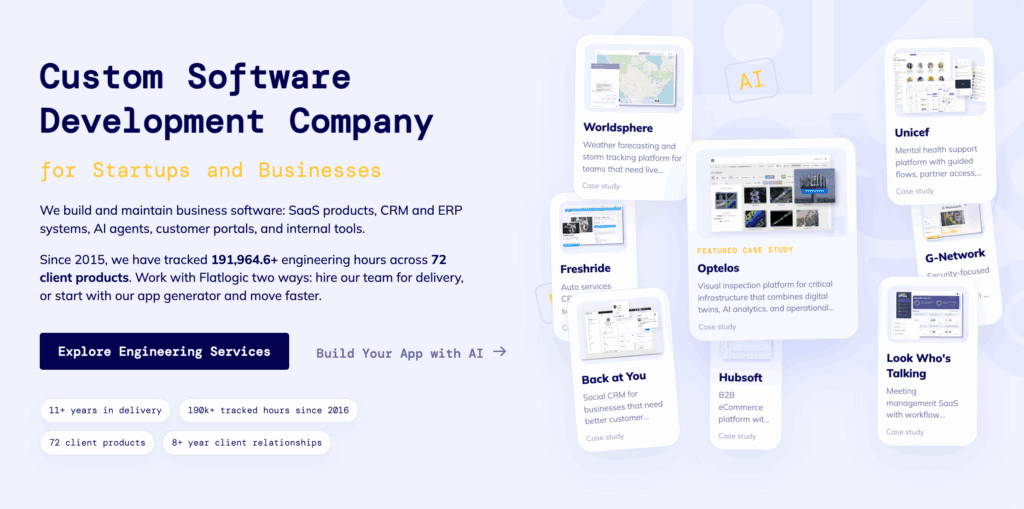
A custom web application can bring related processes together. Flatlogic’s platform is designed for this broader category of business software. Its current positioning includes CRM, ERP, dashboards, internal tools, and workflow applications, while its generated applications can be customized at the database, application, and source-code level.
For startups, that flexibility can matter more than having the largest possible feature set on day one. It also gives the team a way to experiment. A founder can describe the first version of a workflow, generate an application, test it with employees, and discover what is missing. Developers can then work with the generated code rather than throwing away the prototype and starting again.
That makes custom development feel less like a single enormous project and more like an iterative product process.
Final Thoughts
Choosing CRM software for a small business isn’t really about finding the platform with the most features. It’s about finding the right relationship between the software and the way the company operates.
For a straightforward sales process, an established CRM such as HubSpot or Pipedrive may be all a startup needs. HubSpot offers a free CRM with contacts, deals, activities, pipelines, and reporting, while Pipedrive focuses heavily on visual sales pipelines, activities, automation, and sales workflows.
Salesforce Starter and Zoho CRM offer broader functionality and more opportunities for customization, making them worth considering when a business expects its CRM requirements to become more sophisticated. Salesforce currently positions Starter Suite specifically for small businesses, while Zoho emphasizes customization, automation, and adaptable sales processes.
But there is another path for companies whose requirements don’t fit comfortably into an existing CRM.
A custom CRM can be designed around the company’s own data, terminology, permissions, workflows, and integrations. And with AI-assisted application development, creating the first version no longer necessarily means starting a large software project from a blank repository.
That’s where Flatlogic comes in. As an AI consulting and development company, Flatlogic combines AI-assisted web application generation with a source-code-first approach, allowing startups and businesses to create custom CRM and other business applications and continue developing them after the initial generation.
For a small business, that doesn’t mean custom software is always the right answer. Sometimes the smartest move is simply to subscribe to an existing CRM and focus on customers.
But if your team keeps changing the CRM, building spreadsheets around it, connecting additional tools, and creating workarounds for processes the platform doesn’t understand, it may be worth asking a different question.
Instead of asking which CRM has the features you need, ask what your CRM would look like if it were built around the way your business already works.
That is the point at which building custom CRM software can stop being an engineering experiment and start becoming a practical business decision.