Store videos, audio, thumbnails, metadata, categories, and creator-owned collections in one app.
Build a video streaming app with source code you own
Generate the schema, upload flows, video and audio library, player screens, subscriptions, analytics, and deployment setup for a streaming product your team can own.
The streaming app builder is loading...
Video, audio, and HLS playback
Uploads, playlists, and creator profiles
Subscriptions, notifications, and analytics
Video library
Music catalog
OTT portal
Live sessions
Creator hub
Prompt example
Build a video streaming app where creators upload video and audio, users browse categories, save favorites, follow profiles, manage playlists, resume playback, subscribe to premium content, and admins track usage, moderation, storage, and revenue.
Streaming app foundation
More than a video player
A useful media streaming app needs product infrastructure around playback: uploads, libraries, search, user profiles, permissions, realtime states, notifications, subscriptions, and performance reporting.
Support player screens, playlists, favorites, resume states, and realtime availability updates.
Add sign-in, profiles, roles, upload controls, moderation queues, and private member areas.
Track subscriptions, notifications, play counts, content performance, and admin analytics.
What the app can include
What the video streaming app builder can generate
Use Flatlogic to start with the records, screens, and controls that make a video or media streaming app workable for viewers, creators, moderators, and admins.

Upload and asset intake
Build drag-and-drop uploads, remote URL intake, media metadata, progress states, and storage handoff.

Video and audio playback
Model player screens for video, audio, HLS playlists, queues, favorites, and continue-watching states.

Discovery and playlists
Add search, filters, categories, creator pages, curated playlists, recommendations, and shareable links.

Subscriptions and operations
Control plans, payments, roles, notifications, moderation, analytics, and API access from the admin side.
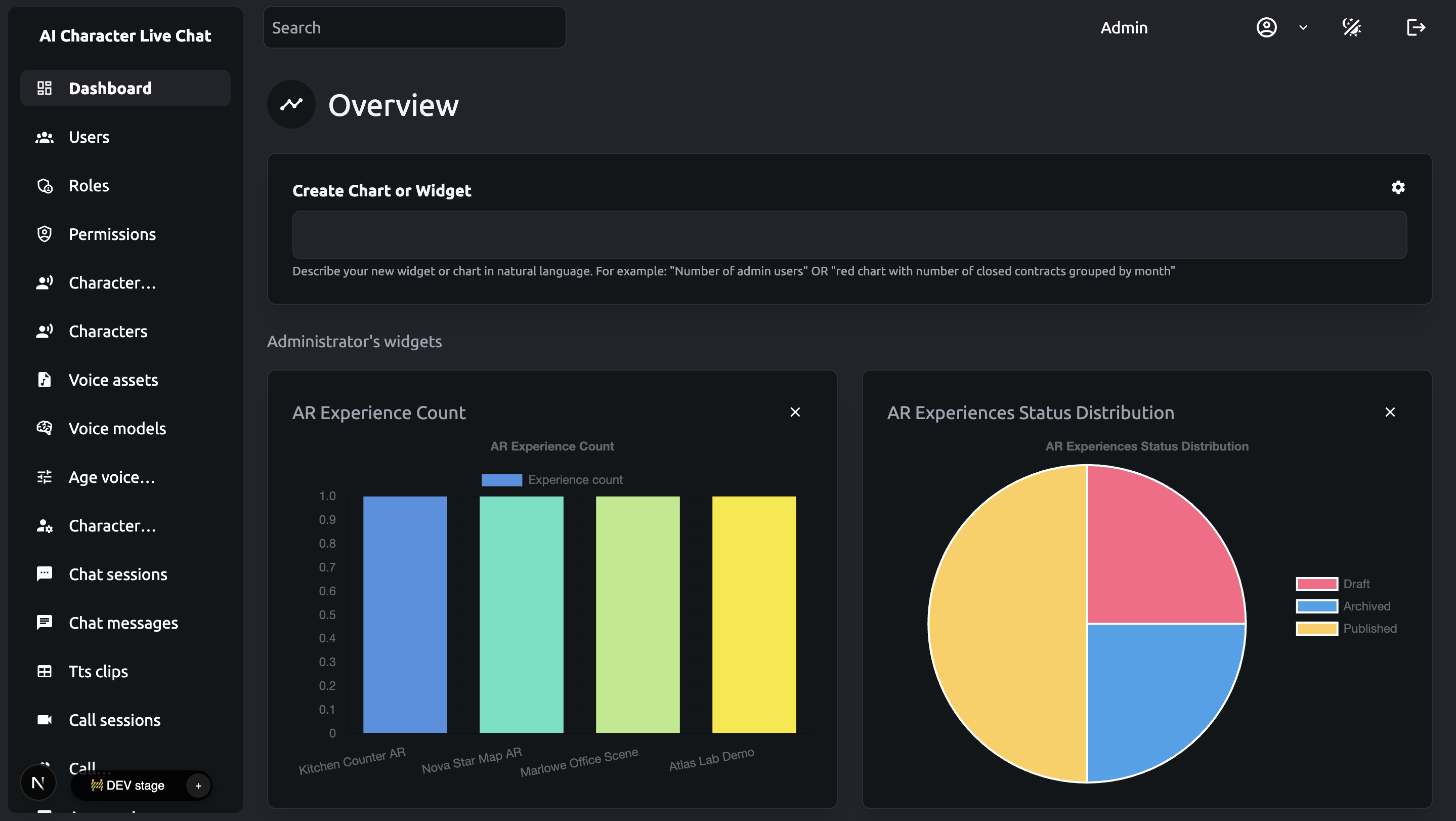
Keep playback and operations connected
Your first release can focus on the streaming workflows that matter: media intake, viewer access, creator profiles, playlists, playback status, subscriptions, notifications, and admin analytics.
Start with this builderLaunch path
How to create a streaming app from a prompt
Describe the streaming workflow once, then use the generated codebase as the starting point for storage, playback, billing, API, and analytics integrations.
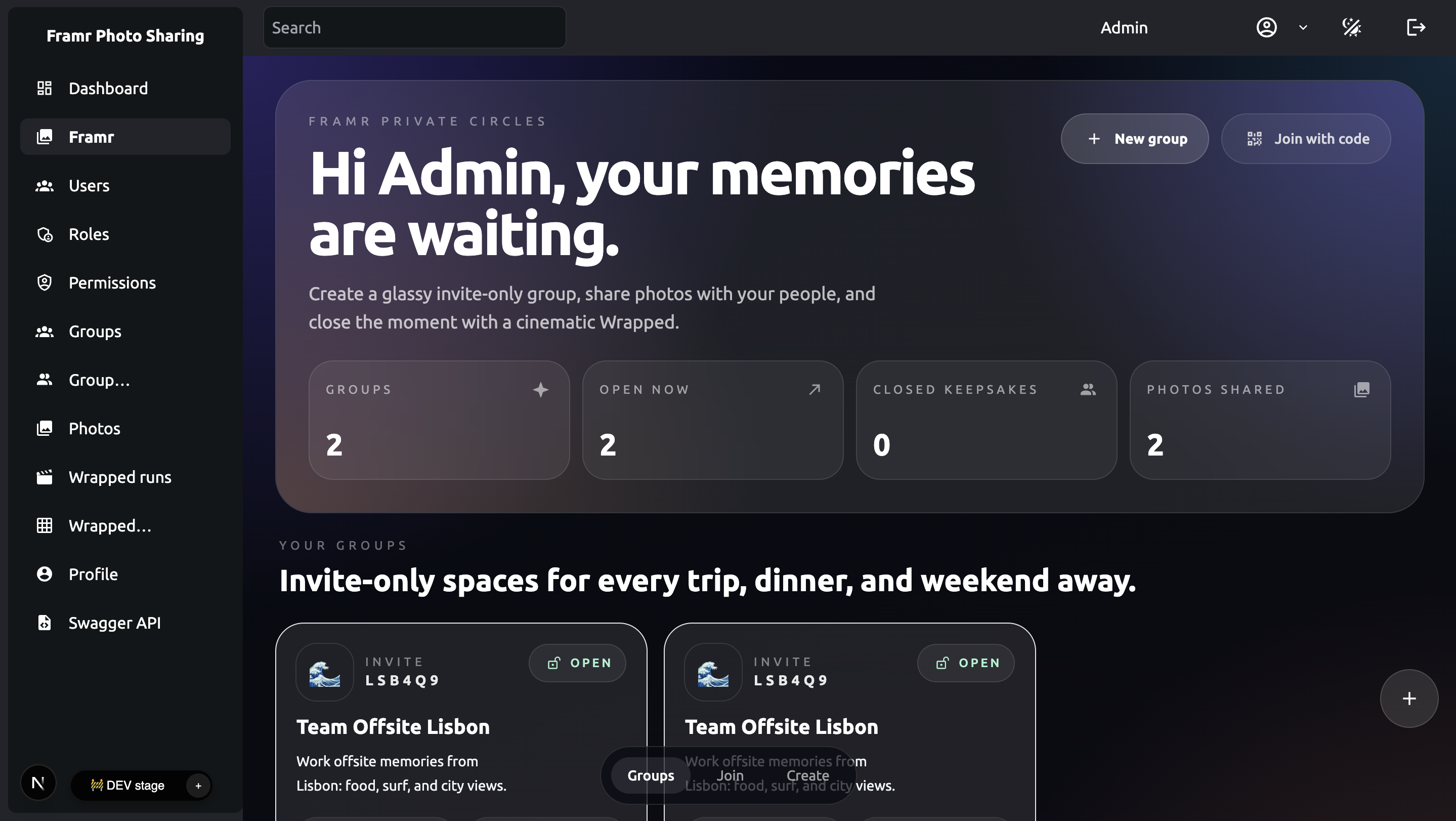
Model the streaming catalog
Start with users, creators, media assets, playlists, categories, favorites, playback sessions, subscriptions, and reports.
Generate the first app
Create the frontend, backend, database, auth, roles, admin screens, and player-oriented workflows so the first version is testable.
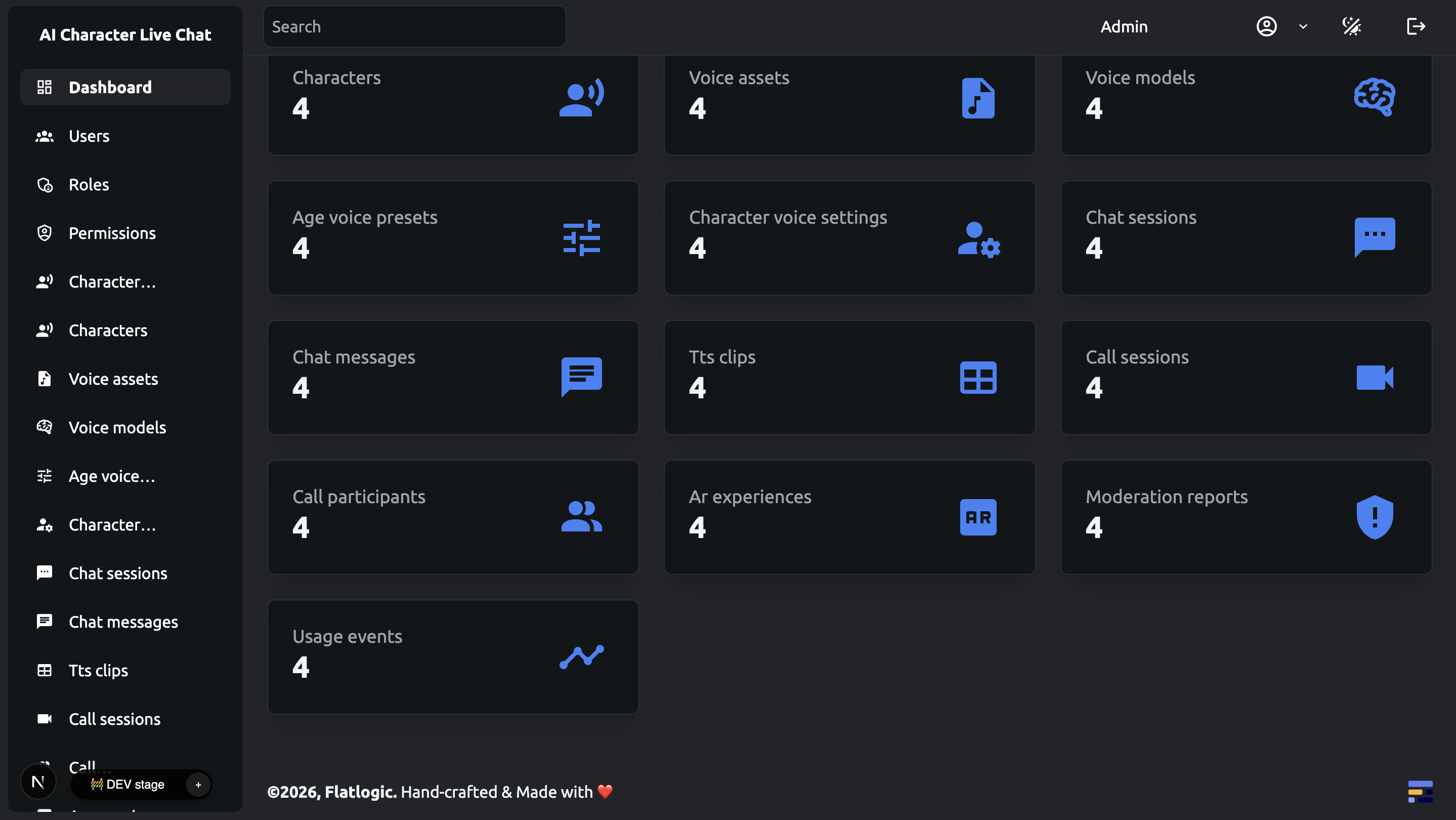
Extend the delivery layer
Connect storage, CDN, HLS, REST APIs, webhooks, payments, analytics, and provider-specific streaming services as the app matures.
FAQ
Common questions before you build
The page is for building the application around either video, audio, or mixed media. You can model uploads, media records, player screens, playlists, favorites, profiles, subscriptions, and analytics, then extend the codebase for the exact playback stack you need.
You can include live-session records, event pages, availability states, chat or notification flows, and admin controls. Low-latency or broadcast infrastructure should be connected through the streaming provider or media service that fits your launch plan.
Most teams connect object storage and delivery services such as AWS S3, CloudFront, media conversion tools, HLS pipelines, or a third-party video platform. Flatlogic helps generate the app layer that manages files, users, permissions, dashboards, and workflows around those services.
The app cost depends on media volume, storage, CDN, transcoding, live streaming, subscription logic, moderation, and analytics requirements. Flatlogic helps you generate the application layer first, so your team can own the source code and connect the media delivery services that fit the launch plan.
The social media app route is centered on feeds, groups, messaging, and community interaction. This page is centered on media streaming: content libraries, uploads, players, playlists, creator profiles, subscriptions, playback states, and content analytics.
Start with a concrete prompt
Build your streaming app
Use the builder to generate the first working version, then keep iterating on the source code with your own media workflows, storage choices, player requirements, subscriptions, and release priorities.