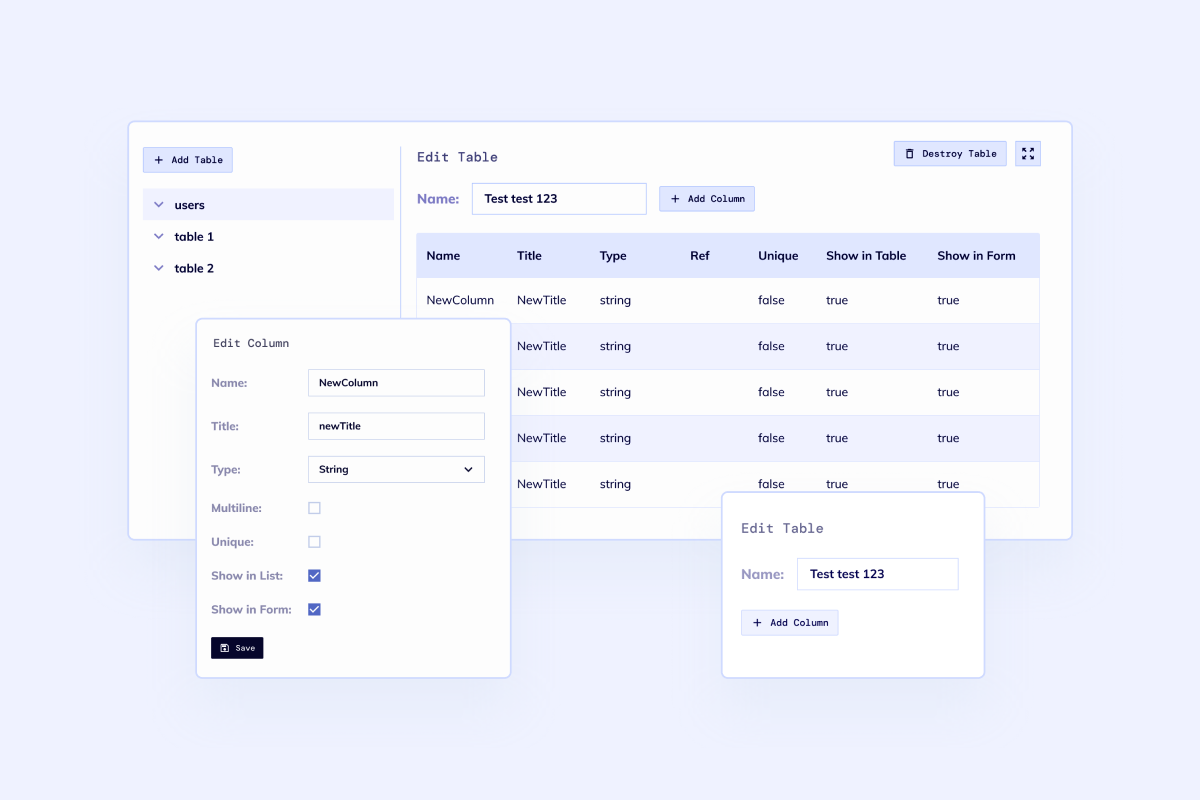
Structured records
Model documents, owners, folders, metadata, statuses, and review states instead of storing files as loose attachments.
Generate secure uploads, document records, approval workflows, permissions, audit trails, search, APIs, and deployment setup on a dedicated VM with real code ownership.
Loading the document management builder...
Prompt example
Build document management software for a B2B operations team with secure login, folders, document types, metadata fields, version history, approval workflows, role-based access, audit logs, OCR-ready uploads, advanced search, email notifications, S3 storage, REST API, admin dashboard, and CSV import/export.
Model documents, owners, folders, metadata, statuses, and review states instead of storing files as loose attachments.
Separate admins, reviewers, clients, departments, and external users with role-based access from the first release.
Track uploads, approvals, edits, downloads, and retention events so sensitive work is easier to govern.
Launch on a dedicated VM with source code ownership, APIs, and room for custom workflow logic.
Built for teams that need document control, review workflows, and searchable operational records in one code-owned application.
Core workflow
Document management software works when the app understands the record around each file: who owns it, where it belongs, what changed, who approved it, and where it needs to go next.

Upload, classify, tag, and route documents through the exact records and statuses your team needs.

Give operations, legal, finance, HR, clients, and admins the right views without exposing private files.

Start with the core document workflow, then add OCR, retention, e-signature, or downstream integrations when they matter.
A document workspace often touches legal, finance, operations, HR, client service, or compliance. Keep the first release document-first, then connect dashboards, admin views, and broader business workflows when the boundary is clear.
Best when files, approvals, permissions, and audit history are the primary workflow.Document lifecycle
The fastest useful version usually starts with a small set of document types and the states they move through. The data model, screens, and roles can then grow without replacing the app.
Drag files in, capture metadata, and assign each document to a type, owner, workspace, or client record.
Route drafts, contracts, invoices, forms, or evidence packets through approval rules with due dates and reminders.
Keep version history, access rules, change logs, retention state, and searchable comments attached to the document record.
Expose exports, webhooks, APIs, and storage handoffs so the document workspace fits the rest of the business.
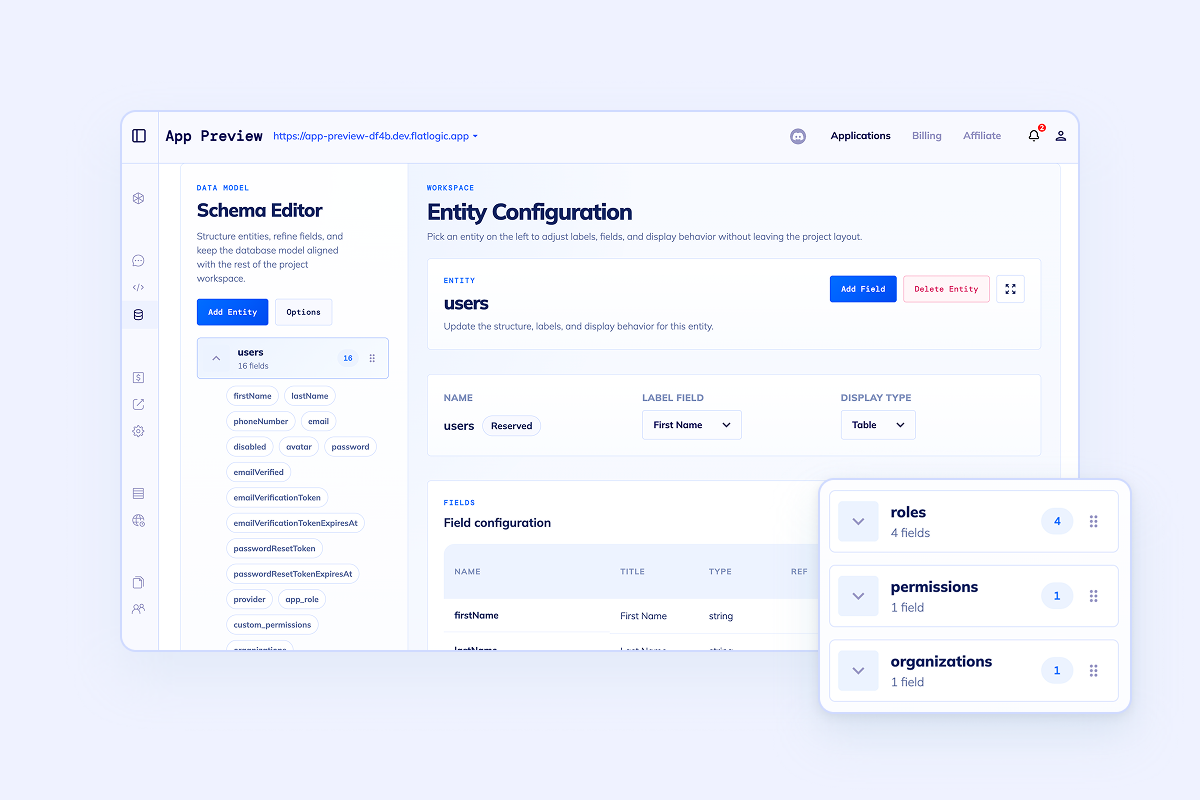
Build scope
A focused build can cover the document management system, document workflow software, and records management needs that usually get split across shared drives, email, spreadsheets, and generic ticket queues.

Folders, document types, metadata fields, owners, statuses, tags, and related business records.

Revision history, latest-version views, locked documents, and review-ready change tracking.

Role-based access for admins, reviewers, clients, departments, auditors, and external collaborators.

Approvals, reminders, escalations, assignment queues, retention checks, and notification rules.

Filters, full-text-ready search, dashboards, exports, and audit-friendly activity reports.

REST APIs, webhooks, email delivery, SSO, S3-compatible storage, CSV imports, and downstream ERP or CRM handoff.
Questions
Use these boundaries before deciding whether the first release is document-first, portal-first, or a broader operations platform.
Start the build
Generate the first version with uploads, metadata, roles, approval workflows, audit trails, search, and deployment setup. Keep the code, run it on a dedicated VM, and extend the workflow as the document process matures.