Build appointment scheduling software with AI and ship the first working version fast
Generate the booking calendar, availability model, staff roles, payment flow, reminders, and admin workflows for a custom scheduling app your team can own.
Loading the appointment scheduling software builder...
Prompt example
Build appointment scheduler with booking calendar, staff availability, reminders, payments, and admin workflows.
Booking calendar
Staff availability
Payments
Admin workflows
What you can build
Turn scheduling rules into a real booking product
Use this route when the product needs more control than a generic booking widget. Build the customer booking flow, staff calendar, payment confirmation, and operator workspace together. If the scope is mostly a control surface, compare the AI Admin Panel Generator.

Booking calendar
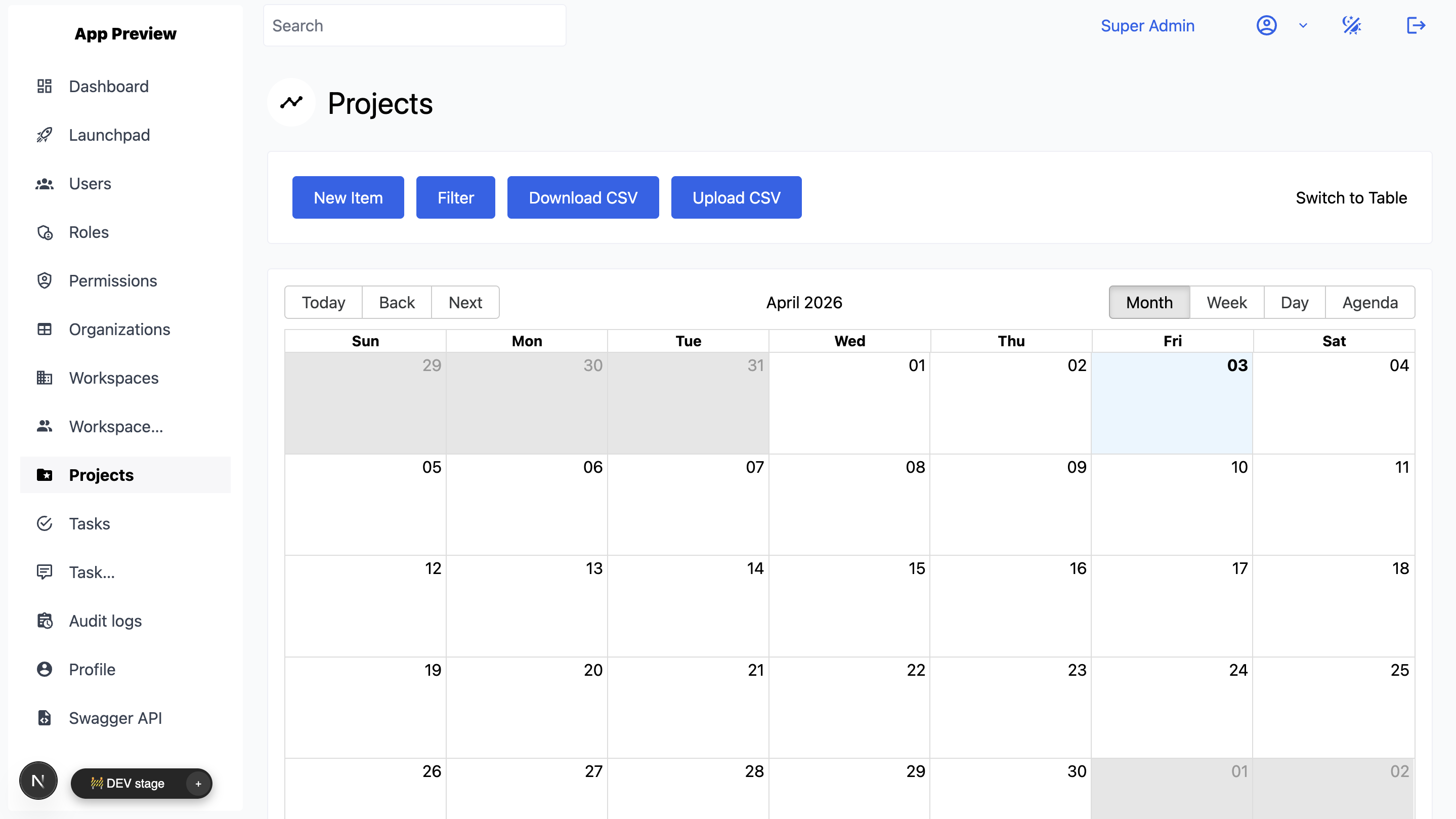
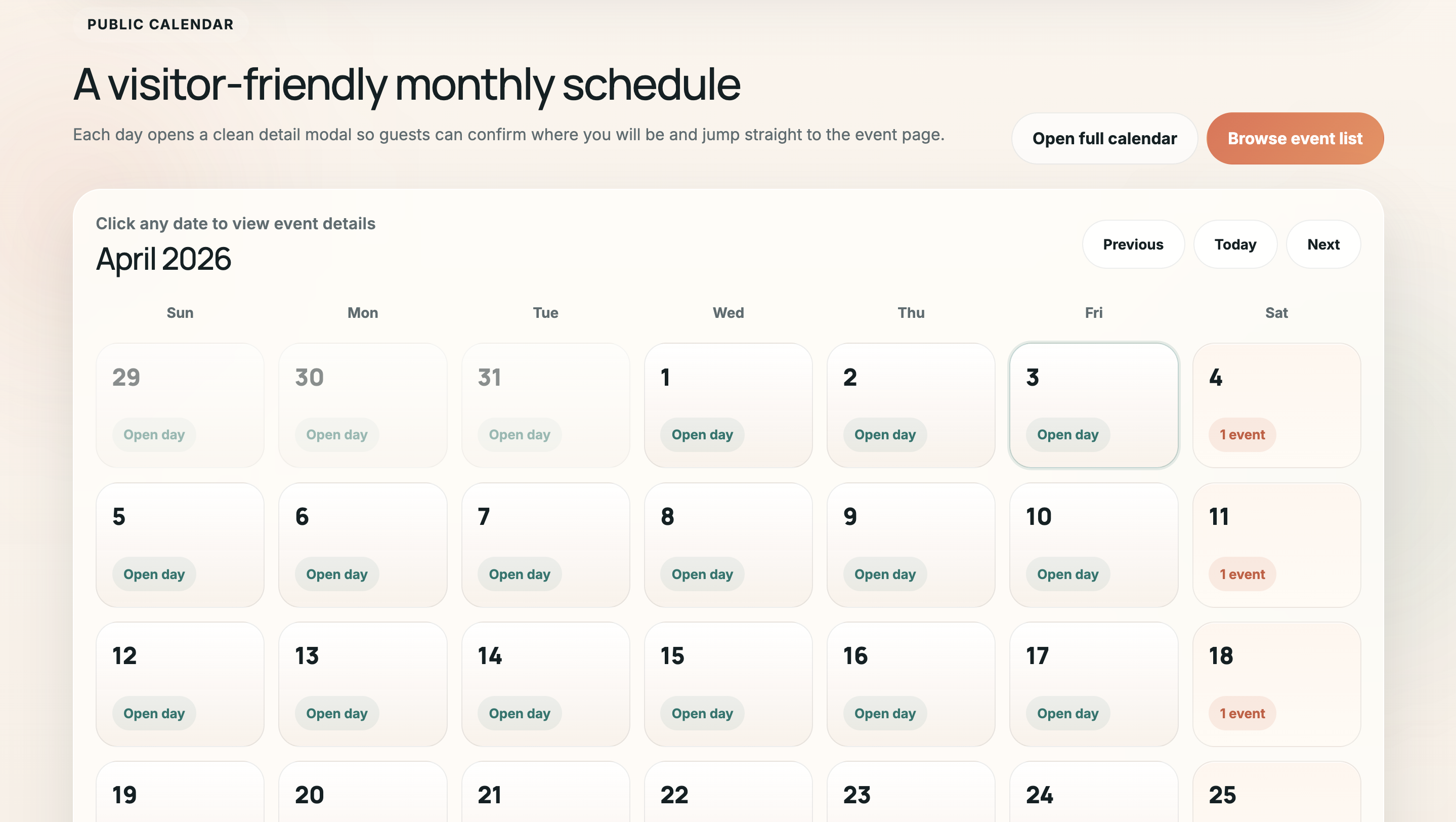
Create public booking pages, monthly and weekly calendar views, appointment types, time slots, buffers, and cancellation windows.

Availability rules
Model staff schedules, service duration, blackout dates, rooms, equipment, holidays, and double-booking prevention in the same app.

Staff roles and admin access
Give owners, managers, front-desk staff, providers, and customers the right screens, permissions, and workflow actions.

Notifications and reminders
Send confirmations, reminders, reschedule notices, waitlist updates, and no-show follow-ups through email, SMS, or WhatsApp.

Payments and deposits
Add Stripe payments, deposits, payment links, invoices, refunds, paid confirmations, and rules for cancellation fees.

Admin workflows
Track booking status, approvals, intake forms, customer notes, revenue, exports, audit history, APIs, and webhooks.

Describe services, staff, resources, appointment types, intake questions, and booking states.

Review the generated app with front-desk staff, providers, managers, and admins.

Deploy the first version, then add calendar sync, payments, reminders, reports, and custom integrations.
Builder workflow
From prompt to booking calendar, payments, and admin flow
Start from the AI Web App Generator when you want the first full-stack version fast. Bring in custom web development services when the scheduling product needs legacy data, complex integrations, or senior delivery help.
Calendar UX
Build around availability, not just forms
Appointment scheduling software lives or dies on the calendar model. Include service duration, staff schedules, customer time zones, no-show rules, waitlists, deposits, and admin overrides before the first version reaches users.
For teams polishing the date and calendar UI itself, Flatlogic also keeps a practical guide to JavaScript datepicker libraries.
Questions
Appointment scheduling software FAQ
These are the decisions teams usually need to settle before turning a booking process into owned software.
Start your scheduling app from a concrete prompt
Tell the builder what appointments, staff schedules, payments, reminders, and admin workflows you need. Flatlogic will help turn it into a real app you can deploy and keep extending.
Open Generator