Start with employee records, attendance, leave, and approvals instead of forcing every finance or recruiting workflow into day one.
Build HR management software with AI
Generate employee records, attendance tracking, leave requests, approvals, payroll-ready exports, and reporting on a dedicated VM your team controls.
Loading the HR management software builder...
Employee, manager, HR, and admin roles
Attendance, leave, approvals, and people reporting
Payroll-ready exports, notifications, and APIs
Dedicated VM and real source code ownership
Prompt example: Build HR management software with employee records, departments, attendance tracking, leave requests, manager approvals, payroll-ready exports, dashboards, notifications, and employee self-service.
Why this fits
Launch the core HR workflow without buying a rigid suite
This route is a good fit when you need a clean HR system for employee operations and approvals, not a recruiting-only tool and not a full ERP rollout on day one.
Give managers and HR teams clear views into requests, policy decisions, documents, and follow-up without chasing spreadsheets.
Keep payroll-ready exports, audit history, integrations, and deployment on the same codebase your team can keep evolving.
Core capability set
What the first HR management software release usually includes
Flatlogic Generator is strong when the HR workflow needs structured records, self-service access, approvals, automations, and reporting, but you still want a real codebase your team can keep extending.

Keep employee profiles, departments, locations, documents, and status history in one HR workspace.

Add employee self-service for profile updates, document access, attendance events, and leave requests.

Route leave approvals, manager sign-off, policy exceptions, and reminders through clear approval paths.
Track attendance trends, headcount changes, balances, and policy activity with dashboard-ready reporting.
Support payroll-ready exports, CSV imports, notifications, API access, and downstream handoff without rebuilding later.
Start with the HR workflow your team actually runs
Generate the employee operations flow first, deploy it on a dedicated VM, and keep the code in a shape your team can own. You can later connect broader finance or admin workflows without throwing the HR foundation away.
Open HR Builder Related routes when the HR scope grows into broader internal operations or needs hands-on delivery help.Workflow design
Employee data, approvals, and reporting in one HR system
The strongest HR briefs we see are not just about storing employee names. They need attendance events, leave requests, manager approvals, auditability, exports, and reporting that operations teams can trust.
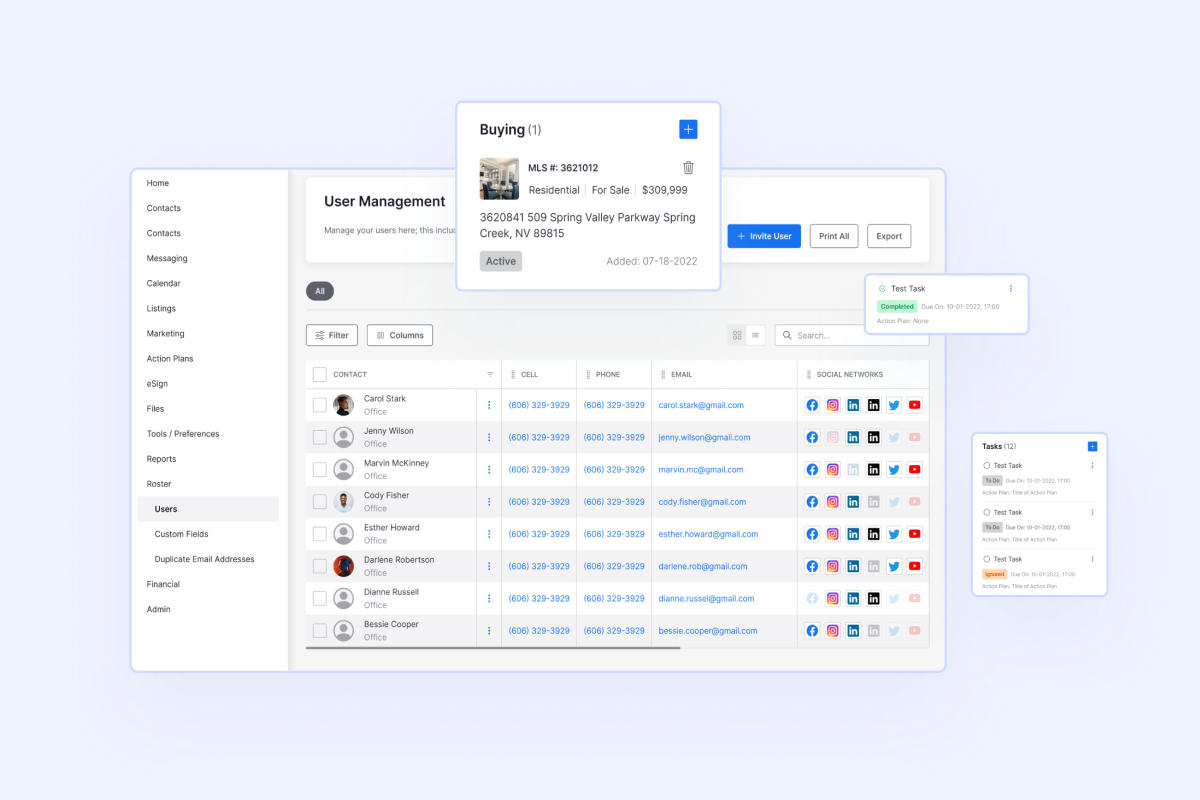
Employee directory and HR records
Give HR teams one place to manage employee profiles, departments, contacts, permissions, and the documents that drive daily people operations.
- Structured employee records with history and attachments
- Department, manager, location, and policy fields in one system
- Clean onboarding data that stays usable after launch
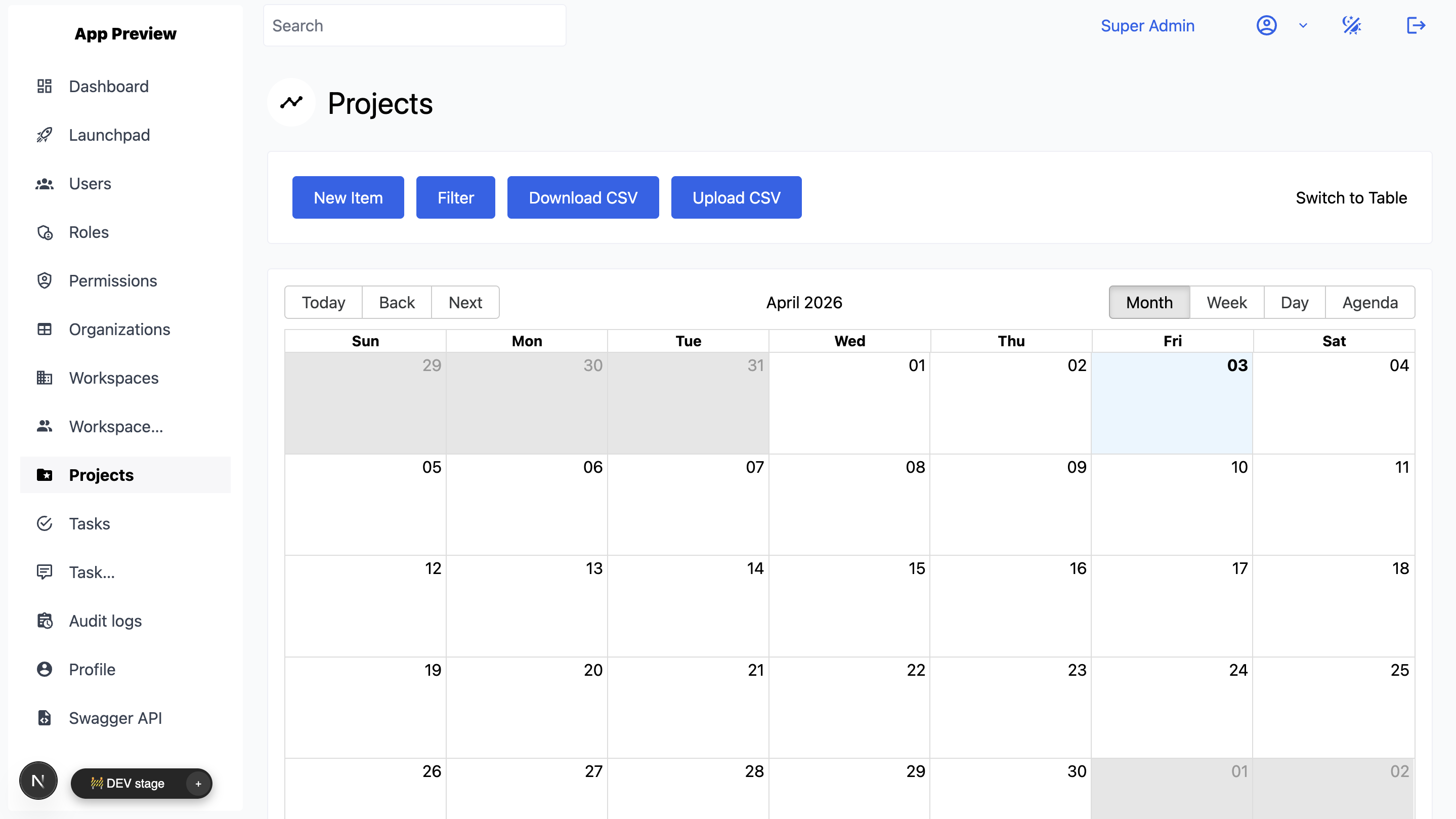
Attendance and leave approvals
Track attendance, leave balances, approvals, and calendar visibility so employees, managers, and HR stay in sync without manual chasing.
- Attendance events, absence records, and leave calendars
- Manager approval flows with reminders and status tracking
- CSV actions, exports, and bulk updates for operations teams
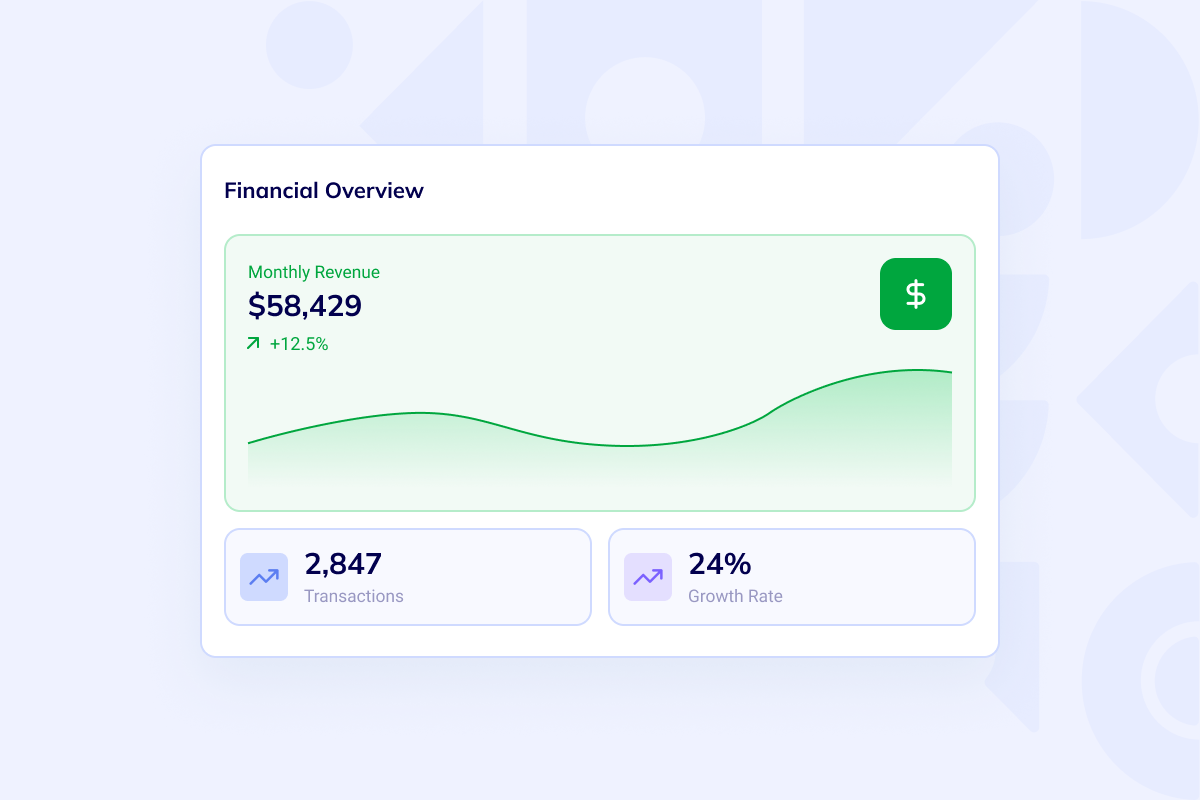
Payroll-ready reporting and admin control
Once employee data and approvals are clean, you can hand the right records into payroll, finance, or broader reporting workflows without losing control.
- Payroll-ready exports and approval history
- People dashboards for balances, trends, and exceptions
- Audit visibility before data moves into the next system
Boundary check
Keep the HR scope broad enough to be useful and narrow enough to ship
A first HR release works best when it covers employee operations cleanly: enough structure for records and approvals, enough reporting for managers and HR, and enough room to connect payroll or ERP workflows later.

Broader than ATS, narrower than ERP
This route is for employee operations after hiring: records, attendance, leave, approvals, and reporting. Keep recruiting-only workflows and full finance or inventory scope out of v1.

Self-service with controlled approvals
Employees can handle routine requests while managers and HR keep review steps, policy checks, and escalation paths explicit.

Built to connect later
When you need payroll, finance, or broader operations handoff, keep the app on the same dedicated VM and extend the codebase instead of replacing it.
FAQ
Questions teams ask before building HR management software
No. Flatlogic gives you a way to build HR management software on a dedicated VM with source code ownership. Use the Web App Generator when you want to shape the workflow yourself, or move the same scope into Custom Web Development Services if you want senior implementation help from day one.
It can cover the HR side that payroll depends on: employee records, attendance, leave, approvals, balances, and payroll-ready exports. If the scope expands into finance, purchasing, or broader internal operations, compare Custom ERP before you lock the long-term system boundary.
Yes. Role-based access is a strong fit here. Employees can manage self-service tasks, managers can approve requests, HR can keep policies and documents consistent, and admins can control settings, audit history, and integrations. If the first release is mostly an internal operator surface, review Admin Panel as a related route.
Typical HR v1 integrations include email notifications, calendar syncing, CSV imports and exports, SSO, payroll-provider handoff, and webhook or API connections to downstream finance or reporting systems.
Start the first release
Build HR management software around your people data and approval rules
Launch employee records, attendance tracking, leave requests, approvals, payroll-ready exports, and reporting on infrastructure your team can keep extending.