Ticket intake
Forms, email handoff, and shared queues
Capture requests from the channels your team already uses and route them into one queue instead of losing work in scattered inboxes.
Support ops vertical
Launch ticket intake, agent queues, SLA rules, attachments, knowledge base workflows, and reporting on a dedicated VM your team can keep extending.
Loading the help desk software builder...
Example prompt: Build help desk software with email intake, ticket queues, SLA timers, agent roles, attachments, a knowledge base, and dashboard reporting.
Forms, email handoff, and shared queues
Capture requests from the channels your team already uses and route them into one queue instead of losing work in scattered inboxes.
Agents, managers, requesters, and admins
Set permissions from day one so each user sees the right tickets, comments, dashboards, and actions.
Status history, SLA tracking, and reporting
Keep every update searchable and measurable so leads can track backlog, response time, and resolution quality.
A useful help desk starts with one operational flow: intake, ownership, status rules, knowledge context, and reporting.
Core capability
The page should make it obvious what teams can launch first: ticket capture, routing, assignment, knowledge context, audit history, and dashboards that managers can actually use.

Capture tickets from forms, email handoff, or internal intake and route them by queue, priority, requester, or team.

Give agents shared inbox views, status rules, attachments, comments, and escalation timers instead of juggling spreadsheets and email.

Track SLAs, response times, backlog, and resolution trends in dashboards that support team leads and operations managers.

Add role-based access, audit logs, notifications, webhooks, and API endpoints from the first release instead of bolting them on later.
Why this fits Flatlogic
Flatlogic is a fit for help desk software because the first release usually needs auth, roles, filters, records, dashboards, notifications, and deployment discipline before the deeper automation work even starts.
You keep source code ownership, each project gets a dedicated VM, and the generated system is ready for your own ticket states, queues, escalation rules, and integrations.
Open AI Web App Generator Dedicated VM, real code, and room to iterate after launchBest fit
The page should stay focused on support operations, not drift into a generic CRM or a client portal. These are the most credible team shapes from the production signal and the keyword intent.
For employee support teams that need asset-aware issue tracking, approvals, attachments, and searchable audit history.
For B2B support teams that need ticket workflows tied to accounts, contacts, product issues, and resolution reporting.
For teams running support across multiple customers, onboarding flows, and recurring service obligations.
Workflow scope
The strongest page angle is not “support software” in the abstract. It is the actual loop: get the request in, route it, work it with context, keep the audit trail, and report on backlog and response time.
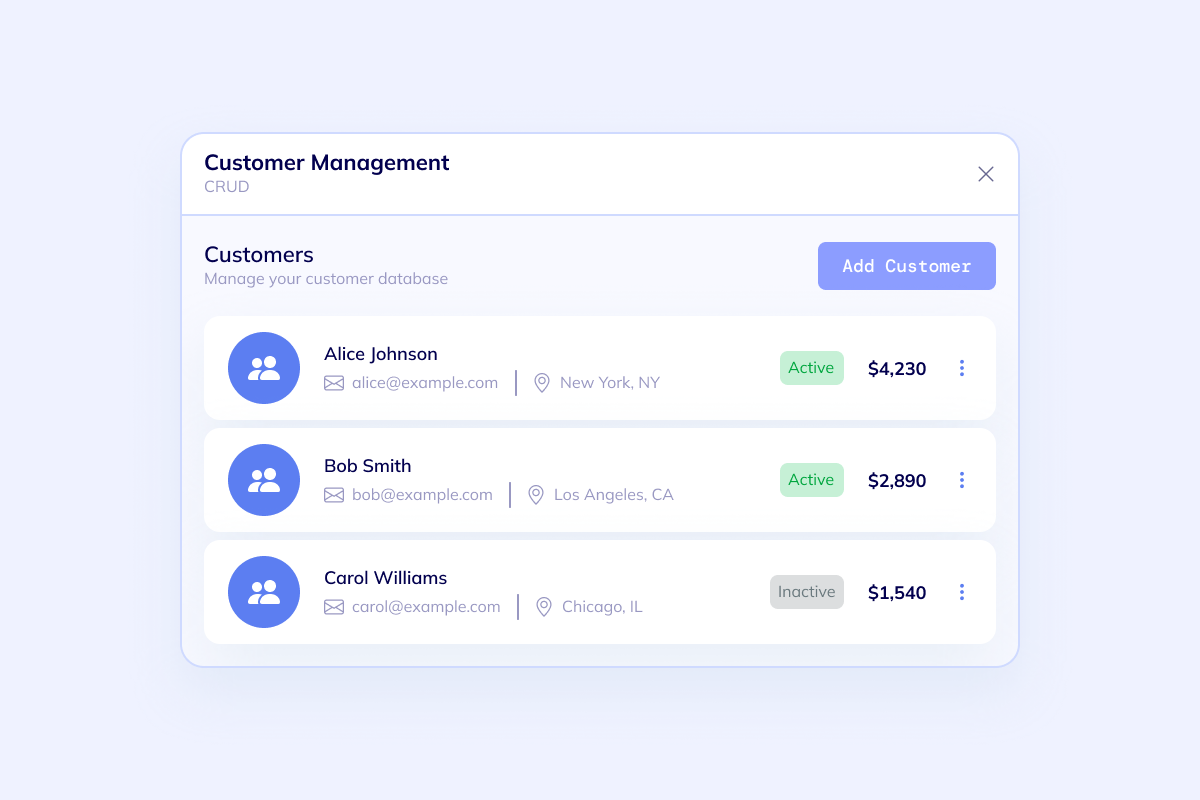
Start with request forms, customer or employee records, searchable queues, and priority routing so nothing gets lost between channels.
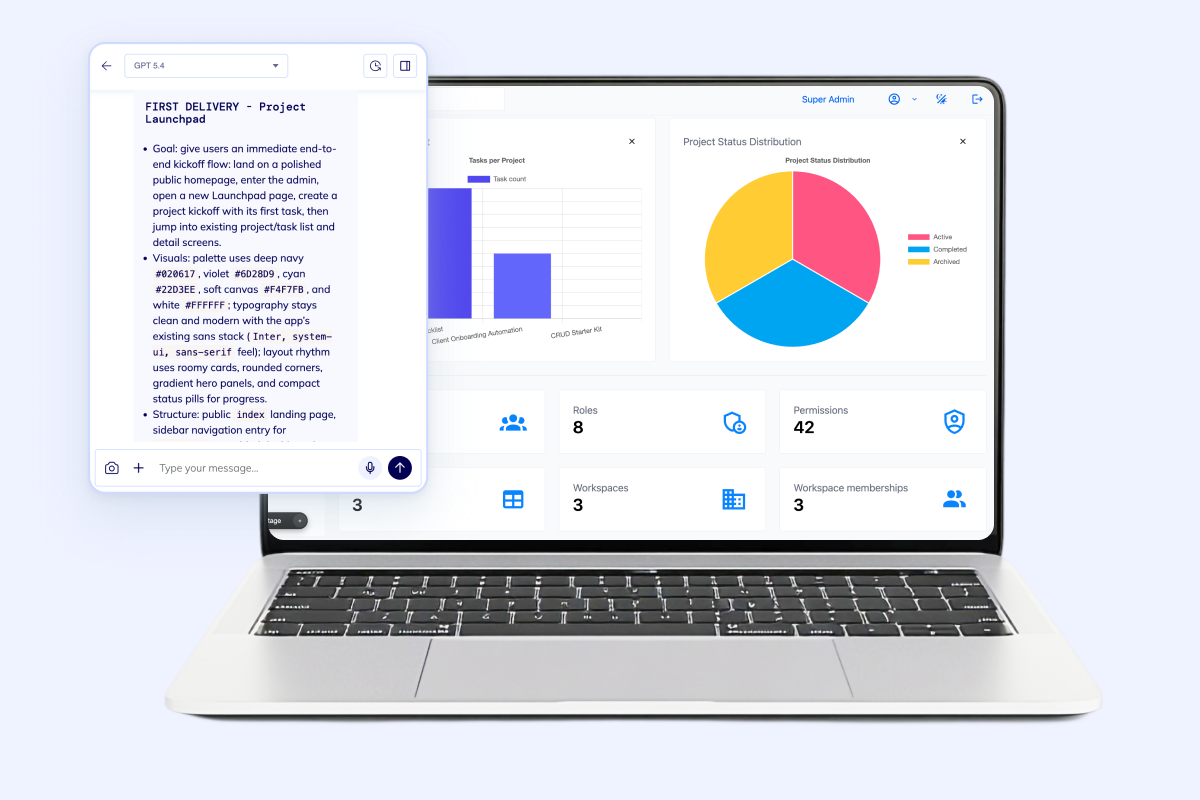
Give agents one place to work tickets, collaborate, reuse replies, and attach knowledge base context instead of switching across tools.
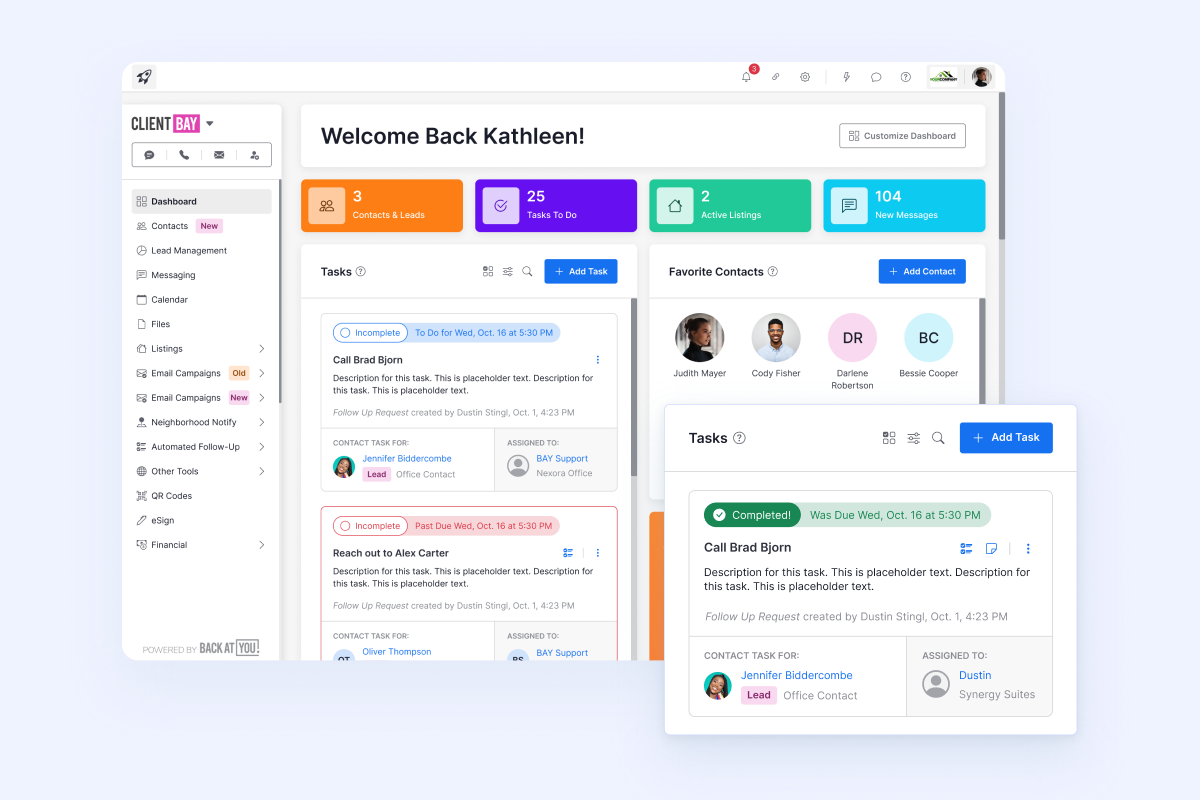
Track backlog, response time, escalations, and resolution progress so managers can spot bottlenecks before support quality slips.
FAQ
These objections usually decide whether the visitor keeps moving: fit for internal IT, scope of the first release, relationship to CRM or portals, and how much implementation help they need.
Start with the first real release
Use the builder to generate tickets, agent roles, attachments, queue rules, knowledge base links, notifications, and reporting. If the rollout is larger, move the same scope into senior implementation support without losing code ownership.