Event app builder for calendars, RSVP, and check-in
Describe the event workflow you need. Generate a real web app with public event pages, attendee records, QR check-in, staff roles, notifications, reporting, and code your team can own.
Prompt ready: build event pages, RSVPs, agenda sessions, QR check-in, staff roles, notifications, and reports.
Prompt example
Build an event app with public event pages, RSVPs, agenda sessions, speakers, sponsors, QR check-in, staff roles, notifications, exports, and an admin dashboard.
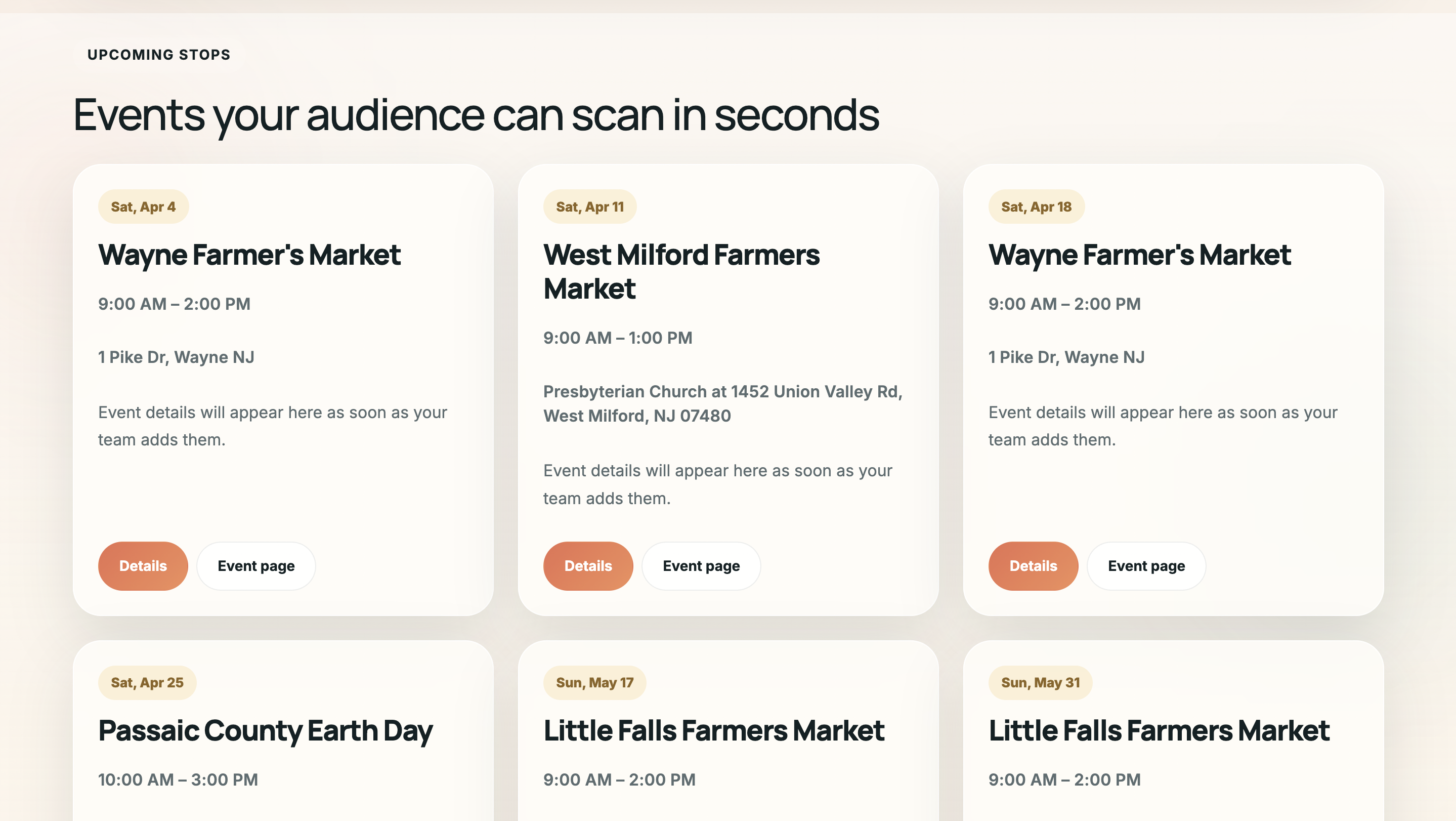
Event pages
RSVPs
QR check-in
Staff dashboards
Event control room
Move beyond a static calendar into live event operations
Your first release can combine the public event surface with the staff-only system behind it: run sheets, attendee status, venue tasks, sponsor content, notifications, and post-event exports.
Agenda
17:30
Speaker green room opens
18:00
Guest check-in and badge scan
19:15
Main stage session and sponsor intro
Checked in
318
42 VIPs, 19 speakers, 11 staff pending
Comms queue
Send room change to Workshop B attendees
Export no-show list for follow-up
What you can build
Shape the event app around your operators, attendees, and sponsors
Start with the core event model and add the workflows that make the app useful on event day.
Event calendar and pages
Create searchable calendars, detail pages, embed views, categories, publish states, and SEO-ready public routes.
Registration and RSVP flows
Collect attendee details, handle guest limits, waitlists, household RSVPs, uploads, and confirmation emails or SMS.
QR check-in and attendance
Scan tickets or magic links, track arrivals, segment attendees, export lists, and keep door staff in sync.
Agenda, speakers, and sponsors
Model sessions, stages, speakers, sponsors, tracks, bios, files, and role-specific editing flows.
Venue, vendor, and budget ops
Track venues, vendors, tasks, expenses, approvals, reminders, and planning status across the event team.
Dashboards and post-event reports
See registrations, attendance, no-shows, revenue, engagement, exports, and follow-up actions in one admin view.
Build workflow
From event idea to running software on a dedicated VM
Describe the event model
Start with attendees, RSVPs, sessions, staff roles, check-in rules, venue details, and reporting needs.
Generate the first app
Use the AI builder to create database models, pages, admin workflows, APIs, auth, and deployment scaffolding.
Tune the operator surface
Add the exact calendars, approvals, exports, notification templates, and dashboards your event team needs.
Deploy and keep iterating
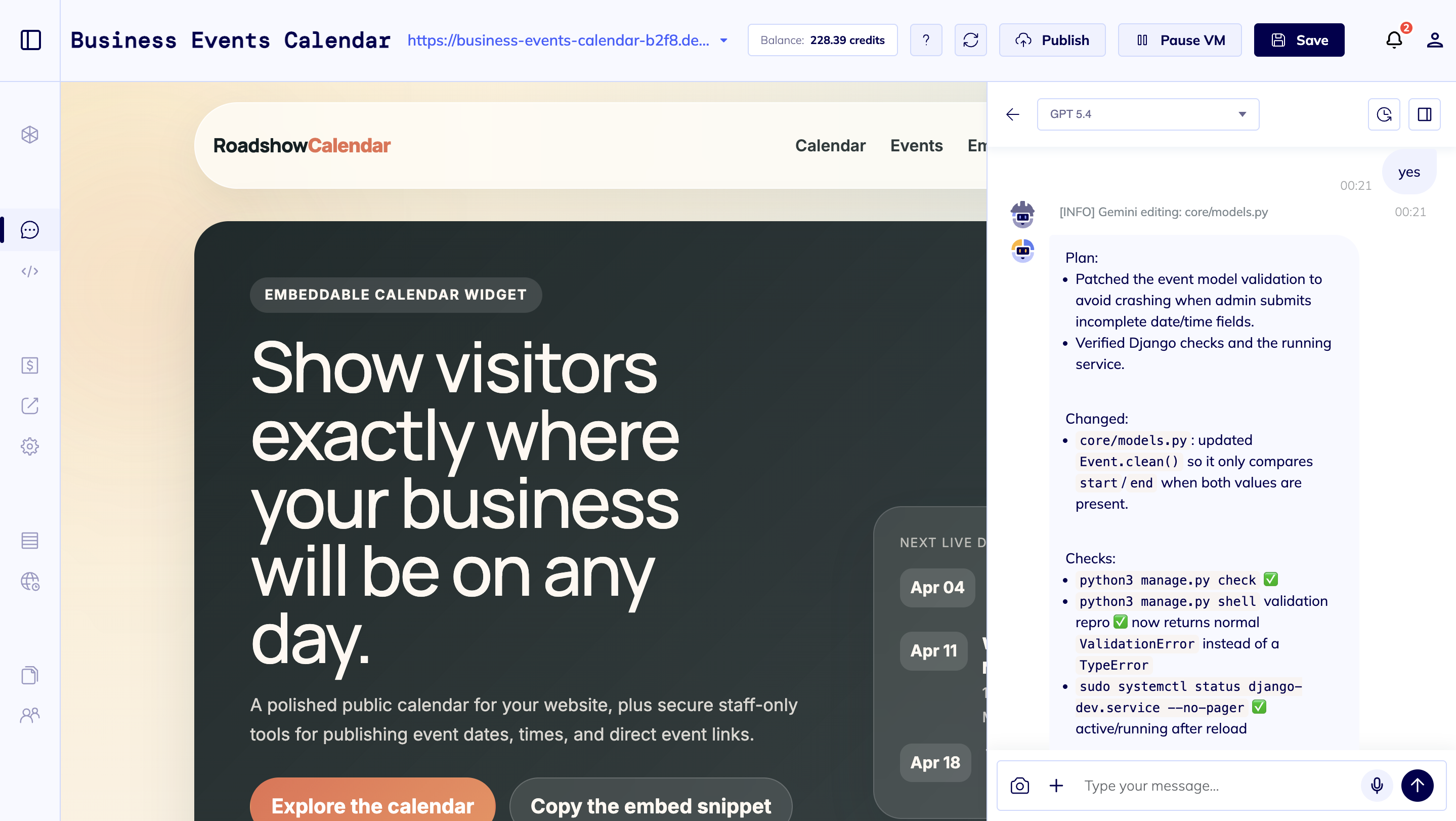
Run the app on a dedicated VM, inspect the code, and keep customizing check-in, reporting, and integrations.
Questions
Event app builder FAQ
The right MVP usually starts with the event model, then adds the public website and the admin workflows around it.
Yes. The page can include a public event website, but the stronger fit is a full app with admin dashboards, attendee records, registration flows, QR check-in, notifications, roles, and reporting.
Appointment scheduling focuses on available time slots and staff calendars. An event app focuses on event pages, attendees, RSVPs, agendas, venues, sponsors, check-in, staff coordination, and post-event reporting.
Yes. QR check-in, guest lists, RSVP states, magic links, exports, and attendance logs are practical first-release features for event operations.
Yes. Good candidates include Google Calendar, iCal feeds, email delivery, SMS providers, maps, payment providers, REST APIs, and webhooks, depending on the event workflow.
Start the event MVP
Tell the builder how your event should run
Define the event types, attendee fields, agenda structure, check-in flow, staff roles, notifications, dashboards, and integrations you need.