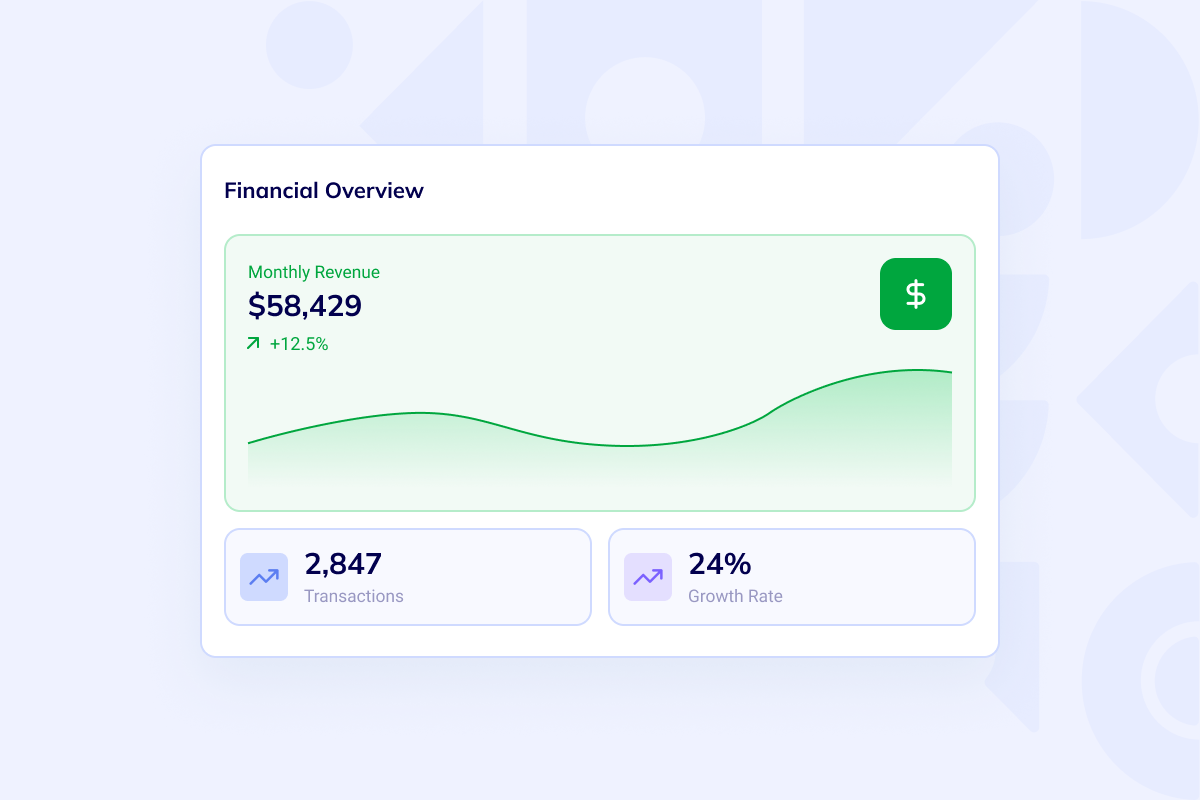
Finance dashboard
Track revenue, expenses, cash flow, close status, overdue invoices, and accounting KPIs from one operator dashboard.
Generate the data model, finance workflows, dashboards, permissions, exports, and deployment setup for accounting software your team can own.
The accounting app builder is loading...
Prompt example: Build custom accounting software for a multi-company team with invoices, expenses, bank transaction imports, reconciliation queues, approval workflows, P&L and balance sheet dashboards, role-based access, audit logs, CSV exports, and a REST API for external reporting.
Keep the generated frontend, backend, schema, and deployment setup.
Run the first version in an isolated workspace instead of a locked SaaS sandbox.
Plan roles, approvals, locked periods, and audit history before screens are generated.
Build around P&L, balance sheet, cash flow, exports, and close dashboards.
Accounting scope
Build custom accounting software around the entities, roles, fiscal periods, and reporting workflow you need, then keep iterating in a codebase your team controls.

Model companies, fiscal periods, chart of accounts, journal entries, invoices, bills, expenses, and payments as real application records.

Give owners, accountants, managers, approvers, and auditors the right access with role-based permissions and audit trails.

Start from generated code, deploy to a dedicated VM, and keep extending the accounting workflow without platform lock-in.
Describe the accounting workflow once, review the generated app, and continue with real code. The same build path can support admin surfaces, APIs, reports, imports, and integrations without forcing a one-size-fits-all accounting package.
Best when accounting is the center of the productWorkspace views
The first version can include finance dashboards, invoice operations, import review, and schema-backed records that match your accounting process.
Track revenue, expenses, cash flow, close status, overdue invoices, and accounting KPIs from one operator dashboard.
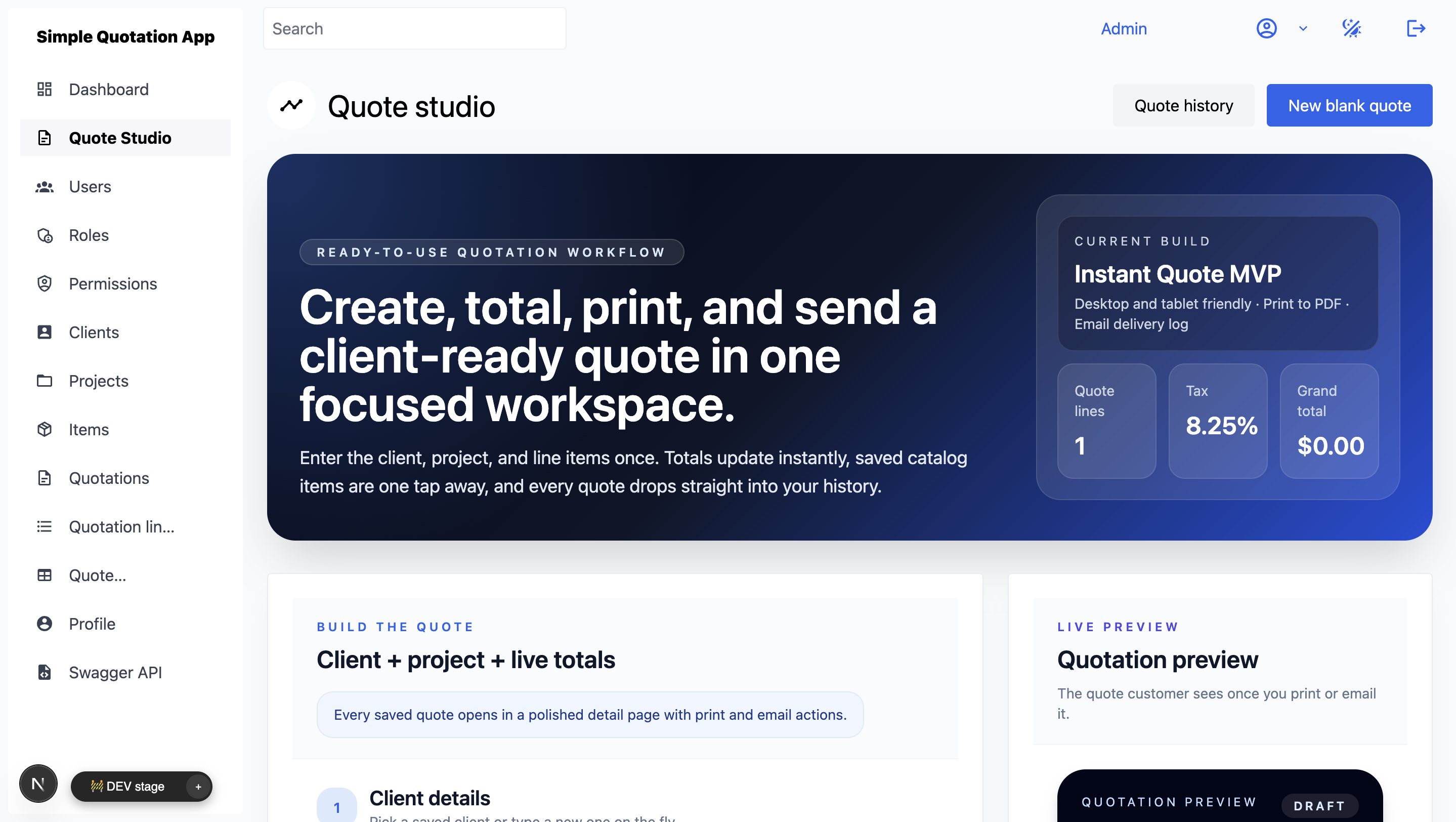
Move from estimates to invoices, payments, PDF exports, customer records, and exception handling without spreadsheet handoffs.
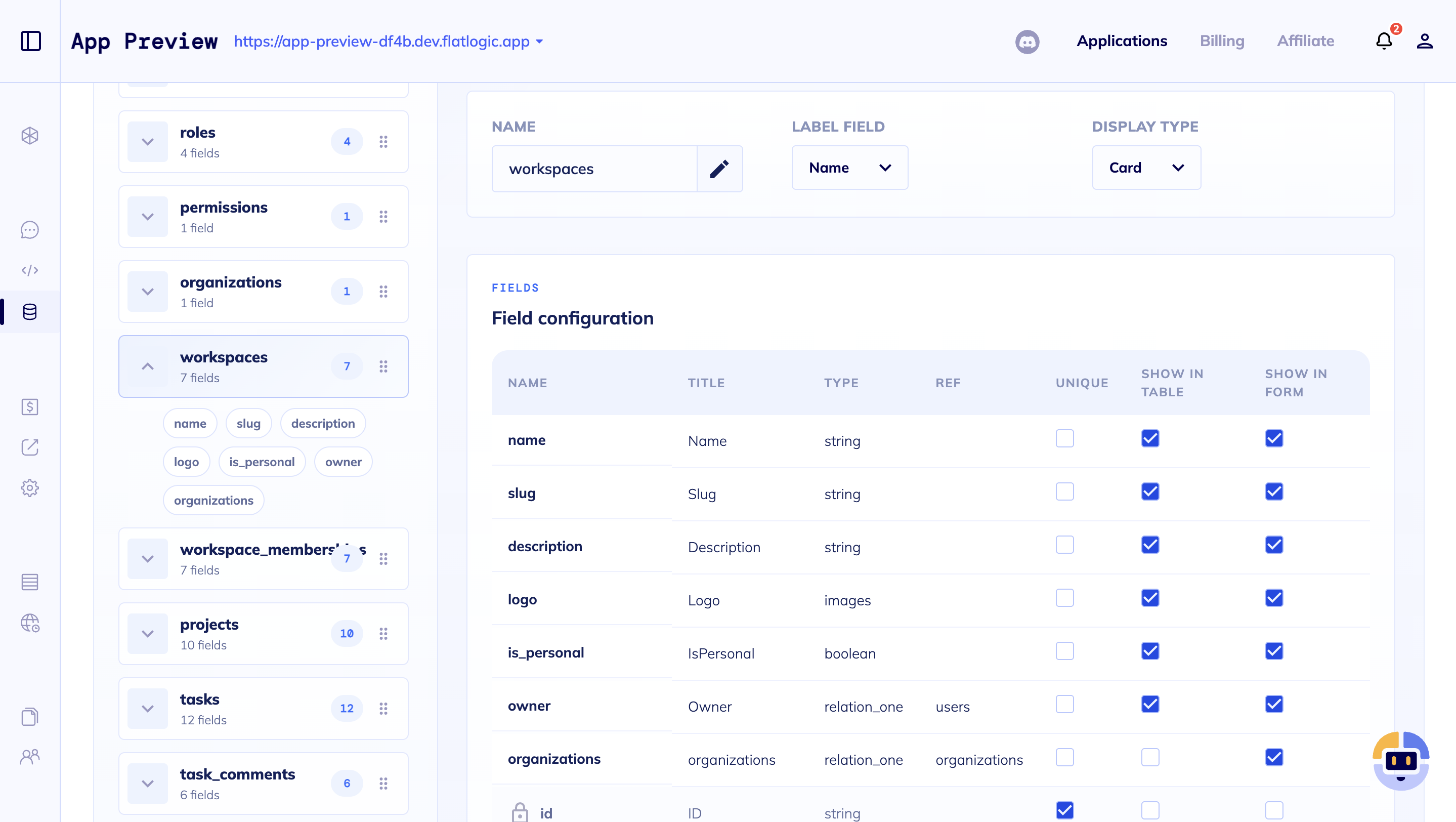
Define the records, relationships, validation rules, categories, and import fields your accounting process needs first.
Build flow
Use the builder to turn accounting requirements into a structured application, then refine calculations, integrations, reports, and approvals in code.
Companies, accounts, fiscal periods, invoices, bills, journal entries, payments, attachments, and users.
Generate screens, roles, CRUD flows, dashboards, and deployment setup on a dedicated VM.
Approval states, locked periods, audit logs, import review, reconciliation queues, and permission rules.
Export statements, generate PDFs, expose APIs, and wire bank, email, payment, or accounting handoffs.
Best-fit products
Custom accounting software works best when your product needs finance-specific records, reports, imports, and controls that generic tools cannot model cleanly.

Multi-company workspaces, client access, invoice workflows, bookkeeping records, reporting, and exportable statements.

CSV imports, transaction review, cash runway dashboards, approvals, close checklists, and management reporting.

Use this page when accounting is the product center. Use Custom ERP when finance is one module in a wider operating system.
Questions
These are the decisions teams usually need to settle before generating the first version.
Start the build
Open the builder with a finance-specific prompt, review the generated structure, and keep customizing the code until the workflow matches how your business closes, reports, and exports.