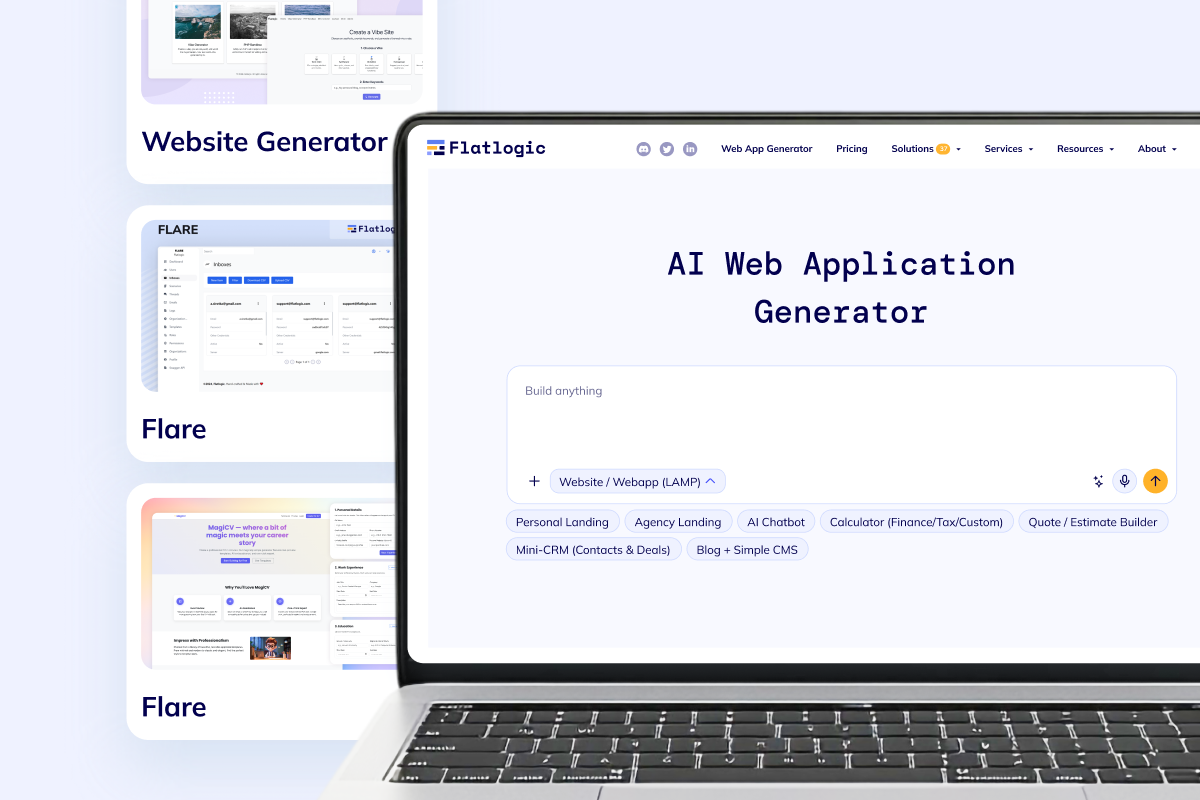
Start with jobs, applicants, scorecards, and approvals before you expand into broader people operations.
Build applicant tracking system software with AI
Generate jobs, candidate pipelines, interviews, scorecards, approvals, and onboarding handoff on a dedicated VM your team controls.
Loading the applicant tracking system builder...
Recruiter, hiring manager, and admin roles
Jobs, candidates, interviews, and offers
Email, calendar, and webhook-ready workflows
Dedicated VM and real source code ownership
Prompt example: Build applicant tracking system software with recruiter and hiring manager roles, job postings, candidate stages, interview scheduling, scorecards, approvals, email notifications, and onboarding handoff.
Why this fits
Keep the hiring loop tight from the first release
This route is a good fit when you need a recruiting-first system instead of another generic HR suite. Start with the candidate workflow, keep code ownership, and expand only when the recruiting boundary is working.
Use AI suggestions for screening and summaries without losing reviewer notes, approval steps, or audit history.
Keep onboarding handoff, exports, integrations, and deployment in the same codebase your team owns.
Core capability set
What the first ATS release usually includes
Flatlogic Generator is strong when the recruiting workflow needs structured records, role-based access, automations, and reporting, but you still want a real codebase your team can keep extending.

Track open roles, requisitions, and public careers pages in one recruiting workspace.

Keep candidate profiles, resumes, cover letters, attachments, and recruiter notes in one place.

Move applicants through stage-based pipelines with scorecards, ownership rules, and clear next actions.
Coordinate interview schedules, reminders, feedback collection, and approvals across the hiring loop.
Add resume parsing, email notifications, exports, and onboarding handoff without rebuilding later.
Start with recruiting, not a bloated HR rollout
Generate the recruiting workflow first, deploy it on a dedicated VM, and keep the code in a shape your team can own. You can later connect onboarding, broader admin surfaces, or ERP-style operations without starting over.
Open ATS Builder Related routes when the recruiting scope expands or needs hands-on delivery help.Workflow design
Recruiter, hiring manager, and candidate handoff in one system
The strongest ATS briefs we see are not just about storing applicants. They need stage changes, interviews, reviewer notes, auditability, reminders, and a clean handoff once a candidate is selected.
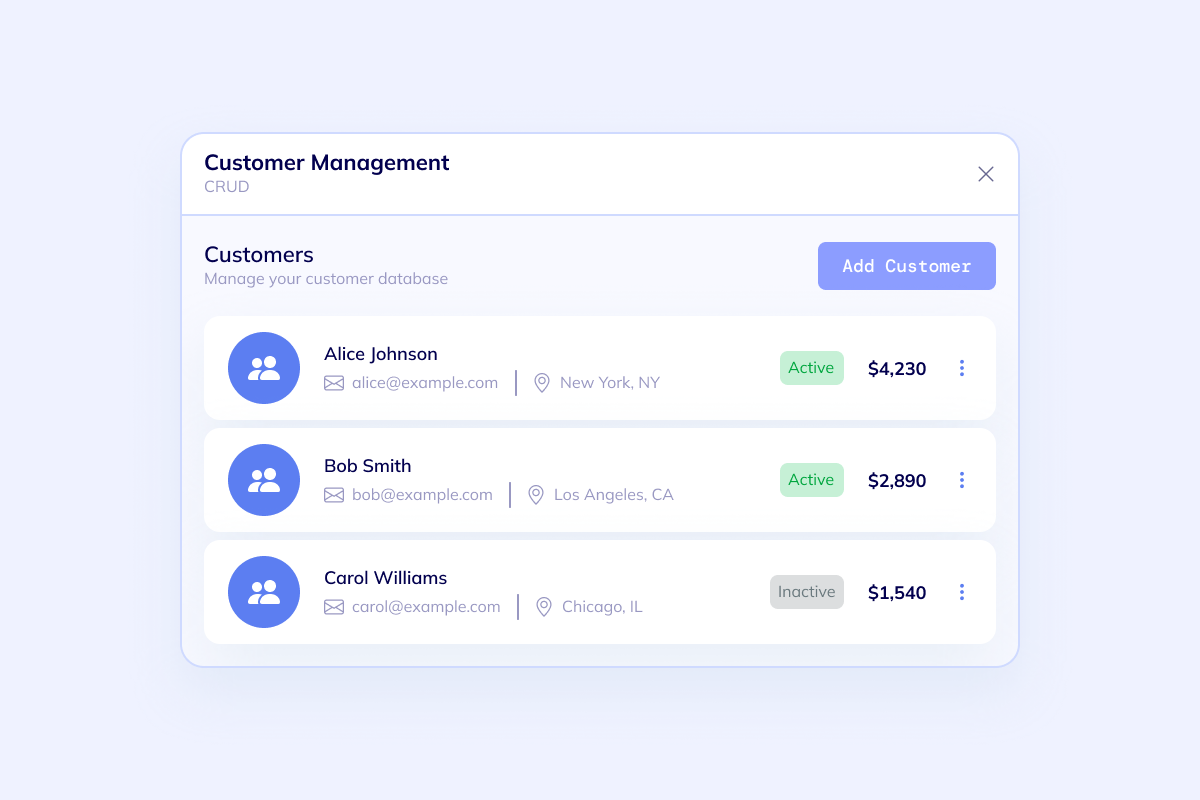
Recruiter queue
Give recruiters a clean place to review applicants, update stages, attach files, and keep next steps visible.
- Candidate profiles with resumes, cover letters, and notes
- Search, filters, tags, and exports for fast follow-up
- Ownership rules so every applicant has a clear next action
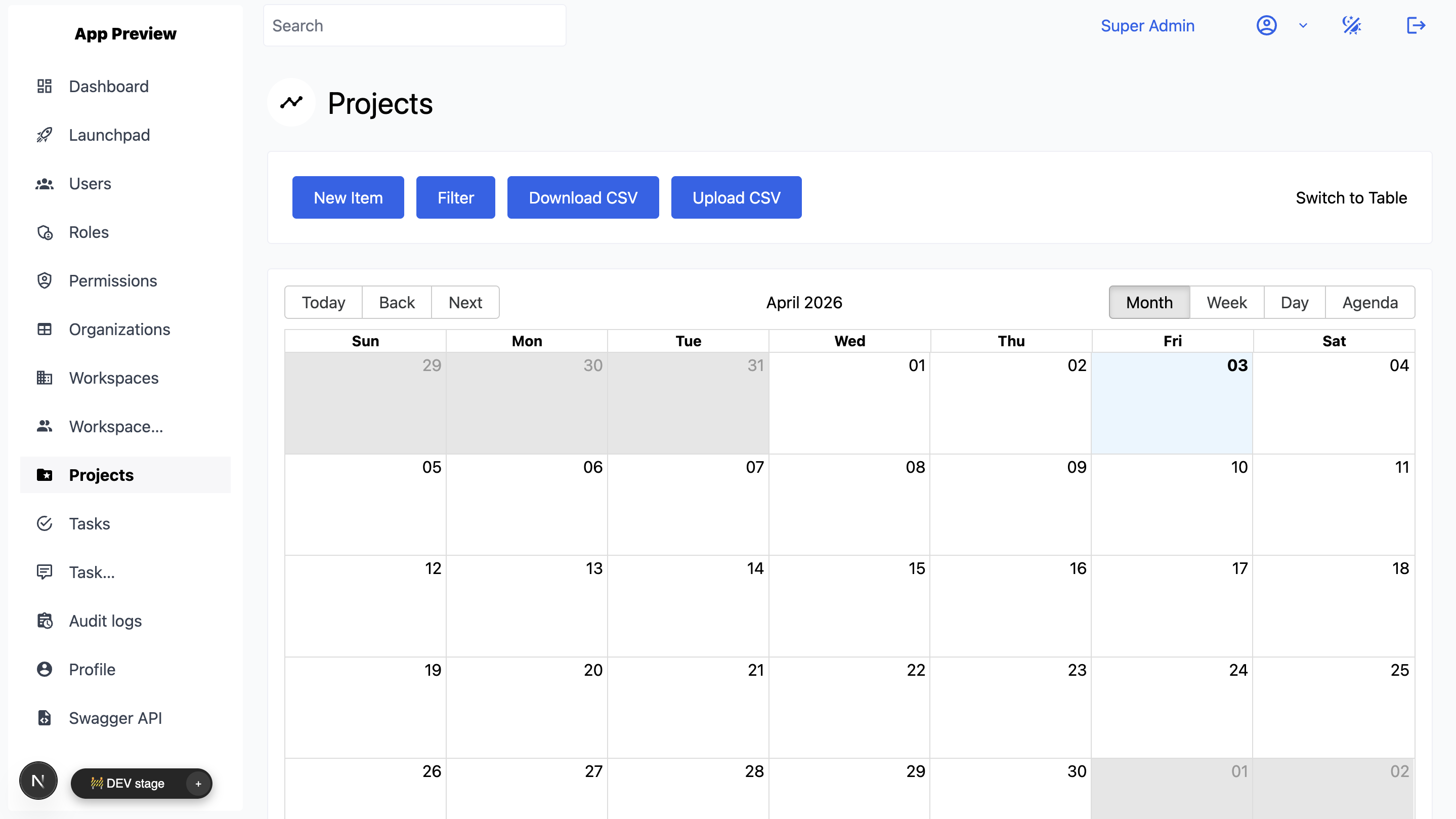
Interview and approval loop
Keep interview scheduling, scorecards, interviewer feedback, and hiring manager approvals in one timeline.
- Interview calendar coordination with reminders and updates
- Scorecards, comments, and decision history per candidate
- Approval handoff between recruiters, hiring managers, and admins
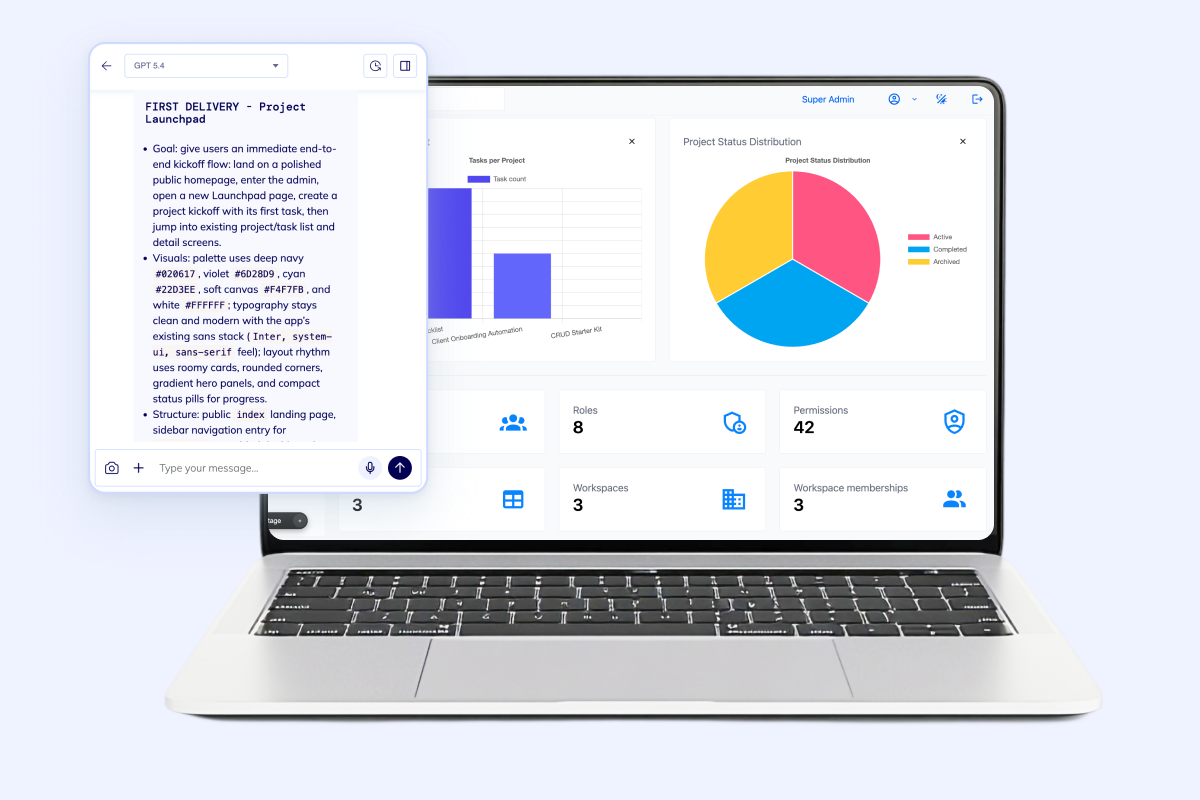
Offer and onboarding handoff
Once a candidate is selected, pass the right records into onboarding, permissions, and downstream operations cleanly.
- Offer status, document tracking, and task follow-through
- Email notifications and webhook triggers for next systems
- AI-assisted summaries that still keep humans in charge
Boundary check
Make the ATS useful on day one without trapping the roadmap
A recruiting-first system works best when the scope stays clear: enough structure for the hiring loop, enough flexibility for integrations and reporting, and enough room to connect other workflows later.

Recruiting-first boundary
Focus v1 on jobs, applicants, interviews, and approvals instead of forcing payroll, leave management, and every HR workflow into day one.

Automation with oversight
Add AI screening suggestions, resume parsing, email triggers, and calendar coordination while keeping the review path explicit.

Clean handoff to the rest of the stack
When recruiting data needs to flow into onboarding, admin surfaces, or ERP processes, keep it on the same VM-backed foundation.
Next step
Start the recruiting workflow in the builder
Describe jobs, candidate stages, interview steps, approvals, and handoff rules once. Flatlogic gives you the builder, the VM-backed deployment path, and the codebase your team can keep shaping after launch.