Keep properties, units, tenants, lease terms, renewals, deposits, and linked documents together instead of spreading them across spreadsheets and email.
Build property management software with AI
Generate properties, units, tenants, leases, maintenance queues, owner reporting, and role-based operations on a dedicated VM your team controls.
Loading the property management builder...
Properties, units, leases, and tenants in one system
Maintenance tickets, reminders, and files
Owner statements, arrears tracking, and exports
Role-aware access for managers, staff, and stakeholders
The strongest first release usually combines property records, unit availability, lease terms, work orders, files, statements, and access control in one operator system instead of forcing the team to stitch together CRM, maintenance, and reporting tools after the fact.
Why this route fits
Property operations break down when leases, maintenance, and owner reporting live in separate tools
This page is for property managers, landlords, and portfolio teams that need a serious operating system for units, residents, maintenance, files, balances, and reporting. It is not a listing-first site builder and it is not an agent CRM disguised as property software.
Route work orders, vendor follow-up, status changes, notes, and attachments in one queue so managers can see what is delayed and why.
Surface occupancy, balances, expenses, statements, and export-ready data without forcing the team to rebuild the same report every month.
Use this route when the product has to support day-to-day property execution, not only contacts, public listings, or a lightweight owner portal.
What the first release should cover
Start with the records, roles, and workflows property teams actually rely on
The first version usually wins when it is narrow enough to launch but complete enough to run real property work: structured records, filters, queues, reminders, documents, statements, exports, and permissions from day one.

Model the core records explicitly: properties, buildings, units, tenants, leases, charges, maintenance tickets, files, and reminders.

Separate what property managers, field staff, owners, finance, and support users can see and change with role-based access.

Start with imports, filters, notifications, approvals, audit history, CSV exports, and API/webhook support in the first release.
Keep the property ops boundary clear
Start with property, unit, tenant, lease, maintenance, document, and statement workflows in one stack. Add deeper accounting, CRM, or service layers only when the operating model is already working in production.
Choose the tighter system first, then expand deliberately.Core surfaces
Make the system concrete across leasing, maintenance, and owner visibility
A property management landing should show the operational shape clearly: tenant and lease records, role-aware workspace access, and reporting that makes portfolio activity visible without another spreadsheet layer.
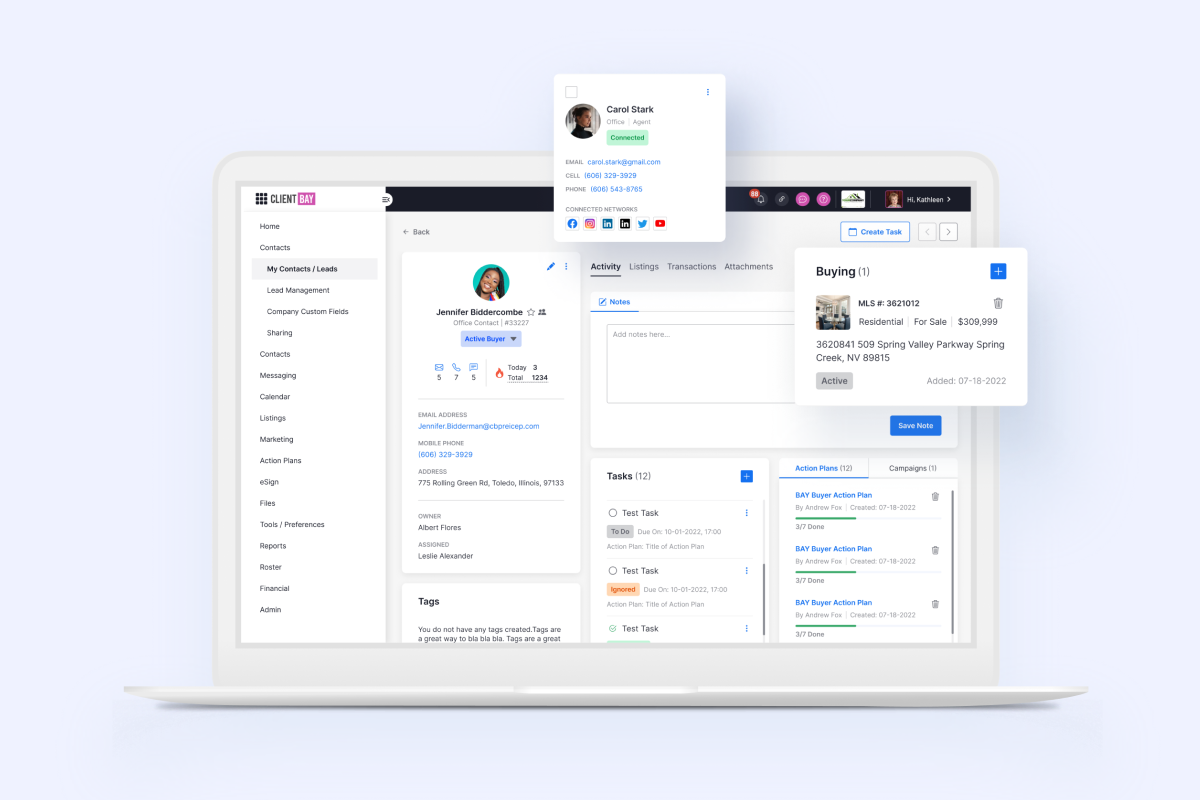
Leasing and resident operations
Track units, residents, move-in dates, renewals, notices, balances, and linked communication without turning the app into a listing portal.
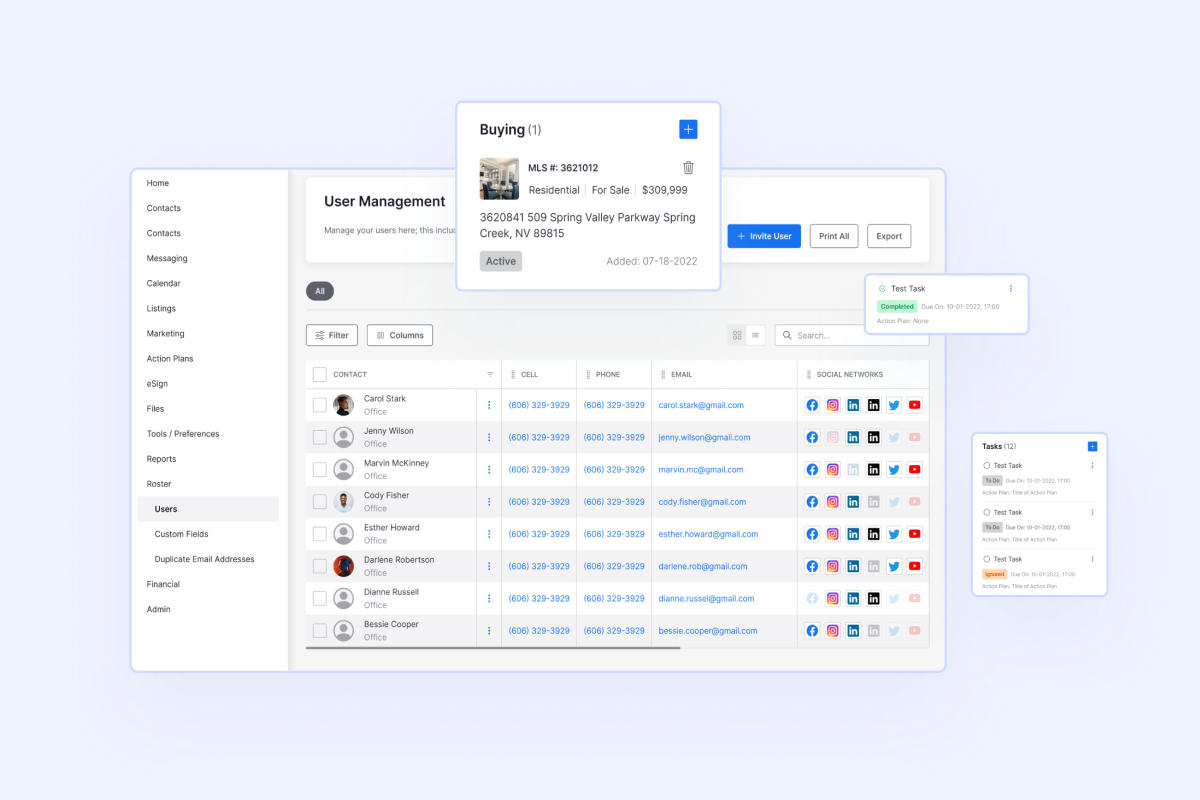
Access control and document handling
Give each role the right surface for tasks, approvals, document uploads, and change history so the system works for distributed property teams.
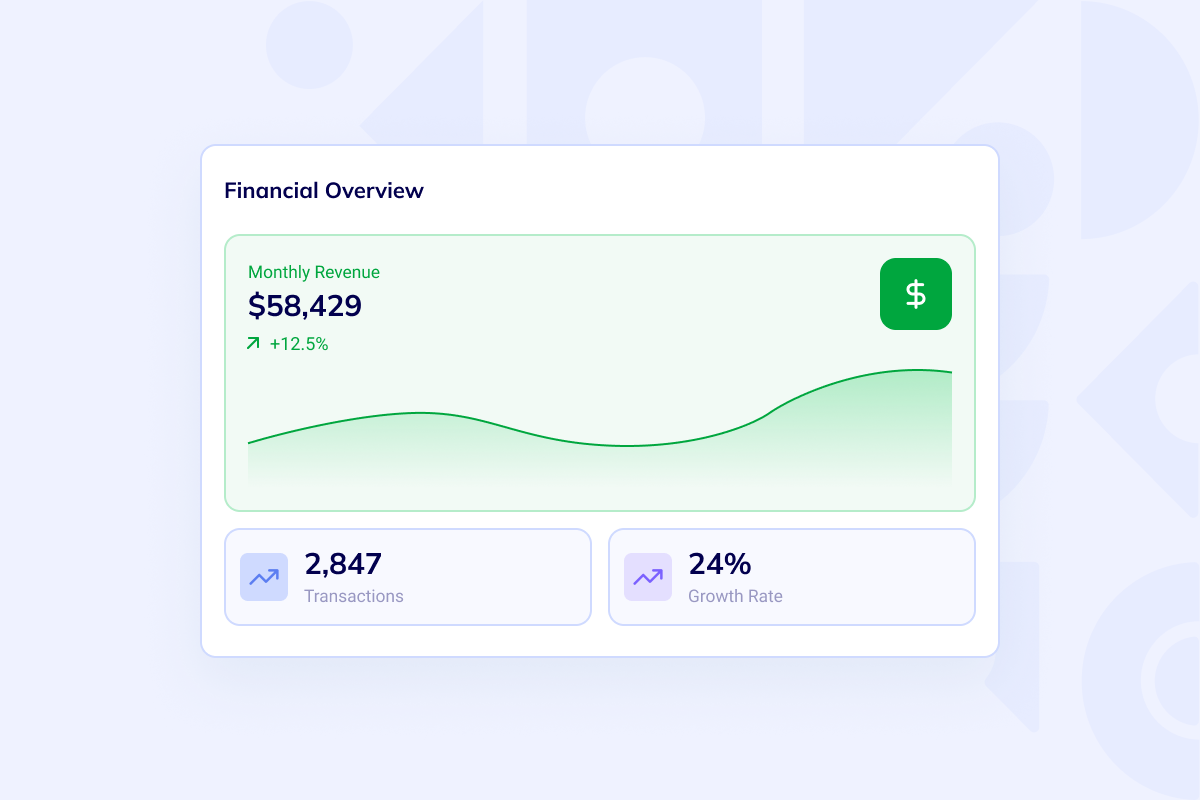
Owner reporting and portfolio finance
Turn occupancy, expenses, arrears, reserves, and statement-ready exports into a reporting view owners and operators can actually use.
Role coverage and rollout
Design the product for the people who actually operate the portfolio
Managers, owners, finance, and maintenance teams do not need the same surface. The rollout is easier when the first version respects those role boundaries and expands by workflow instead of by feature pile.

For managers and operators
Use this route when the daily work centers on property records, lease dates, exceptions, maintenance follow-up, and portfolio reporting.

For owner and stakeholder visibility
Keep statements, approvals, balances, and shared documents attached to the same operating data instead of pushing them into separate tools.

For maintenance and support teams
Route requests, assignments, attachments, vendor notes, and status updates through one controlled workflow instead of ad hoc email chains.
Implementation path
Roll out the app in four controlled phases
Start with the operating data model, then add workflow and reporting layers that make the first release usable for real properties, real teams, and real stakeholders.
-
Scope the operating model
Define properties, units, tenants, leases, charges, work orders, documents, and the reporting boundary for the first release.
-
Generate the core workspace
Launch the codebase, admin surface, access rules, and key record flows on a dedicated VM so the team can review something real quickly.
-
Add workflows and handoffs
Layer in reminders, attachments, exports, notifications, API connections, and the queues needed for maintenance and owner reporting.
-
Roll out by role and property set
Start with one portfolio slice or team, validate the reporting and permission model, then expand to more properties, vendors, and stakeholders.
Common questions
Handle the scope questions before the build gets muddy
Most teams need to decide where property ops ends and where CRM, ERP, or broader implementation work begins. Answer that early and the product direction becomes much easier to manage.
Start with the operating model
Build the first release around properties, units, tenants, and work orders
Open the builder when the team wants direct control over scope. Use delivery services when migrations, accounting handoffs, integrations, or rollout support already need senior implementation help.