Anchor the operational record first
Fleet teams usually break when jobs, vehicles, drivers, and documents live in different tools. Start by putting the shared record in one app.
Operations command stack
Generate vehicles, drivers, dispatch, maintenance, fuel tracking, documents, and KPI dashboards on a dedicated VM. Start with the operations spine, then layer in tracking feeds, customer visibility, and billing handoffs.
Best fit for trucking fleets, field-service teams, shuttle operations, and logistics-heavy businesses that need operator and back-office workflows in one codebase.
Loading the fleet builder...
Why this route
Recent production conversations around fleet and logistics repeatedly asked for dispatch visibility, vehicle records, maintenance workflows, fuel control, documents, and reporting in one system.
Fleet teams usually break when jobs, vehicles, drivers, and documents live in different tools. Start by putting the shared record in one app.
Dispatchers need fast board views, mechanics need maintenance context, and finance needs costs and exports. The app should separate those surfaces without splitting the data.
Maps, telematics, customer visibility, and billing handoffs can layer in after the first release if the workflow foundation is correct.
Operator lanes
Fleet systems usually succeed when dispatch, maintenance, and finance all work from the same source of truth, with imports, exports, notifications, and analytics built in early.
Dispatch lane
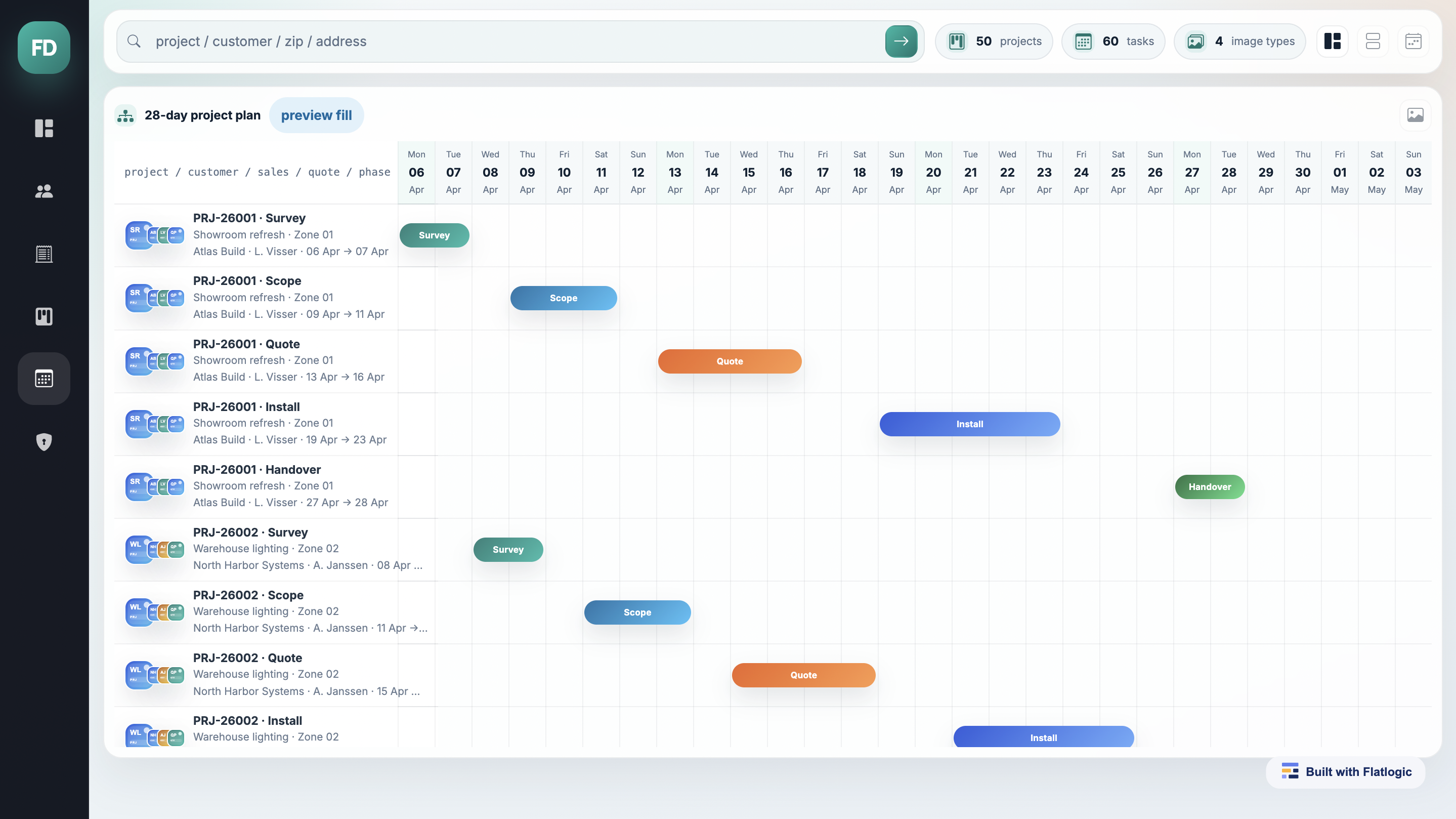
Give dispatchers one surface for assignments, ETAs, escalations, and operator-only actions.
Maintenance lane
Keep work orders, inspections, QR-linked records, and recurring maintenance in the same codebase.
Finance lane
Track spend, downtime, invoice exports, and operator KPIs without rebuilding reporting after launch.
System map
Flatlogic Generator is strongest when the first version needs auth, RBAC, dashboards, filters, imports, APIs, and deployment without giving up source-code ownership.
Launch plan
Start with the operator roles and records first, then layer in map feeds, imports, webhooks, and reporting as the workflow proves itself in production.
Day 1
Define vehicles, drivers, depots, jobs, maintenance events, fuel logs, and compliance documents.
Days 2-3
Create the first RBAC setup, dashboards, filters, and CRUD flows with AI assistance.
Days 4-5
Connect CSV imports, REST APIs, notifications, and any first external data feeds needed for rollout.
Week 2+
Add customer tracking, billing handoffs, mobile workflows, and deeper analytics on the same app.
Common questions
The buying decision usually comes down to rollout shape, code ownership, and whether one app can cover ops, maintenance, and reporting together.
Yes. Many teams launch dispatcher, mechanic, and finance roles first, then extend the same codebase with customer-facing tracking, invoice visibility, or portal access later.
The platform is a strong fit for dashboards, filters, APIs, webhooks, imports, and role-based workflows. Teams can connect map providers, tracking feeds, and internal systems as part of the rollout.
Yes. Fleet teams often need those modules in one place so dispatch, mechanics, finance, and management can work from the same operational record instead of separate tools.
Yes. Flatlogic Generator creates a real codebase running on a dedicated VM, so your team can review, customize, host, and extend the system on your own terms.
Next step
Describe the roles, records, and workflows you need. Flatlogic will generate the starting point on a dedicated VM so your team can review real code, extend it, and deploy on your own terms.
If the scope is still broad, start with the AI Web App Generator. If you want hands-on rollout support around integrations, migration, or operational polish, use our custom web development services.